The Captain’s Log
Aerial stories, father–son adventures, and life on the edge of the Pacific.
DJI Neo 3 Already? That Tiny Controller Could Make It a Proper Kids’ Drone
DJI, could you maybe give us a minute?
We bought the DJI Neo 2 for our son Blake last Christmas. It isn’t even a year old yet, and now apparently a DJI Neo 3 is already sitting in retail packaging somewhere, waiting for its turn to separate us from our money.
My immediate reaction was pretty simple:
Why?
The Neo 2 is awesome.
Not “awesome for a cheap drone.” Not “awesome if you’re willing to overlook a few things.” It is genuinely one of my favourite drones in the world.
It’s small, protected, ridiculously easy to launch and just smart enough to follow a five-year-old around without immediately firing itself into a tree.
Most of the time.
We take it to beaches, parks, bike rides, rugby practices and anywhere else Blake might do something worth recording. You can tuck it into a bag without dedicating half your luggage to drone crap. If your pockets are generous enough, you could probably stuff it into one of those too.
It’s the flying yellow Labrador of drones.
Happy to be included. Always ready to go. Occasionally confused, but generally delightful.
So when rumours started appearing about a DJI Neo 3, I assumed we were looking at the usual internet nonsense. A blurry photograph, twelve YouTube videos with red arrows, and somebody confidently announcing a release date they pulled out of their ass.
Then an actual retail box appeared.
And the more I read about it, the more I started thinking this might be a slightly different animal.
The Neo 2 Is Already Almost Perfect for What We Use It For
We use the Neo 2 almost entirely as a follow-me drone.
I don’t normally fly it with a controller. We palm-launch it, use gesture controls or ActiveTrack, let it follow Blake around and bring it back when we’re finished.
That is the magic of the Neo 2.
It doesn’t feel like preparing for a drone flight. There’s no elaborate setup, no scouting a launch site and no pretending I’m about to direct the next BBC nature documentary.
You turn it on and use it.
I’ve tried controlling it through my phone, and I found the experience sluggish and irritating. That may have more to do with my phone than the drone, but either way, I didn’t enjoy it enough to keep doing it.
We also have proper DJI controllers, but those are built for adult hands.
Blake is five. He can hold one, but that doesn’t mean he can comfortably operate it. Sometimes I’ll start automatic Return to Home and let him hold the controller while he watches the drone come back, but he isn’t really flying it.
His hands are too small to hold the controller properly and reach both sticks with any kind of finesse.
Until now, that hasn’t particularly bothered me because we didn’t buy the Neo 2 to teach him traditional controller flying. We bought it because it was safe, approachable and ridiculously fun.
But that brings us to the most interesting part of the alleged Neo 3.
That Tiny Controller Might Be the Whole Point
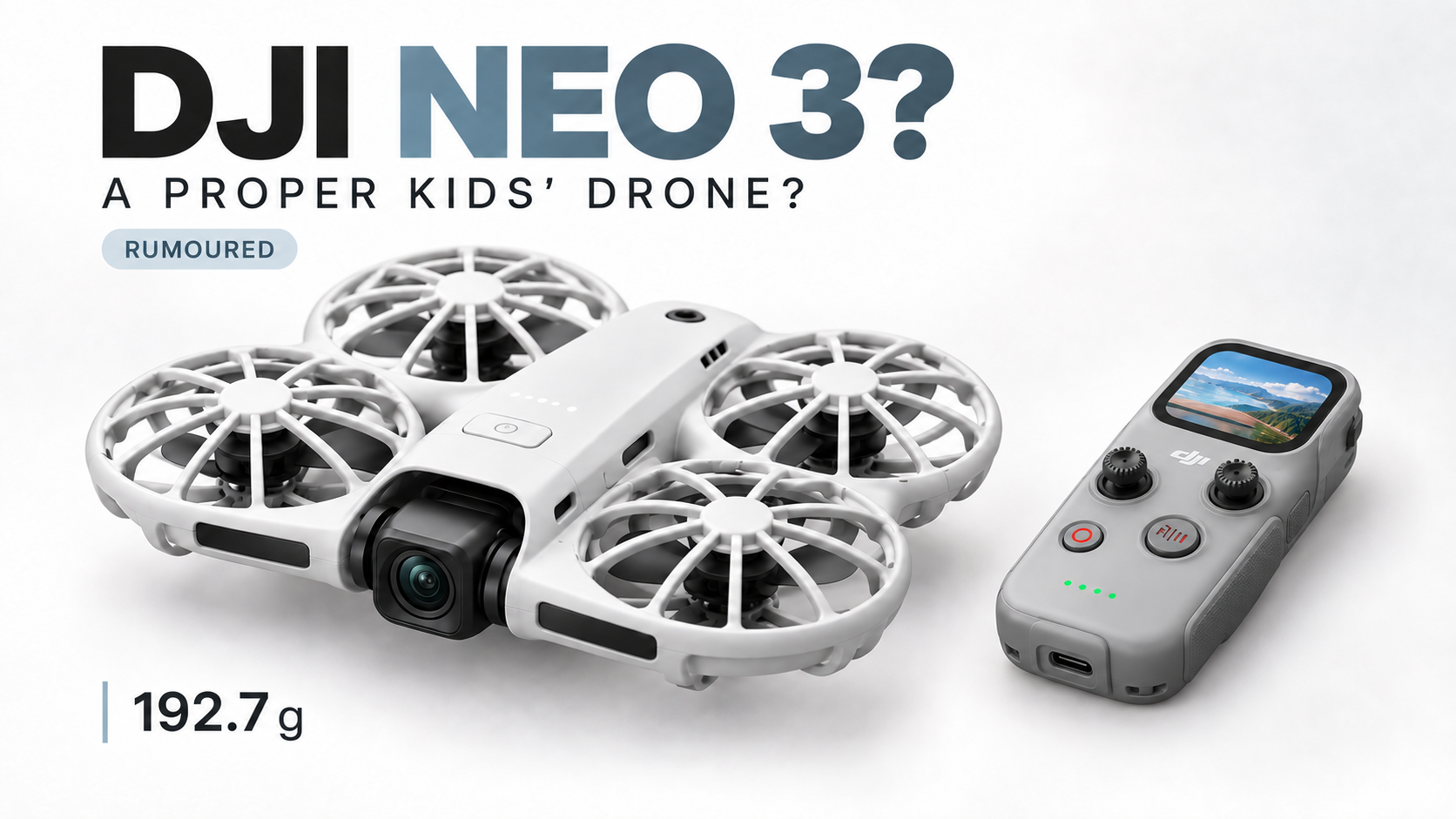
The leaked DJI Neo 3 Fly More Combo box shows a new controller called the DJI RC Mini.
It has its own built-in screen and appears considerably smaller than DJI’s existing consumer controllers.
That might sound like a downgrade if you’re an adult trying to frame cinematic footage on a tiny display. I already own the excellent DJI RC 2, and I’m certainly not campaigning for a smaller screen.
But for a five-year-old?
That could be brilliant.
If the RC Mini is genuinely small enough for Blake to hold comfortably, reach both sticks and control the drone without constantly shifting his hands around, the Neo 3 could become something the Neo 2 has never quite been for us.
An actual learn-to-fly drone.
The Neo 2 is already wonderful for kids, but in our family it’s mostly a drone that follows a kid. Blake is the subject, not really the pilot.
A Neo 3 with a controller designed for smaller hands could change that.
He could learn proper stick control instead of poking at a phone screen. He could practise gentle movements, turns, takeoffs and landings. He could begin to understand how the drone responds instead of watching it do everything automatically.
And I could keep my phone in my pocket, where it belongs.
The Neo 3 Is Apparently Heavier—and That Might Be Fine
A leaked Chinese registration listing reportedly identifies the Neo 3 as model DEN326 and lists its weight at 192.7 grams.
The Neo 2 weighs 151 grams without its Digital Transceiver and approximately 160 grams with it attached.
That makes the rumoured Neo 3 noticeably heavier on paper, but let’s maintain some perspective here.
It still weighs less than 200 grams.
It remains miles below Canada’s 250-gram microdrone threshold, and we’re talking about a difference that most people aren’t going to notice while carrying it around.
The Neo 2 is already small enough to disappear into a backpack. Unless DJI has somehow turned the Neo 3 into a flying toaster, I doubt an extra 30 or 40 grams will destroy its portability.
A little more weight may even help it feel less like an airborne leaf when the wind picks up, although that is purely speculation until somebody actually flies the thing.
We also don’t know its physical dimensions yet. Heavier doesn’t automatically mean substantially larger. DJI may have added battery capacity, reinforced the body or moved more hardware inside the aircraft.
Right now, all we really know is that it appears to have redesigned propeller protection, additional ventilation, something new sitting on top and more weight than the Neo 2.
I Don’t Particularly Care About the Missing Transmitter
One detail attracting attention is that the leaked Fly More Combo contents don’t show the removable Digital Transceiver used by the Neo 2.
That has led to speculation that DJI built the transmission hardware directly into the Neo 3.
Maybe they did.
Ours is attached to the Neo 2, and I had almost forgotten it existed until everybody started talking about it.
It weighs nine grams. Nine.
I’m not hiking Mount Everest with this thing strapped to my forehead. Removing a nine-gram attachment isn’t going to transform our lives.
Integrated transmission could make the Neo 3 cleaner and easier to set up for people using a traditional controller or goggles, but it isn’t the feature making me reconsider the drone.
The little controller is.
This Could Be More Than Another Follow-Me Drone
If DJI merely releases a slightly heavier Neo 2 with a few improved sensors and another intelligent shooting mode, I’m not interested.
Our Neo 2 already does what we bought it to do. It follows Blake, survives family life and captures footage we wouldn’t otherwise have.
I don’t need to replace it because a newer number exists.
But if the Neo 3 remains compact, includes a controller that fits smaller hands and comes in at a remotely sensible price, then DJI may have created something meaningfully different.
The Neo 2 is a brilliant follow-me camera that children love.
The Neo 3 could potentially be a proper first drone that children can learn to fly.
That distinction matters.
Protected propellers, obstacle sensing and a compact body already make the Neo platform far less intimidating than handing a kid something like my Air 3S and hoping for the best.
Add a controller they can physically operate, and suddenly the whole package starts making sense.
Price Will Decide Whether Any of This Matters
We still don’t know the Canadian price.
We don’t officially know the camera specifications, battery life, controller dimensions, release date or whether this exact bundle will even be offered here.
DJI hasn’t announced the Neo 3 at all.
So this is not a review, and I’m not recommending anybody buy a drone that technically doesn’t exist yet.
But I’m interested now.
That’s considerably more than I could say when I first heard the rumour.
If you’re buying today and don’t care about fitting a controller into a five-year-old’s hands, the Neo 2 remains incredibly easy to recommend. Get the bundle with the extra batteries and charging hub because one battery is how you turn a fun afternoon into a disappointingly short demonstration.
Check the current DJI Neo 2 Fly More Combo price on Amazon Canada.
The Neo 2 is proven, available and already bloody good.
But if the RC Mini is genuinely designed around smaller hands, the Neo 3 may finally let Blake move from being chased by his drone to properly flying one himself.
And suddenly, I understand why this thing might exist.
The Neo 3 doesn’t need to be a better follow-me drone than the Neo 2.
It just needs to be a drone Blake can actually fly.
Related Reads
DJI Neo 2 Review: The Best First Drone for Kids, Creators, and Wannabe Jedi
Our full take on the tiny flying Labrador, including palm launch, gesture control, propeller guards and enough DJI wizardry to make you feel like you’re using the Force.
Teaching Kids to Fly Drones: Fun First, Safety Always
What introducing children to drones actually looks like when the goal is to keep it fun, teach some responsibility and avoid immediately donating the aircraft to a nearby tree.
I Brought a Drone to My Five-Year-Old’s Rugby Practice—Now It’s Expected
The Neo 2 follows Blake around so well that apparently bringing a small autonomous aircraft to children’s rugby is now part of my regular parental duties.
2026 DJI Drone Buyer’s Guide: Which One Actually Makes Sense?
Buying a DJI drone in 2026 should be simple.
It is not.
DJI now has tiny follow-me drones, beginner drones, premium beginner drones, Minis that are no longer obviously the simple choice, dual-camera Air models, flying Hasselblads and a few strange little creatures wearing permanent propeller helmets.
They are all impressive. They are not all for the same person, and you probably do not need the most expensive one.
That last sentence was mainly for me.
I own and use a DJI Air 3S, and my five-year-old son Blake owns a Neo 2 that I occasionally receive permission to touch. I have not personally flown every drone in this guide, so this is not six suspiciously convenient “reviews” from somebody who opened a specification page this morning and became an expert by lunch.
This is our quick, opinionated take on the current DJI lineup: what each drone is good at, who it makes sense for and where I think your money is best spent.
If you want the answer before the usual drone nerd rambling begins, here it is.
Buy the Neo 2 if you want a flying camera that follows you around.
Buy the Lito 1 if you want an affordable first proper camera drone.
Buy the Lito X1 if you want the best all-around sub-250g package and do not want to upgrade immediately.
Buy the Mini 5 Pro if camera quality matters more than value and its exact Canadian flying classification works for you.
Buy the Air 3S if you are serious about photography, video or paid work.
Buy the Mavic 4 Pro if you want the best and your bank account has stopped returning your calls.
There. Done.
Unfortunately, I have more thoughts.
DJI Neo 2: The Flying Yellow Lab
The DJI Neo 2 is less like a traditional camera drone and more like a flying yellow Labrador.
It is happy to see you. It follows you everywhere. It occasionally bumps into things. Children immediately love it, and once it decides you are the subject, personal space becomes more of a suggestion.
That is not criticism. It is exactly why the Neo 2 is so good.
It weighs 151 grams, has full-coverage propeller guards, launches from your palm and can follow you without dragging out a conventional controller. It shoots up to 4K/60fps, has a two-axis gimbal, obstacle sensing and 49GB of internal storage. That is an absurd amount of useful technology in something Blake can carry around like a toy.
The Neo 2 makes the most sense for biking, hiking, camping, family videos, walking shots and quick social content. It is the drone for people who care more about capturing what they are doing than learning how to fly neat, deliberate camera lines.
Blake has used ours around beaches, parks and bike rides. It gets bonked. It keeps going. More importantly, it gets used because there is almost no ceremony involved. You do not need to turn every 20-second clip into a NASA launch sequence.
Its limitations are equally obvious. The camera is useful, not magical. The 19-minute advertised flight time is short beside a proper camera drone, especially once real wind and real flying enter the conversation. It is not what I would bring when a client is paying me to come home with the shot.
But if you want your first drone to be easy, fun and slightly ridiculous, the Neo 2 is an unbelievable entry point.
I would skip the cheapest package and get the Neo 2 bundle with the extra batteries and charging hub. This is exactly the kind of drone you pull out several times during an outing, and one small battery is a wonderful way to discover that fun apparently has a time limit.
DJI Lito 1: The Sensible First Proper Drone
The DJI Lito 1 is where we move from “flying camera that follows me” to “I would actually like to learn how to fly a drone.”
It is still aimed at beginners, but it gives you the traditional experience: controller in your hands, camera framing, deliberate flight paths and the opportunity to become emotionally invested in a small grey aircraft.
The Lito 1 stays under 249 grams, uses a 1/2-inch sensor, shoots 4K video and includes ActiveTrack and omnidirectional obstacle sensing. A few years ago, that feature list would have sounded like a high-end Mini. Now DJI calls it entry-level because DJI has absolutely no respect for the money we already spent.
This is a very capable first drone. For travel, family trips, beaches, property photos, hiking and learning proper aerial photography, it does a lot without asking Air-or-Mavic money.
The reason I hesitate is not that there is anything wrong with it. The problem is sitting directly above it in the lineup.
If the Lito 1 fits your budget and the X1 does not, buy it and enjoy it. You are not buying a toy or some compromised little trainer that becomes useless after three weekends.
But if you can comfortably stretch to the X1, that is where I would go.
DJI Lito X1: The One I Would Recommend to Most People
The DJI Lito X1 Fly More Combo with the RC 2 is the drone I would recommend right now.
Not the most powerful DJI drone. Not the finest camera DJI makes. Not the drone that wins every specification-sheet sword fight.
It is simply the package that gets the balance right.
The X1 has a 1/1.3-inch 48MP sensor, 4K/60fps HDR video, ActiveTrack, omnidirectional obstacle sensing, forward-facing LiDAR and 42GB of internal storage. It remains in the sub-250g conversation with the standard battery configuration, which matters enormously in Canada.
And yes, I will keep going on about the internal storage.
Internal memory is not glamorous until you drive to the beach for sunrise, unfold your drone and discover that the SD card is still sitting in your computer. Then 42GB of built-in storage feels like divine intervention for idiots.
The X1 is what I would buy for somebody who wants a real camera drone but does not want to spend the next year staring at the model above it. It has the camera, tracking, automated shots, obstacle sensing and storage most recreational pilots are ever going to use.
Buy the Fly More Combo. Extra batteries are not an accessory you discover later; they are part of owning the drone properly. And if the budget allows it, buy the RC 2 with the built-in screen. Your phone already has enough jobs. It does not need to become a controller, accept a call at the worst possible moment and bake in the sun while you fly.
At the time we last checked, that package was around $879 CAD before tax. That is not cheap, but it is a complete setup rather than the opening deposit on a future upgrade spiral.
If you want one simple answer from this entire guide, buy the Lito X1 Fly More Combo with the RC 2.
DJI Mini 5 Pro: The Tiny Camera Monster
The DJI Mini 5 Pro is badass.
It has a 50MP one-inch sensor, 42GB of internal storage, upgraded ActiveTrack, night-capable omnidirectional obstacle sensing and a gimbal that can rotate 225 degrees for creative angles and proper vertical shooting.
On paper, it is a better drone than the Lito X1. The camera is better. The imaging flexibility is better. The whole thing is more polished and more “Pro,” in case the name did not hammer that point hard enough.
The question is whether you need any of it.
If you shoot seriously, care about low-light performance, want the one-inch sensor and need the smallest possible aircraft that still delivers high-end footage, the Mini 5 Pro makes sense. It is an astonishing amount of camera packed into something this small.
For the average person posting videos to a phone, however, the X1 already covers so much ground that the extra money becomes harder to justify.
There is also the Canadian weight question. Transport Canada defines a microdrone by its operational weight being under 250 grams. Do not assume the word “Mini” settles that for every battery, accessory and configuration. Check the exact aircraft you are buying and the way you intend to fly it.
That matters because the entire magic of the Mini line has always been simplicity. Once you lose the clean microdrone advantage, you have to ask why you are not moving up to an Air 3S instead.
The Mini 5 Pro is probably the right choice for somebody who knows exactly why they want its camera.
If you cannot explain why you need it without using the phrase “future-proofing,” save your money and buy the X1.
DJI Air 3S: The Sweet Spot for Serious Flying
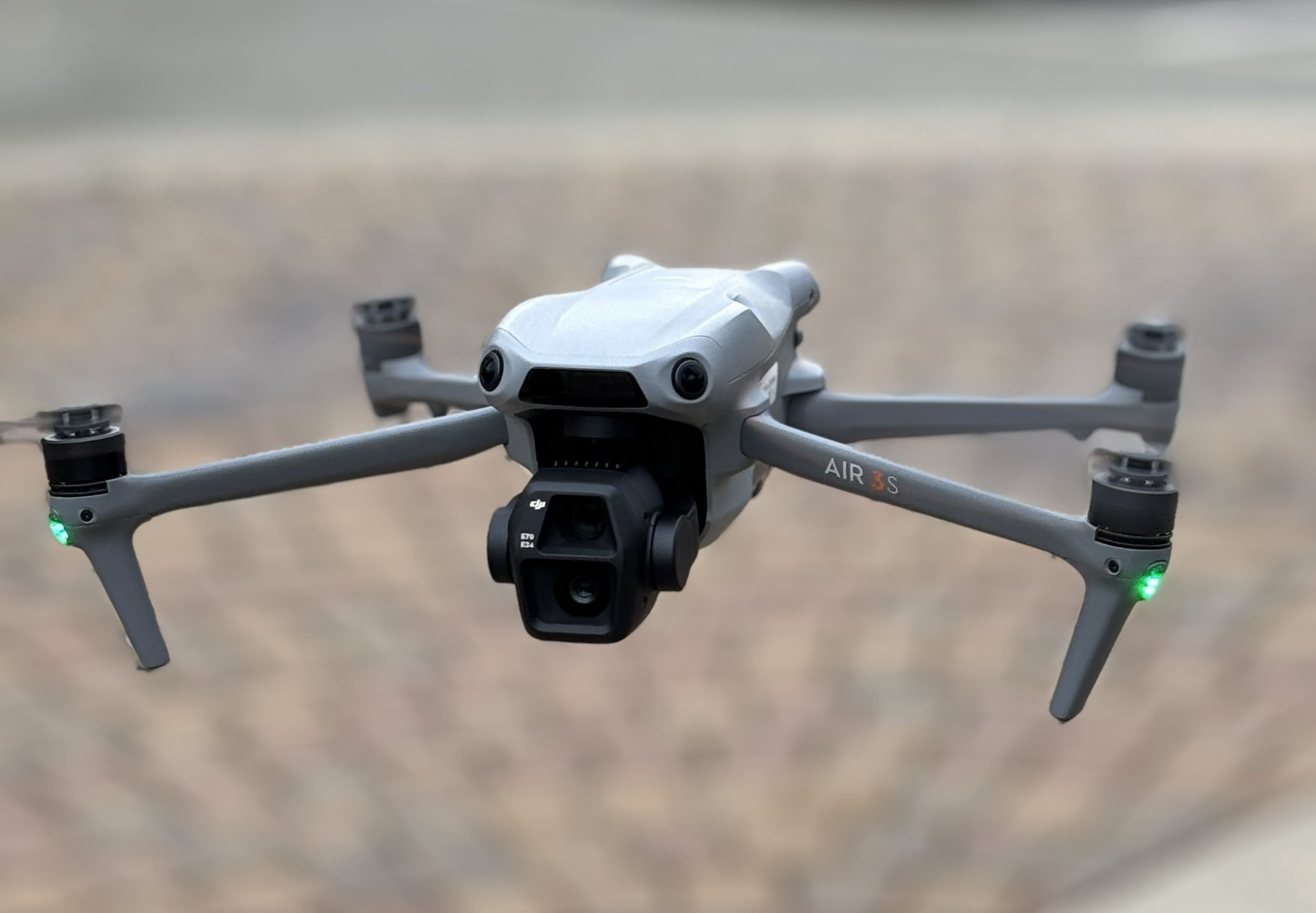
The DJI Air 3S is my main drone, and after a year of using it, I would buy it again.
That should tell you most of what you need to know.
Its one-inch main camera is excellent, but the second 1/1.3-inch medium-tele camera is what makes it special. The 3x view gives you compression, stronger subject separation and a completely different way to photograph buildings, coastlines, roads and landscapes. It does not feel like a novelty lens bolted on for the brochure. I use it.
The Air 3S also has 42GB of internal storage, forward-facing LiDAR, nightscape omnidirectional sensing and up to 45 minutes of advertised flight time. More importantly, it feels planted in coastal wind.
That matters on Vancouver Island. The beach can look perfectly peaceful from the ground while your controller politely informs you that the atmosphere has other plans. The Air 3S has handled the conditions I actually fly in—coastlines, job sites, buildings, open water and changing West Coast weather—with a level of confidence I would not trade for a slightly smaller bag.
This is the drone I bring when the image matters, the location matters or somebody is paying me to come back with useful material.
The compromise is regulation and convenience. At 724 grams, it is not a microdrone. It must be registered in Canada, the pilot needs the appropriate certificate and the places you can legally fly depend on your certificate, airspace and operation. Around Greater Victoria, where controlled airspace is part of daily life, an Advanced certificate and proper planning open far more useful doors.
It is also larger, more expensive and less likely to be casually tossed into a bag for a family walk.
But if you are serious about aerial photography or video and want the best balance of camera quality, flexibility, flight performance and price, the Air 3S is still the sweet spot.
Check current DJI Air 3S pricing on Amazon Canada.
DJI Mavic 4 Pro: Financial Responsibility Has Left the Chat
The DJI Mavic 4 Pro is the Air 3S philosophy taken to its logical conclusion: more camera, more capability, more flight time and considerably less money remaining in your bank account.
Its main camera is a 100MP 4/3 Hasselblad unit capable of 6K/60fps HDR video. It adds two telephoto cameras, a 360-degree rotating Infinity Gimbal, low-light omnidirectional obstacle sensing and up to 51 minutes of advertised flight time.
It is ridiculous.
It is also more drone than most people need.
The Mavic 4 Pro makes sense for serious commercial operators, filmmakers, high-end photographers and people who can explain precisely how its cameras will improve their work. If the better sensor, telephoto options, long flight time and gimbal freedom solve actual problems for you, it is probably spectacular.
If you mainly want beach photos, family videos and the occasional dramatic shot of your campsite, buying a Mavic 4 Pro is a little like purchasing a commercial fishing boat because you enjoy fish and chips.
Would I love one?
Absolutely.
Do I need one?
That is an unnecessarily personal question.
Like the Air 3S, it sits well above 250 grams. In Canada that means registration, certification and considerably more thought about where and how you fly—especially around Victoria.
If you have the money, the credentials and the work to justify it, this is the flagship. For everybody else, the Air 3S gets you an awful lot of the way there without requiring a family budget meeting.
DJI Mavic 4 Pro fly more combo
What About the DJI Flip?
The Flip exists.
It folds in a clever way. The built-in propeller guards are genuinely useful for beginners and close-range filming. It appears to sit somewhere between the Neo idea and a traditional camera drone.
I have not used one, and I do not have a strong enough opinion to manufacture three paragraphs of enthusiasm for Google.
It may be perfect for somebody. It just does not solve a problem I currently have.
That is all I have to say about the Flip, which may be the most honest paragraph about it on the internet.
What About the Avata and FPV Drones?
If you want goggles, speed, immersive flying and the sensation of being strapped to the front of a very angry hummingbird, DJI’s Avata and FPV products are their own category.
People love them.
I do not.
That does not make them bad. It makes me the wrong person to recommend one. I prefer camera drones, deliberate framing and seeing the world with my own eyeballs while I fly.
The newer Avata 360 idea adds even more flexibility after the flight, which is impressive if you enjoy reframing 360-degree footage. I already create enough editing work for myself without recording every possible direction at once.
If FPV is what excites you, find somebody who genuinely loves it. They will give you better advice than I will, and they may even own a pair of goggles that does not make them nauseous.
What About the Mini 4 Pro and Older DJI Drones?
Older does not mean bad.
The Mini 4 Pro remains an excellent little drone, and a properly discounted bundle can still be a great buy. The Mini 3 is the drone that started this entire addiction for me, and it is still capable of producing beautiful footage.
The problem is pricing. Once an older model gets too close to a newer Lito or X1 package, nostalgia stops being a purchasing strategy.
Compare the actual bundle, controller and battery count—not merely the number beside the drone’s name. A cheap aircraft with one battery and the phone controller may not be cheaper after you add everything you wish you had bought in the first place.
Which DJI Drone Would I Buy in 2026?
For most people, the Lito X1 Fly More Combo with the RC 2.
That is the answer.
It stays small, avoids most of the regulatory friction attached to larger drones, has the camera and intelligent features people actually want, includes internal storage and leaves fewer obvious reasons to start shopping again six months later.
For effortless follow-me videos, family adventures and something a beginner will genuinely use, buy the Neo 2.
For the lowest sensible entry into a proper camera drone, buy the Lito 1.
For a tiny aircraft with the strongest camera, buy the Mini 5 Pro—after confirming how your exact setup lands under Canadian weight rules.
For serious photography, commercial work and coastal flying, buy the Air 3S.
For the best consumer camera drone DJI currently makes, buy the Mavic 4 Pro, then delete the receipt before your spouse finds it.
Whatever you choose, buy the bundle with the extra batteries. If a screen controller is available and the budget can handle it, buy that too.
It is cheaper than buying the wrong package, regretting it and spending the next six months calling an upgrade “research.”
Ask me how I know.
As an Amazon Associate, Vancouver Island Drones may earn a commission from qualifying purchases made through links on this page. It does not change what you pay, but it may help offset our ongoing DJI addiction.
Related Reads
The DJI Lito X1 Is the Drone I’d Recommend Right Now
Done comparing and just want the answer? Here is why the Lito X1 Fly More Combo with the RC 2 is the current sweet spot.
DJI Neo 2 Review: The Best First Drone for Kids, Creators, and Wannabe Jedi
Blake’s tiny flying sidekick is easy, tough, weirdly capable and considerably more fun than its size suggests.
DJI Air 3S After a Year — The Drone I’d Buy Again
A proper long-term owner’s take on the drone I trust for coastal flying, local projects and paid work.
We Cut the Fluff: Our Drone Gear Guide for September 2026
DJI Lito X1
Our drone gear page was overdue for an update.
Some products had disappeared, newer drones had changed what we recommend, and the whole page was starting to feel less like useful advice and more like we had invited the entire DJI catalogue over for dinner.
So we cleaned it up.
Three Drones We’d Actually Recommend
If somebody asked us what drone to buy right now, the answer depends on what they want to do—but we’ve narrowed it down to three:
DJI Neo 2
The easiest recommendation for fun, value and simplicity. It’s small, tough and gets used constantly because flying it doesn’t require turning the outing into a full production.
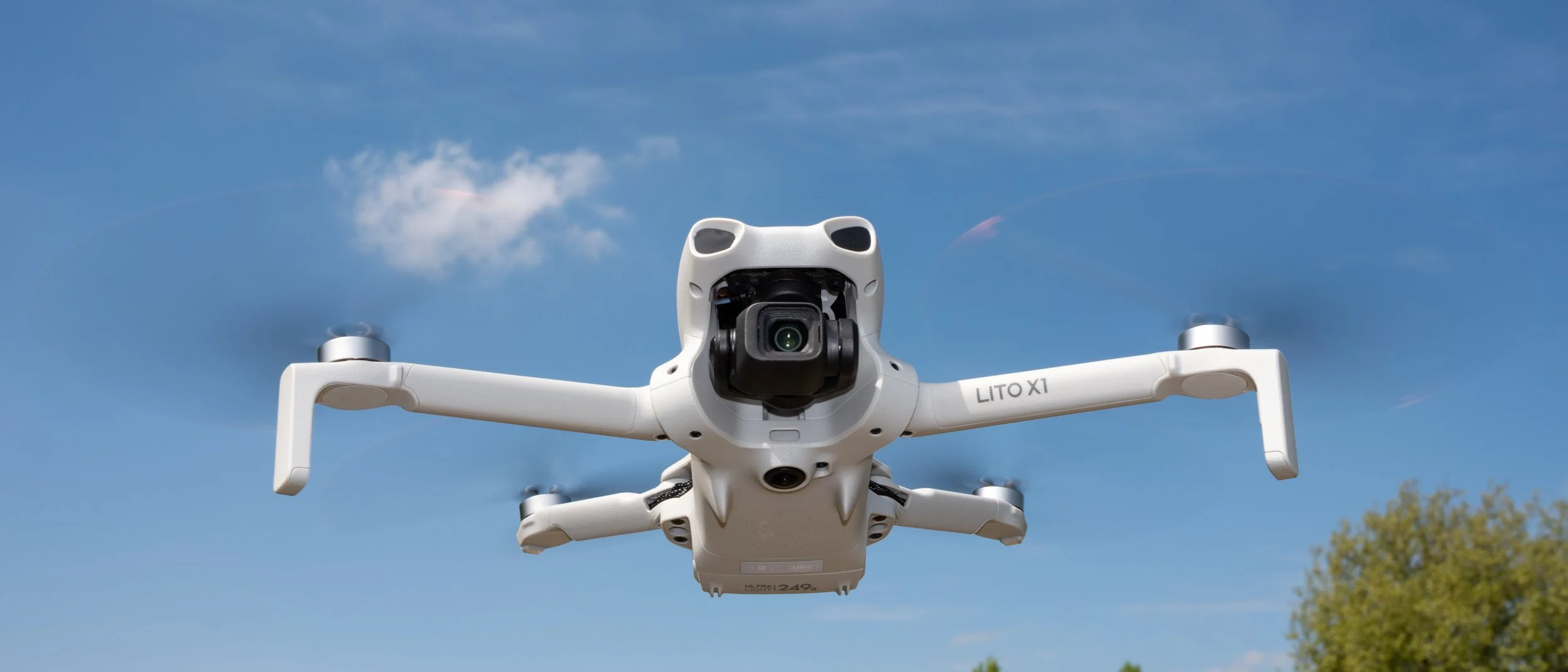
DJI Lito X1
This is probably the drone most people should buy. It stays under 249 grams while offering a better camera, proper tracking and useful obstacle avoidance without jumping into professional-drone pricing.
DJI Air 3S
This is the serious one. It’s the drone we use for paid work, coastal flights and situations where image quality and stability actually matter.
That’s the short answer. No 14-product comparison chart required.
We Also Cleaned Up the Accessories
The updated page includes the cameras and accessories we genuinely use or feel comfortable recommending.
That includes our Hoodman landing pad, which remains one of the best drone accessories we’ve ever bought. It isn’t exciting, it doesn’t contain artificial intelligence, and nobody will stop you in a parking lot to ask about it—but it keeps sand, grass, rocks and morning dew away from an expensive flying camera.
We’ve also added the DJI Osmo Nano, which gets used constantly because it’s tiny, versatile and easy to bring anywhere, along with the enormously popular Osmo Pocket 3 for people wanting a compact stabilized camera with more serious image quality.
We considered adding cases, memory cards, spare batteries and every other small accessory Amazon could throw at us. We didn’t.
Most of our drone links already point toward Fly More packages, and cases become very model-specific very quickly. The goal isn’t to build the world’s longest shopping list. It’s to recommend the equipment we think is genuinely worth considering.
Updated for September 2026
The drone market changes ridiculously quickly. Products disappear, replacements arrive, and yesterday’s obvious recommendation suddenly makes very little sense.
This page will keep evolving as we use more equipment and find things worth adding. For now, it’s shorter, more current and considerably easier to navigate.
See our updated Drone Gear Guide
Some links on the gear page are affiliate links. If you purchase through one, Vancouver Island Drones may earn a small commission at no additional cost to you.
This continues to fund our DJI Addiction Anonymous recovery program.
Progress remains limited.
Related Reads
The DJI Lito X1 Is the Drone I’d Recommend Right Now
Why the Lito X1 Fly More Combo hits the sweet spot for most buyers without immediately creating upgrade regret.
DJI Air 3S After a Year — The Drone I’d Buy Again
A year of coastal flights, commercial work and real ownership with the drone that continues to pay the bills.
DJI Neo 2 After One Month — Insane Value, Easy to Use and Surprisingly Tough
The tiny drone that keeps coming everywhere with us—complete with bike rides, tracking, family chaos and several unavoidable bonks.
The DJI Lito X1 Is the Drone I’d Recommend Right Now
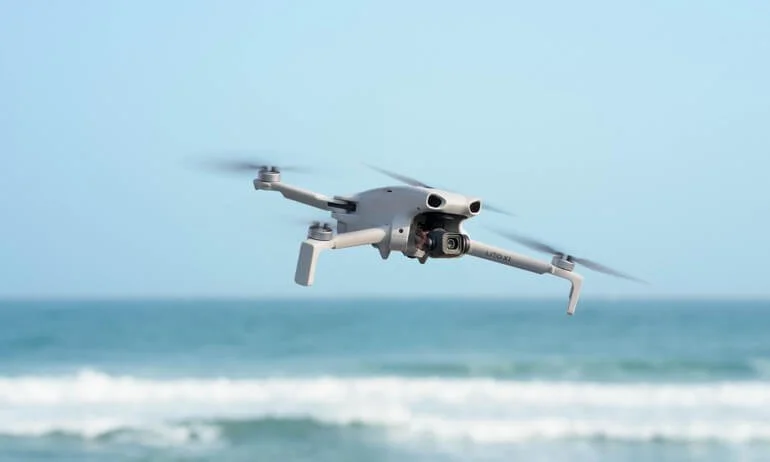
People occasionally ask me which drone they should buy, presumably because I run a website called Vancouver Island Drones and not because I look especially trustworthy with expensive flying objects.
Usually, the answer involves several annoying follow-up questions. What do you want to shoot? Have you flown before? Do you care about tracking? Will you edit the footage? What is your budget? How upset will you be when DJI releases something newer eleven minutes after you place your order?
But if somebody wanted one simple recommendation right now, it would be the DJI Lito X1 Fly More Combo with the DJI RC 2 controller.
Not the cheapest package. Not the Lito 1 because it saves a few dollars. And definitely not the package that makes you clamp your phone to the controller every time you want to fly.
Buy the X1. Buy the extra batteries. Buy the controller with the built-in screen. Then go fly the thing instead of spending the next six months staring at the better version you should have bought.
No, This Isn’t a Review
Let’s get this out of the way before the internet police arrive: I haven’t flown the Lito X1.
I’ve handled one, followed it closely, compared it with the rest of DJI’s lineup and spent plenty of time flying DJI drones, including the Air 3S I use for paid work. So this isn’t a hands-on review, and I’m not going to pretend it is.
This is a buying recommendation.
I know which features I actually use, which missing features become irritating and which upgrades people start wanting almost immediately. Looking at the current DJI lineup, the Lito X1 lands right in the sweet spot. It gives most people everything they are realistically going to use without pushing them into the price of a higher-end professional drone.
It Has a Proper Camera
According to DJI’s official specifications, the X1 uses a 1/1.3-inch CMOS sensor with 48-megapixel photos, an f/1.7 aperture and up to 4K/60fps HDR video. It can also shoot 10-bit D-Log M for people who enjoy colour grading instead of having hobbies.
No, a 1/1.3-inch sensor isn’t the biggest camera DJI makes. The Mini 5 Pro, Air 3S and Mavic models still give you reasons to spend considerably more money if image quality or professional work is the priority.
But the X1’s camera is well beyond the “cheap first drone that I’ll immediately outgrow” category. For travel, family trips, camping, social media, YouTube and generally showing off Vancouver Island from several hundred feet in the air, it is more camera than most owners will ever fully exploit.
It’s good enough that you’re unlikely to spend every flight wondering how much better your footage would look if you had bought the next model up.
It Has the Fancy Stuff People Actually Want
The X1 isn’t just a decent camera attached to four propellers. It has ActiveTrack, QuickShots, MasterShots, Hyperlapse and omnidirectional obstacle sensing supported by forward-facing LiDAR.
In normal-human language, it can follow a subject, perform automated camera moves and help avoid obstacles around the aircraft. That makes it far more useful—and considerably less intimidating—than an entry-level drone that depends entirely on a new pilot noticing every tree in time.
Obstacle avoidance does not make a drone indestructible. Tiny branches, wires and poor lighting can still ruin your afternoon. You remain the pilot, and the expensive little lawnmower is still your responsibility.
But having those systems is much better than discovering three months later that you really wish you had them.
Forty-Two Gigabytes of “I Forgot the Damn SD Card” Insurance
The Lito X1 has 42GB of internal storage, and I love this feature far more than any reasonable person should.
Sooner or later, every camera owner goes somewhere beautiful, sets everything up and discovers that the SD card is sitting at home in a card reader. It is a special kind of stupidity because you remembered the drone, batteries, controller, charger and probably coffee—but forgot the tiny plastic rectangle required to record anything.
With 42GB onboard, forgetting your card doesn’t automatically hose the entire outing. You can still record a meaningful amount of footage and transfer it later.
Every drone should have useful internal storage. Somehow, they still don’t.
Get the Good Controller
The DJI RC 2 has its own built-in screen, which means no mounting your phone, no cable hanging off the controller and no surrendering your phone every time you fly.
Could you save money with a phone-based controller? Absolutely. You could also spend the entire ownership period wishing you had bought the proper one.
The RC 2 makes the drone feel like a complete piece of equipment. Turn it on, turn on the aircraft and fly. Your phone remains available for phone-related activities, such as ignoring work emails and checking whether Amazon has already discounted the drone you just bought.
This is one of those upgrades that feels expensive while ordering and completely obvious once you own it.
Extra Batteries Aren’t Really Optional
DJI advertises up to 36 minutes of flight time, but advertised maximum flight time and useful real-world flying time are not the same thing. Wind, temperature, filming, returning with a sensible reserve and your own appetite for risk all shorten the number.
One battery is enough to get excited, launch the drone, find the shot and receive a low-battery warning just as things become interesting.
The Fly More Combo gives you the batteries and charging setup that make the drone useful for an actual outing. If you’re driving to a beach, trail, campsite or job site, you’ll appreciate being able to fly more than once before packing everything away.
Again: buy it properly the first time.
Why Not Just Buy the Lito 1?
Because the Lito X1 is the version you’re less likely to outgrow.
The cheaper Lito 1 may be perfectly adequate for somebody who wants the lowest possible entry price and expects to fly occasionally. But once you start comparing the better camera system, forward-facing LiDAR and 42GB of internal storage, the X1 is where the lineup becomes properly interesting.
Saving money is great. Buying the cheaper version and then spending a year admiring the one you actually wanted is less great.
The same logic applies to the controller. If the budget can handle it, get the X1 Fly More Combo with the RC 2 and remove both upgrade regrets at once.
Do You Need the Mini 5 Pro Instead?
Probably not.
The Mini 5 Pro is the more advanced aircraft, and buyers with demanding camera expectations may still prefer it. But for most recreational pilots, the X1 already covers the reasons they wanted a drone in the first place: a strong camera, intelligent tracking, automated shots, obstacle sensing, good flight time, internal storage and a proper screen-equipped controller.
There will always be a better drone above yours. DJI has built a fairly successful business around making sure we all know that.
The question is whether the next drone adds something you will genuinely use. For most people looking for a sub-249g aircraft, the X1 provides enough that the answer may finally be no.
This Is the One
At the time of writing, the DJI Lito X1 Fly More Combo with DJI RC 2 is about $879 CAD before tax on Amazon Canada.
That isn’t pocket change. But it buys a complete setup rather than the beginning of an upgrade plan.
You get the better model, the good controller, extra batteries, a genuinely capable camera, the intelligent flight features most people want, obstacle sensing and enough internal storage to survive your own occasional incompetence.
If you want the least expensive DJI drone possible, buy something cheaper. If you need a professional workhorse, start looking at the Air and Mavic lines.
But if you want a sub-249g DJI drone that you can buy once, enjoy for years and not immediately start replacing piece by piece, this is the one I’d recommend right now.
As an Amazon Associate, Vancouver Island Drones may earn a commission from qualifying purchases made through links on this page. It doesn’t change what you pay, but it may help offset our ongoing DJI addiction.
Related Reads
DJI Lito 1 vs Lito X1: Which One Actually Makes Sense?
Why saving a little money on the Lito 1 could leave you wishing you had bought the better camera, onboard storage and forward-facing LiDAR.
DJI Lito X1 vs Mini 5 Pro — Are You Paying Double for Stuff You’ll Actually Notice?
The Mini 5 Pro is the better drone on paper. The real question is whether it gives most people enough more to justify the much higher price.
DJI Lito X1 vs Mini 4 Pro: This Changes What Drone I Recommend in Canada
How the cheaper, newer X1 managed to make one of DJI’s easiest recommendations considerably harder to justify.
Why I Keep Going Back to Esquimalt Lagoon With a Drone
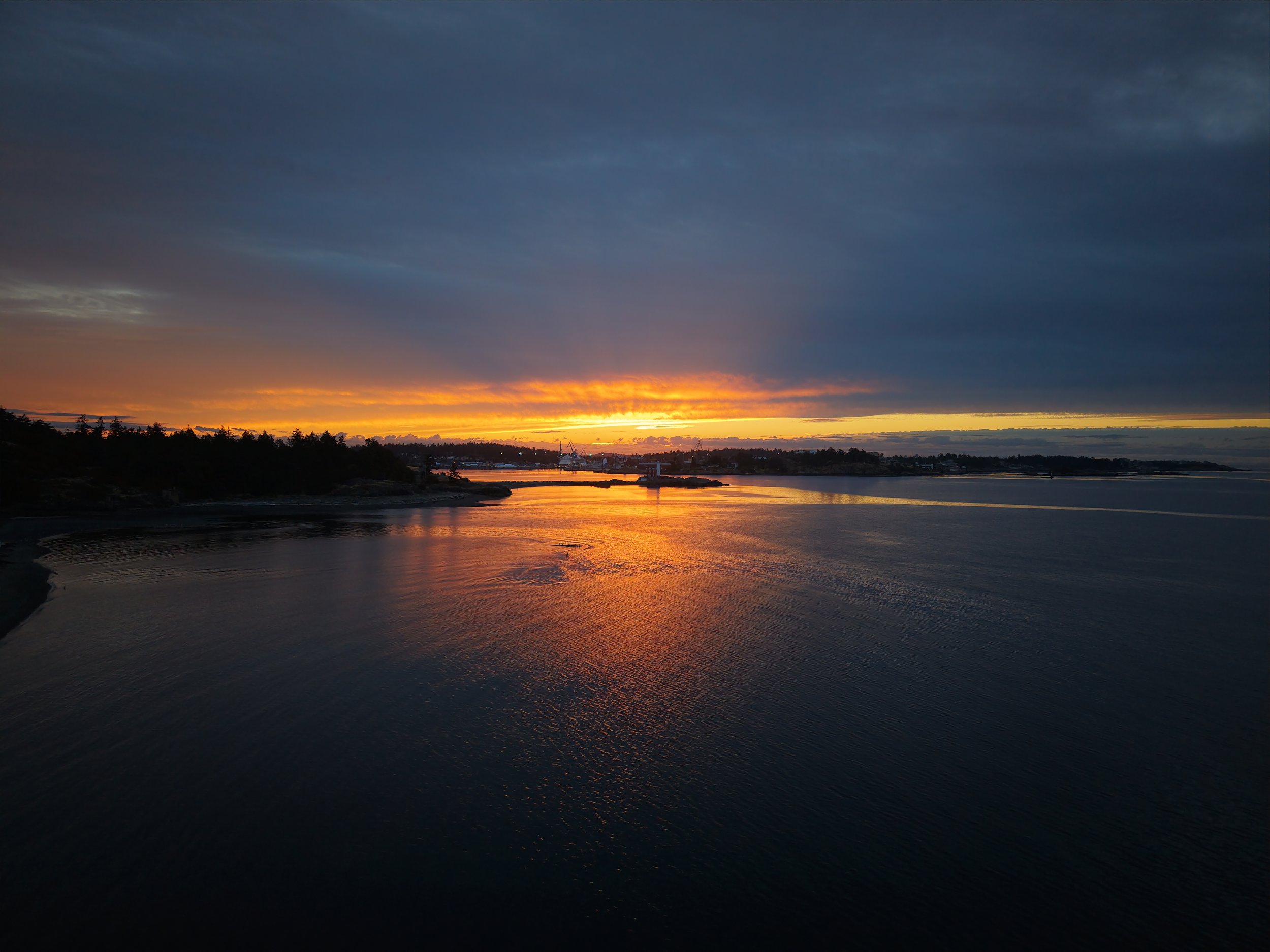
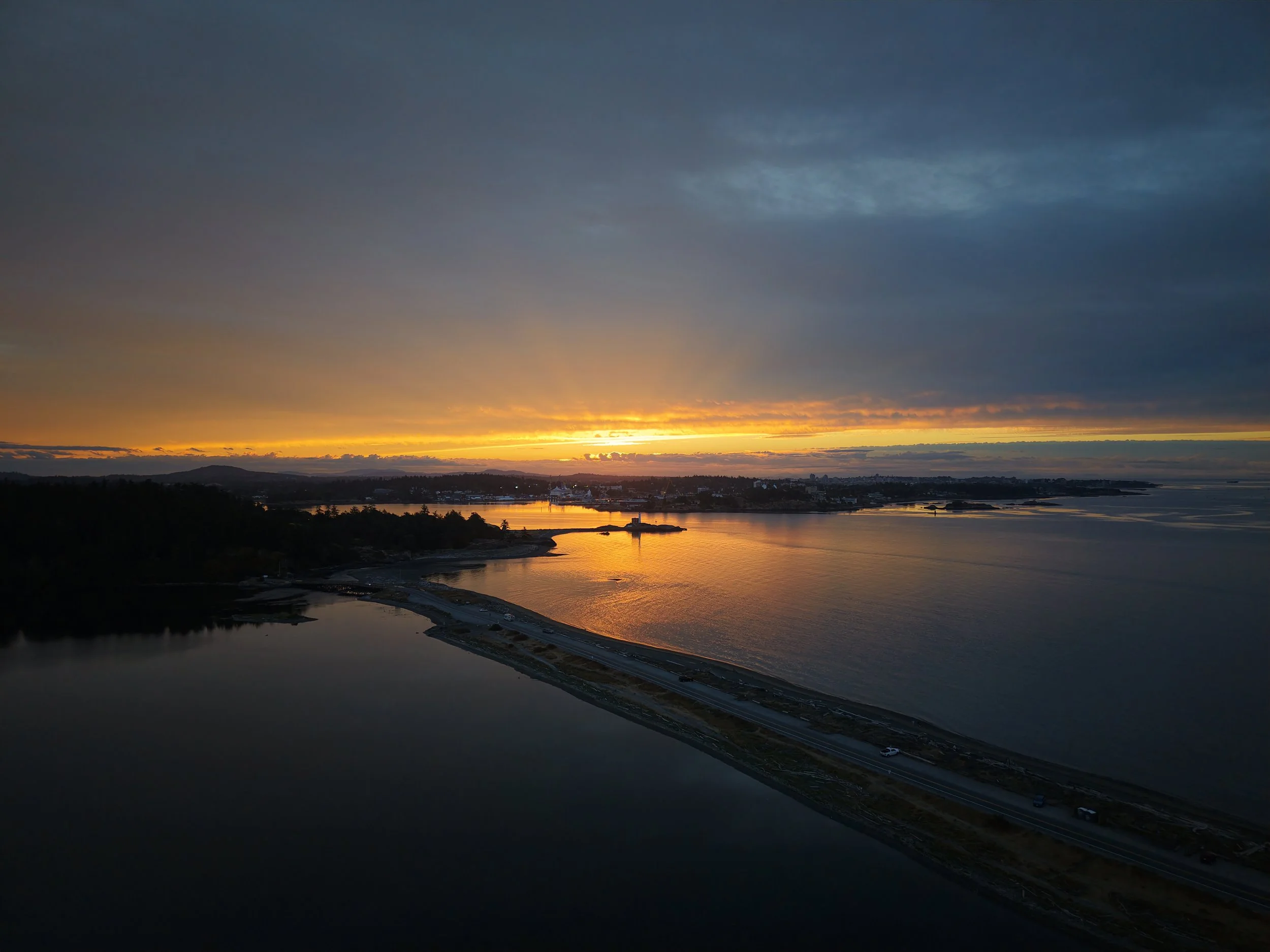
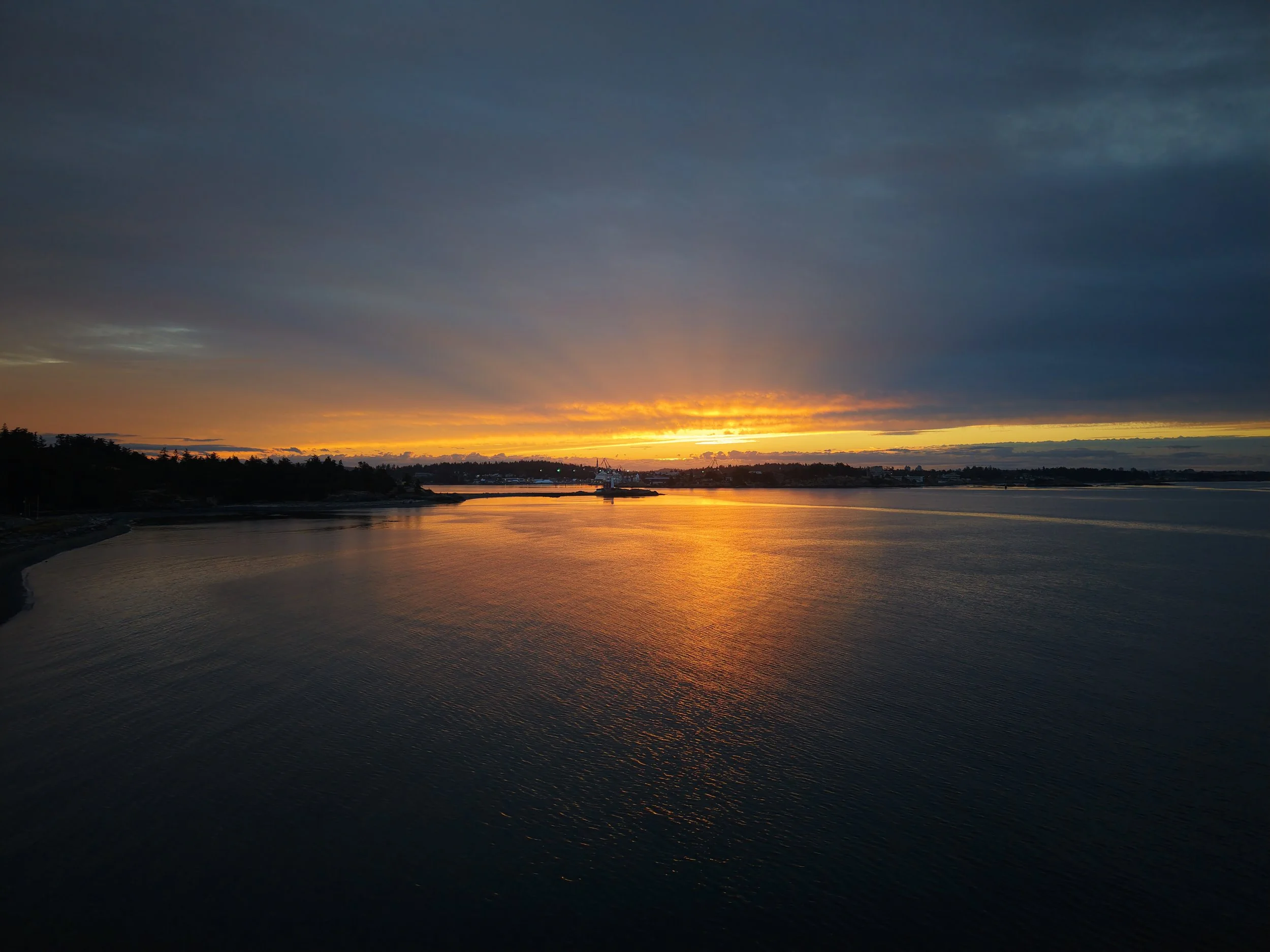
Most mornings, I’m sitting at my desk when the sky starts doing something interesting.
The nice thing about running Vancouver Island Drones this close to Esquimalt Lagoon is that if I turn my head, see a bit of colour breaking through the clouds, and think well shit, I should probably go fly, I can be there in less than ten minutes.
That’s exactly what happened this morning.
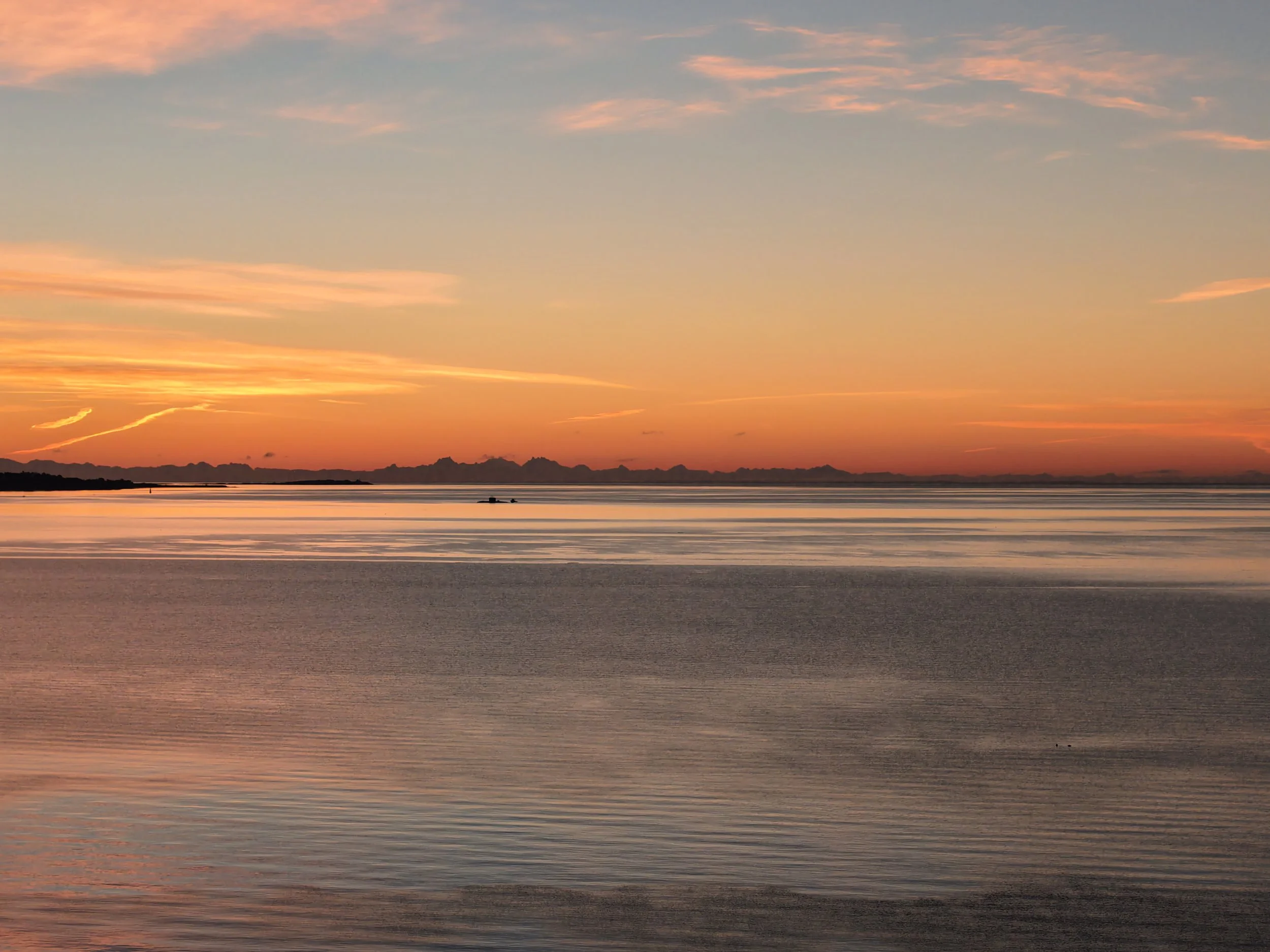
Heavy cloud, a narrow strip of orange on the horizon, calm water, and just enough light to make the whole place look a little dramatic.
The Air 3S went up, the sky did the rest.
That’s probably why the lagoon keeps showing up in so much of our work at Vancouver Island Drones. It’s close, it changes constantly, and every once in a while it hands you a morning like this.

Fat Tires, Tiny Drones and the Far End of the Galloping Goose
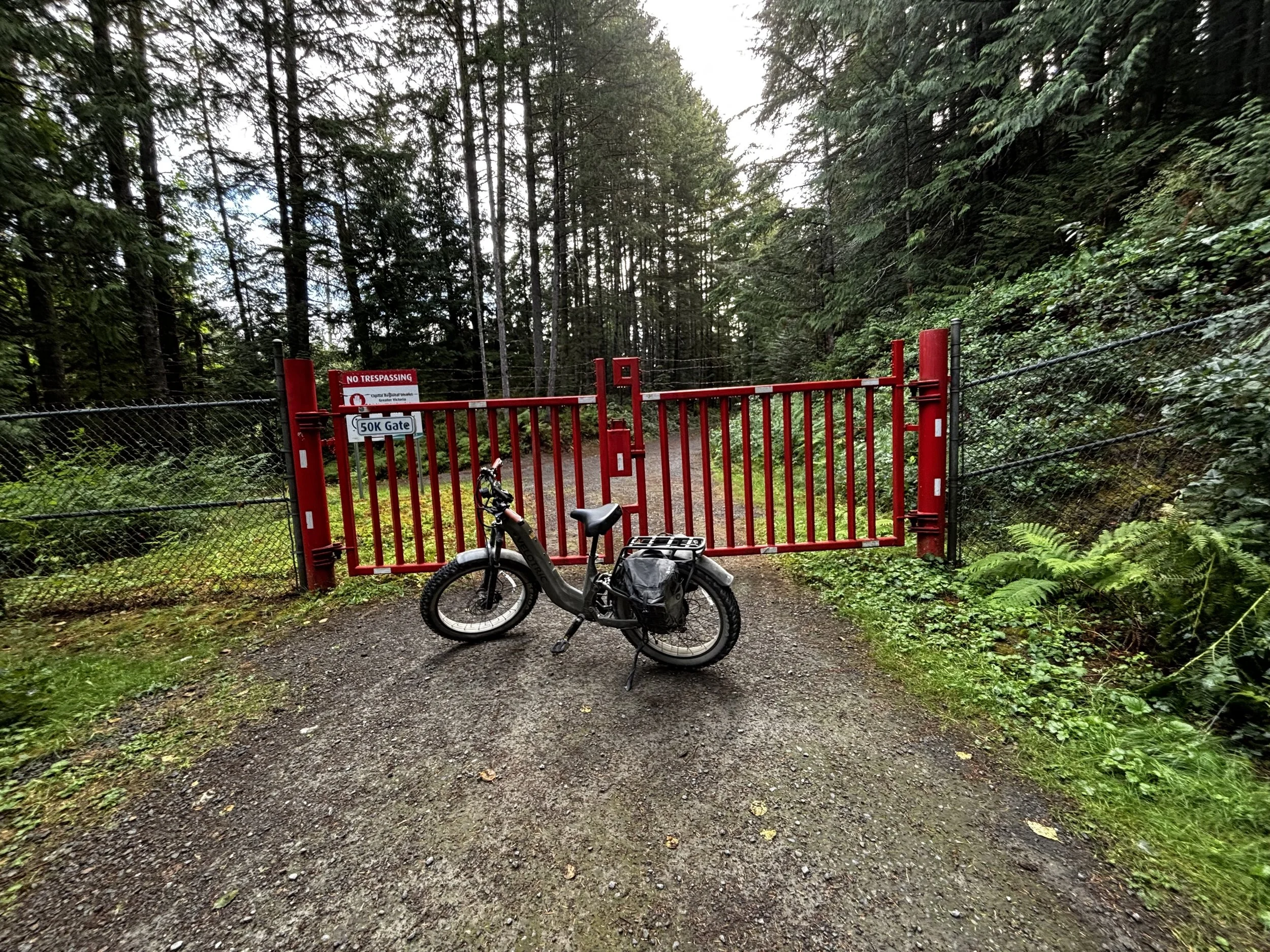
End of the Galloping Goose trail.
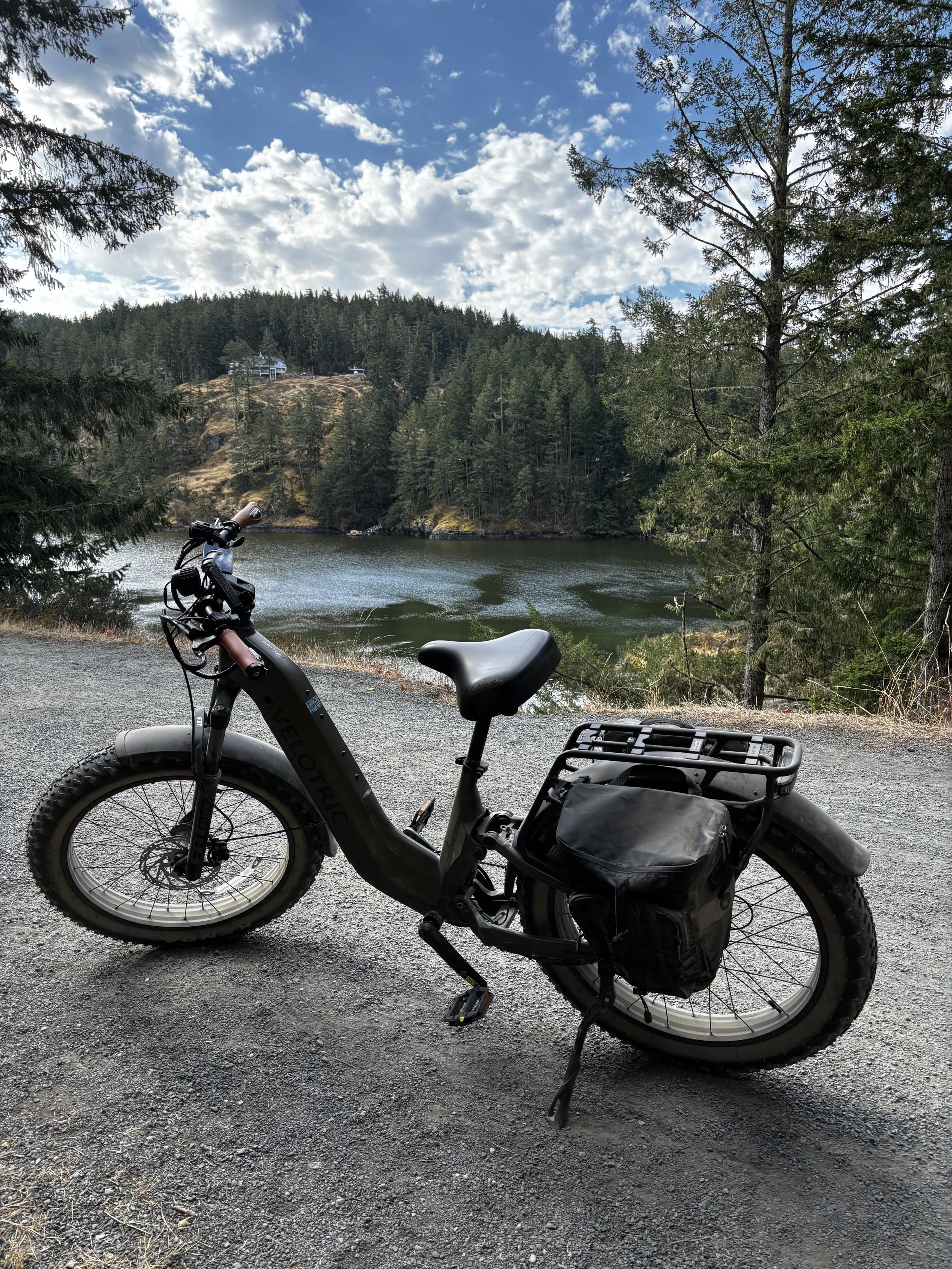
There are probably more dignified ways for a 51-year-old, 300-pound man to explore Vancouver Island than on an enormous fat-tire e-bike with a tiny drone stuffed in the saddlebag.
I just haven’t found one I like better.
Over the last little while, this ridiculous bike has managed to get my old fat ass into corners of the South Island I’ve wanted to explore for years and somehow never did.
Apparently the secret was pairing a fat guy with fat tires.
Who knew.
And lately, one of my favourite things to throw in the saddlebag before heading out is the DJI Neo 2.
No big drone bag.
No controller.
No elaborate plan.
Just the bike, the Neo 2 and whatever part of Vancouver Island I feel like pointing myself toward that morning.
That simplicity is turning out to be one of the things I like most about this little drone.
The Drone I Actually Bring With Me
I love my DJI Air 3S.
It’s the drone I use for commercial work, it has the better camera system, it handles wind better, and it gives me considerably more flexibility when I’m actually going somewhere specifically to shoot aerial photos or video.
I’m actually tempted to start bringing it on some of these bike rides because I’m finding some absolutely beautiful places.
But the Air 3S turns it into a drone mission.
Now I need the drone, controller, batteries, somewhere secure to carry everything and a little more thought about where I’m stopping and what I’m shooting.
The Neo 2 is different.
I can literally chuck it in the saddlebag and forget it’s there.
Then I get somewhere cool, pull it out, launch it, let it lock onto me and keep riding.
That’s a pretty compelling feature.
Riding Across the Selkirk Trestle
One of my favourite recent Neo 2 clips came from somewhere considerably less remote.
The Selkirk Trestle.
If you live around Victoria, you know the one.
It carries the Galloping Goose across the Gorge between Vic West and the Selkirk waterfront and is one of those places I’ve crossed plenty of times without necessarily stopping to appreciate just how cool it looks.
Especially from the air.
I pulled the Neo 2 out, launched it, let the tracking camera lock onto me and started riding across the trestle.
That was pretty much the entire production.
The little drone followed above and behind me while I rode across the wooden trestle with the Gorge stretching out on either side.
And the footage is gorgeous.
Frankly, it makes a 300-pound guy riding an enormous fat-tire e-bike look considerably more cinematic than he has any right to look.
That might be the Neo 2’s greatest technological achievement.
Then I Took the Bike to the Other End of the Goose
I’ve wanted to explore the western end of the Galloping Goose for years.
The Goose is such a weirdly varied trail.
Around Victoria, parts of it are basically transportation infrastructure. People commute on it. Kids ride it. You’re passing houses, roads and businesses.
Keep heading west and eventually the entire character changes.
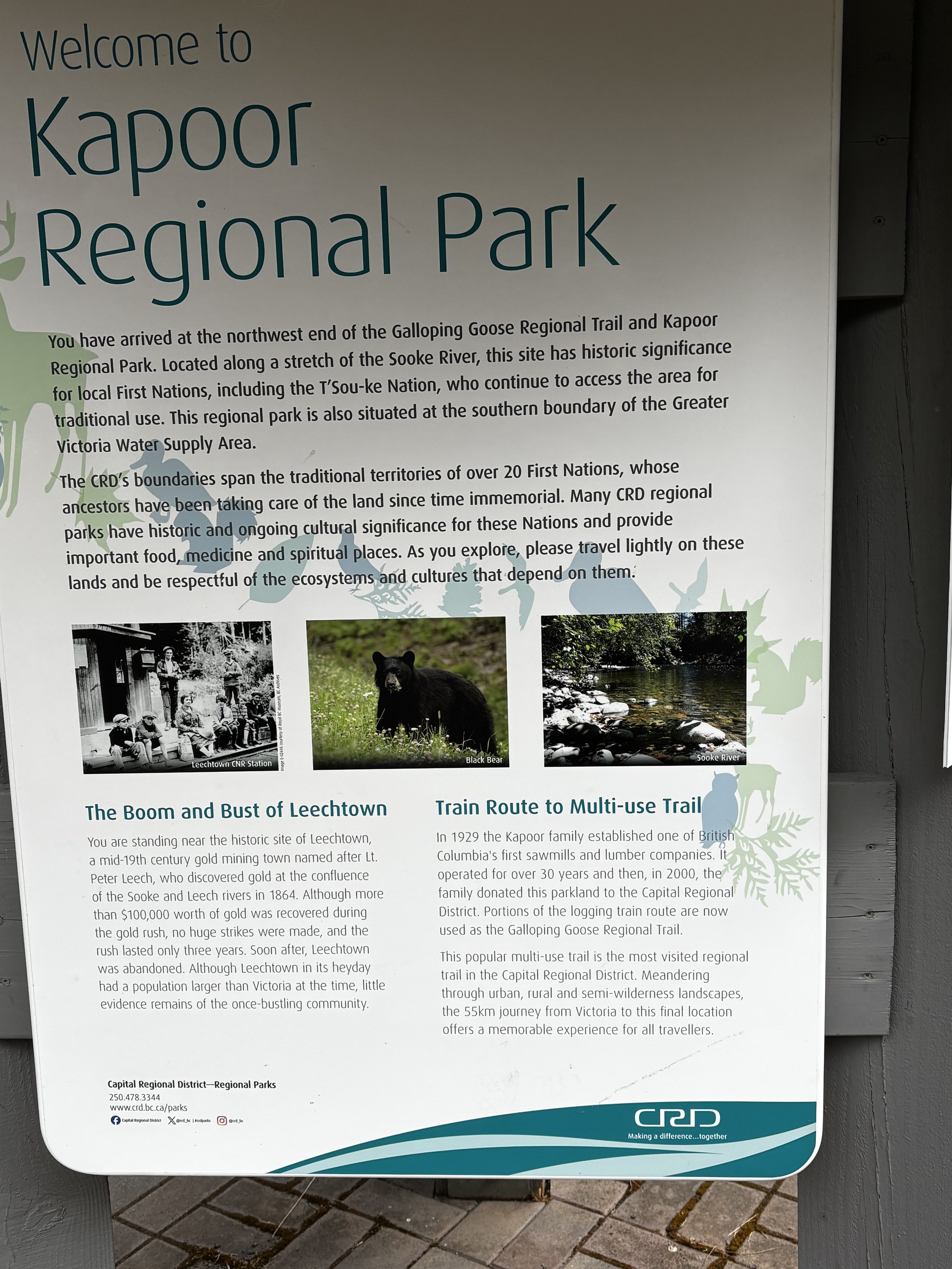
By the time you’re out around Sooke Potholes and continuing toward Kapoor Regional Park and the historic Leechtown area, it starts feeling considerably more like you’ve left town behind.
Trees.
Rock.
River.
Long stretches without much of anything.
Exactly my kind of place.
Leechtown itself has a cool history. The area grew out of the Vancouver Island gold rush in the 1860s after gold was discovered along the Leech River.
There isn’t much of a town left to visit these days, but I’ve always thought the history of the area was cool and wanted to get out there.
So I finally did.
All the Way to the Red Gate
I rode past the Kapoor area and kept going beyond the official end of the Galloping Goose until I eventually hit the big red gate at the edge of the CRD watershed.
And for reasons I can't entirely explain, getting to that gate felt pretty fucking cool.
There was no grand destination waiting for me.
No pub.
No coffee shop.
Nobody handing out medals for middle-aged men who successfully used electric assistance to propel themselves into the woods.
Just a big red gate saying, essentially:
That’s enough, Ryan. Turn around.
Fair enough.
I took a picture.
Apparently I Was Also in Cougar Country
Another thing you start noticing when you get that far out is the wildlife signage.
There are warnings.
There are pictures of cougars.
There’s even cougar artwork around Kapoor, presumably in case you somehow missed all the other subtle hints that you’re now sharing the neighbourhood with animals considerably better equipped for wilderness living than you are.
I also noticed that almost everyone else I saw that far out was travelling with somebody.
I was not.
Excellent planning.
I’ve got some experience around bears.
Cougars are a different story.
My highly developed cougar-response strategy would probably involve shitting my pants, hitting Turbo mode on the bike and then possibly shitting my pants again.
Although, in fairness, I’m roughly 300 pounds and riding what appears to be the largest fat-tire e-bike ever constructed.
I have to imagine a cougar taking one look at the whole operation and thinking:
That seems like a lot of work.
Even if you take me down, how the hell are you getting me home?
And Then the Neo 2 Backed Into a Tree
Naturally, this remote little section of Vancouver Island was also where the Neo 2 decided to remind me that obstacle avoidance is not magic.
For a drone with collision avoidance, this thing sure collides with a lot of shit.
I stopped along the trail to get some tracking footage.
Pulled the drone out.
Launched it.
The camera found me and locked on.
Everything was going beautifully.
And then the Neo 2 started backing up.
Straight toward a tree.
I watched it happen.
Tree.
Drone.
Gravity.
Down into a little gully it went.
That’s super.
So now I’m kilometres from much of anything, standing beside a giant e-bike while my tiny flying camera is sitting somewhere down a bank.
At 25, climbing down there probably wouldn’t have registered.
At 51, you look down first and think:
Fuck. Now I have to go get that.
Pick It Up, Dust It Off, Carry On
I climbed down, retrieved the Neo 2 and gave it the highly technical Vancouver Island Drones post-crash inspection.
Still has all its pieces?
Yep.
Propellers approximately where DJI intended them to be?
Yep.
Turns on?
Yep.
Good enough.
I climbed back up, launched it again and carried on.
And then the stupid little thing proceeded to capture some of my favourite footage from the ride.
That’s the part I love.
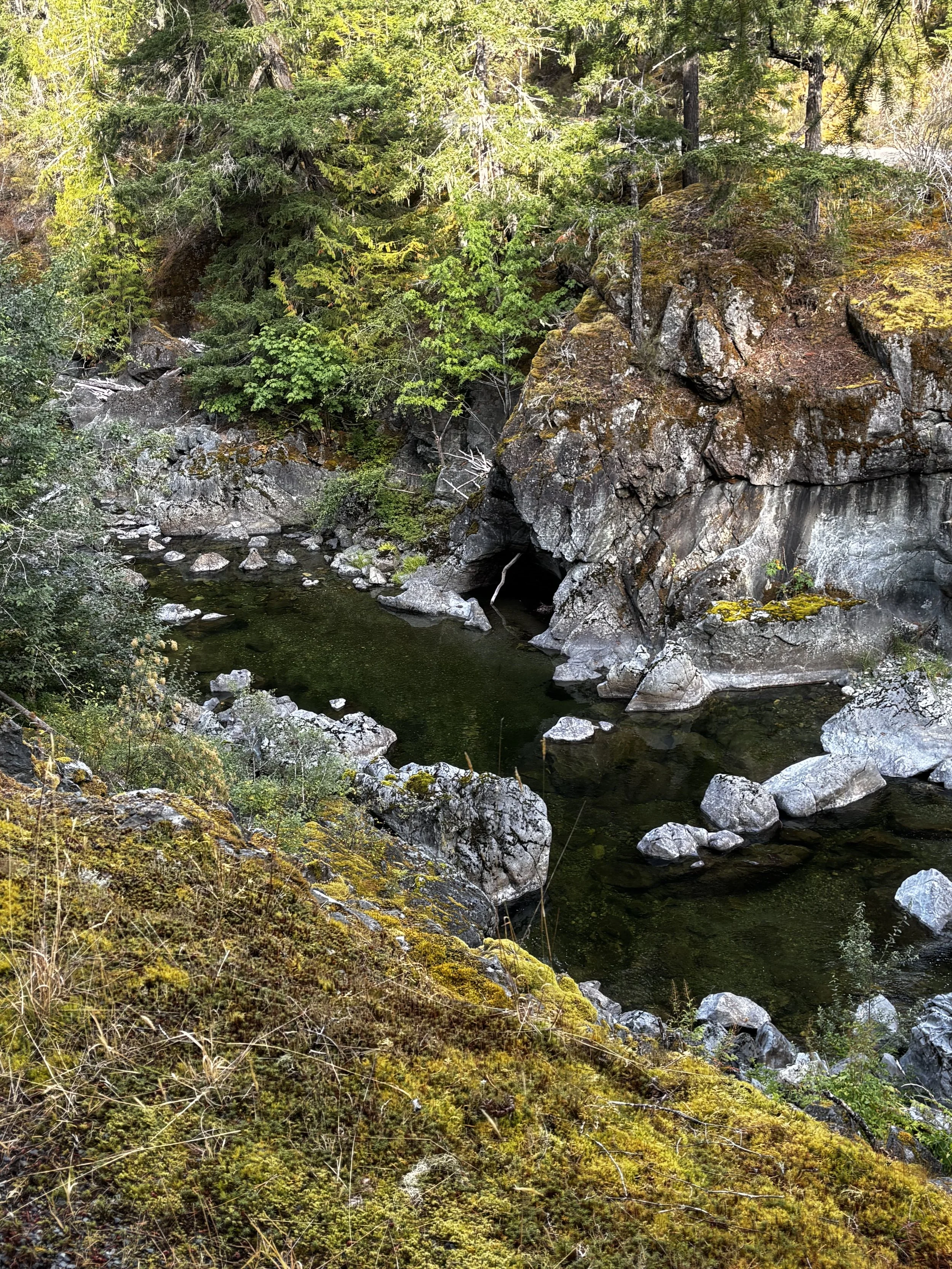
Sooke Potholes From a Completely Different Perspective
The footage from the western section of the Goose has a completely different feel from the Selkirk Trestle.
At Selkirk, you’ve got the city, the Gorge, boats, waterfront and this beautiful old trestle beneath you.
Out near Sooke Potholes, it’s forest and rock and river.
If you know what you’re looking at, you can actually see part of the Potholes down on the right near the beginning of the footage.
Then the Neo 2 just follows along while I ride.
Again, there isn't much filmmaking happening on my end.
I’m riding my bike.
The drone is doing the complicated part.
And that's kind of the point.
This Is Where the Neo 2 Makes Sense
There are plenty of drones with better cameras.
I own one.
If I brought the Air 3S out there and deliberately set up some shots, I could absolutely come home with better aerial imagery.
But there’s a decent chance I wouldn't bring it on every ride.
The Neo 2 comes with me because bringing it requires almost no commitment.
Throw it in the saddlebag.
Go.
If I find something interesting, I have a drone.
If I don’t, it spends the day quietly bouncing around behind me.
There’s something really useful about a camera that doesn’t require you to plan your day around it.
It’s why I think the Neo 2 works so well for biking, hiking, family adventures and basically anything where flying a drone isn’t supposed to be the main event.
The Best Camera Might Be the One in the Saddlebag
The photographer in me obviously appreciates better sensors, better lenses and better image quality.
The practical side of me is starting to appreciate something else.
The best camera in the world doesn't capture much sitting at home.
The little camera you brought because it weighed almost nothing and didn’t require a controller might.
That’s where the Neo 2 keeps winning me over.
I don't necessarily head out thinking:
Today I am going to create drone content.
I head out because I want to ride somewhere.
Then I get there and think:
Holy shit, this is beautiful.
And suddenly there’s a flying camera in my saddlebag.
The Fat Guy Exploration Program Continues
Getting the e-bike has made me want to explore more of the trail systems around Victoria and the South Island.
There are places around here I’ve driven past for decades without ever really seeing.
Now I’m starting to work through them.
The Galloping Goose has been fantastic.
There’s still the Lochside Trail.
The E&N.
And plenty of other places where I can probably get myself farther into the woods than good judgement would ordinarily recommend.
I’m sure I’ll bring the Air 3S along eventually and do one of these rides as a proper aerial photography trip.
But there’s something really appealing about keeping it simple.
Fat guy.
Fat tires.
Tiny drone.
Go see where the trail leads.
Preferably without making me climb into another fucking gully.
Related Reads
DJI Neo 2 After 3 Months — Still Worth It?
What happens after the novelty wears off — real use, bike rides, bumps, tracking, and why this little drone still keeps coming along.
DJI Neo 2 Review: The Best First Drone for Kids, Creators, and Wannabe Jedi
Why the Neo 2 is still one of the easiest drones to recommend for families, creators, hikers, bikers, and anyone who wants a drone that actually gets used.
DJI Neo 2 After One Month — Insane Value, Easy to Use, and Surprisingly Tough
Our earlier real-world look at the Neo 2 after the first month of tracking, bike rides, family use, and a few inevitable bonks.
DJI Air 3S After a Year — The Drone I’d Buy Again
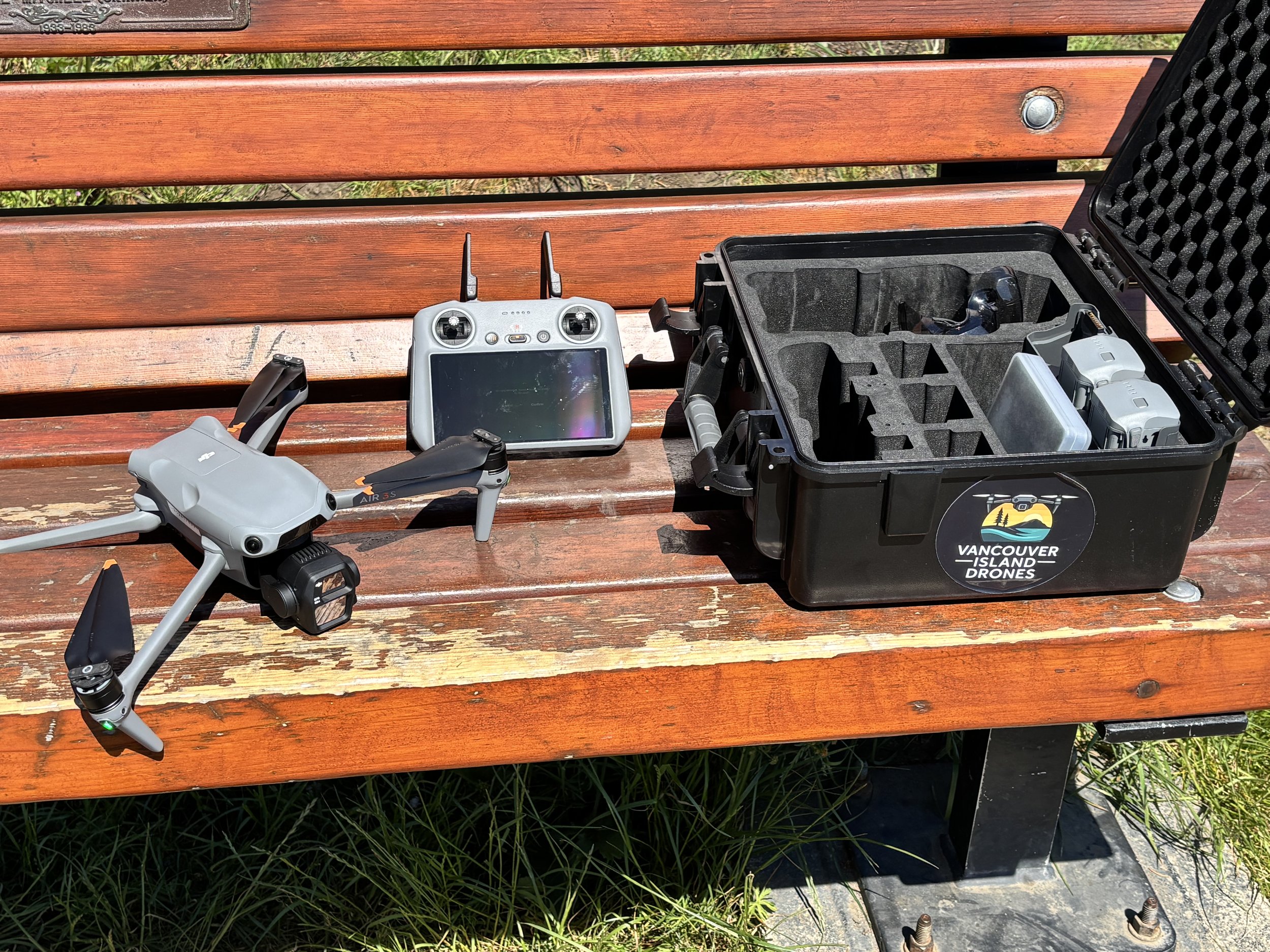
I’ve owned the DJI Air 3S for more than a year now, and I’ve used it for everything from sunrise flights around Vancouver Island to actual paid commercial work.
And after all that time, I can make this pretty simple:
I still love it.
Not “it’s pretty good for what it is.”
Not “I’d maybe consider something else now.”
I mean if mine disappeared tomorrow and I had to replace it, I’d be looking very hard at another Air 3S.
There are newer drones. Smaller drones. Cheaper drones. Drones with slightly different tricks.
But for the way I actually fly, the Air 3S has ended up sitting in a really nice sweet spot.
The Two Cameras Are Probably My Favourite Part
The Air 3S has a 24mm-equivalent wide camera with a 1-inch 50MP sensor, and a second 70mm-equivalent medium tele camera with a 48MP 1/1.3-inch sensor.
That second camera is not some gimmick I forgot about after the first week.
I use it.
A lot.
The 24mm camera is exactly what you want for big landscapes, coastlines, buildings and establishing shots. It gives you the classic wide aerial view.
Then you switch to the 70mm and suddenly everything changes.
The background compresses. Mountains look bigger. Buildings separate from their surroundings. Boats, cars and people become more interesting subjects. You can get shots that simply don’t look like the same generic wide-angle drone footage everybody has seen a thousand times.
For commercial work, that flexibility is huge.
I can show up to one location with one drone and come home with footage that looks like it came from two different camera setups.
That alone has probably ruined me for going back to a single-camera drone as my main aircraft.
It Just Feels Like a Proper Drone
This is harder to quantify on a spec sheet.
The Air 3S feels substantial without being ridiculous.
It’s still small enough that I can throw it in a case and carry it around easily, but when you unfold it and put it on the ground, it feels like a serious piece of equipment.
That matters to me.
A Mini can absolutely create professional-quality work. I’m not going to pretend otherwise.
But when somebody is paying me to show up at a construction site or photograph a commercial property, I like showing up with something that looks and feels a little more substantial.
And more importantly, it flies like it.
It feels planted. It handles wind well. It doesn’t feel like it’s getting pushed around every time Vancouver Island decides to remind you that we live beside an ocean.
The Image Quality Is Ridiculous
This is probably the least surprising part of the review.
The footage is gorgeous.
DJI gives the main camera a 1-inch sensor, up to 14 stops of claimed dynamic range in supported modes, 4K/60 HDR and 4K/120 slow motion. The 70mm camera supports the same major video formats and colour modes.
But I don’t spend much time thinking about those numbers when I’m actually flying.
What I care about is that I routinely bring the files home, put them on a computer and think:
Well, that looks fucking good.
Sunrise. Coastline. City. Construction sites. Boats. Buildings.
The Air 3S has never really left me wishing the camera were better.
And for the amount of commercial work I actually do, that matters more than chasing whatever the newest spec happens to be.
ActiveTrack Is Genuinely Cool
This is another feature I assumed I might use once or twice and then forget about.
Nope.
ActiveTrack is really useful.
It’s great for vehicles, bikes and anything where you want the drone doing some of the flying while you concentrate on the shot.
DJI has continued pushing the Air 3S pretty hard on intelligent tracking, obstacle sensing and automated flight features, and the aircraft includes omnidirectional sensing plus forward-facing LiDAR for its nightscape obstacle-avoidance system.
Which brings me to something I absolutely have not done.
I Am Not Testing the Collision Avoidance
DJI says the Air 3S can detect and avoid obstacles around the aircraft, including with its newer nightscape sensing system.
Great.
Happy for it.
I am not flying mine into a tree to see if they're telling the truth.
I clipped a branch once and crashed it.
That was enough field testing for me.
I've also watched our Neo 2 run into enough shit over the last year that my confidence in the phrase “obstacle avoidance” has some limits.
That doesn't mean the Air 3S system isn't excellent.
It probably is.
I just prefer my obstacle-avoidance strategy to involve me not flying toward obstacles in the first place.
Call me old-fashioned.
The Biggest Surprise Wasn't the Drone. It Was the Rules.
This is the one thing I wish I'd thought about more before buying it.
The Air 3S weighs 724 grams, which puts it well above Canada's under-250g micro-drone category.
And around Greater Victoria, that matters.
A lot.
For basic operations with a drone over 250g, Transport Canada requires you to remain in uncontrolled airspace and meet the other basic-operation conditions. Flying in controlled airspace requires at least an Advanced Pilot Certificate, an eligible aircraft and authorization from the air navigation service provider.
Victoria has enough controlled airspace around airports, heliports and the city that I very quickly discovered my shiny new Air 3S couldn't just go everywhere my old Mini 3 could.
That was eye-opening.
I probably should have done a little more homework before buying it.
Instead, I bought the drone first and eventually ended up getting my Advanced certificate.
In hindsight, I'm glad I did.
It opened the Air 3S up properly for the kind of flying and paid work I wanted to do anyway.
But if you're in Canada and you're moving from a Mini to an Air-series drone, look at your local airspace before you spend the money.
That's not a criticism of the Air 3S.
It's just something that can completely change the ownership experience depending on where you live.
Would I Go Back to a Mini?
As my main drone?
Probably not.
There are days when having a sub-249g drone would be convenient.
Absolutely.
And I still think something like the Mini 4 Pro is an incredible aircraft.
But I know myself.
If I bought a Mini as my main drone again, I'd immediately start missing the 70mm camera, the bigger airframe and the way the Air 3S flies.
I'd probably end up owning both.
Which is exactly the reason I skipped the Mini 4 Pro when I upgraded from my Mini 3 in the first place.
I knew I'd eventually talk myself into the Air anyway.
So I just bought the Air.
For once, apparently, I knew myself.
After a Year, What's Actually Annoyed Me?
Not much.
That's probably the most boring criticism section I've ever written.
It's bigger than a Mini.
It comes with more regulatory baggage in Canada.
You need to think more carefully about where you're flying.
And because it's a more expensive aircraft, I'm probably more protective of it than I would be with something cheap.
That's about it.
I don't have a list of horrible quirks.
I haven't spent the last year wishing DJI had fixed some glaring flaw.
I mostly just charge the batteries, take it somewhere interesting and fly it.
That's a pretty good sign.
Would I Buy the Air 3S Again?
Yes.
Easily.
After more than a year, it's still the drone I reach for when I care about the result.
It has enough camera capability that I don't feel like I've outgrown it.
It has enough size and stability that I'm comfortable using it for paid work.
The 24mm and 70mm cameras give me two genuinely different ways to shoot a scene.
ActiveTrack is useful.
The footage is beautiful.
And despite DJI apparently building enough collision-avoidance technology into it to navigate a small moon, I plan to continue keeping mine away from branches.
The only thing I'd tell a Canadian buyer before purchasing one is to understand what leaving the micro-drone category actually means where you live.
If you're somewhere with lots of controlled airspace, that can be a much bigger part of ownership than the spec sheet suggests.
But the drone itself?
I'd buy it again tomorrow.
Thinking about buying the Air 3S?
After more than a year with mine, I’d buy it again without hesitation. If you want to check out the current Air 3S lineup, bundles and accessories, you can see it directly from DJI here:
Check out the DJI Air 3S on Amazon
Related Reads
The DJI Lito X1 Is the Drone I’d Recommend Right Now
Done comparing and just want the answer? Here’s why I’d buy the Lito X1 Fly More Combo with the RC 2—and avoid immediately wishing I’d bought the better one.
DJI Mini 5 Pro: If It’s Not a Micro Drone… What’s the Point?
Why the Mini 5 Pro’s weight problem matters so much in Canada — and why losing the micro-drone advantage changes the entire buying decision.
DJI Neo 2 After 3 Months — Still Worth It?
Three months with DJI’s tiny follow-me drone, including the good, the ridiculous, and whether we were still actually using it after the novelty wore off.
DJI Mini 5 Pro Makes Even Less Sense Now
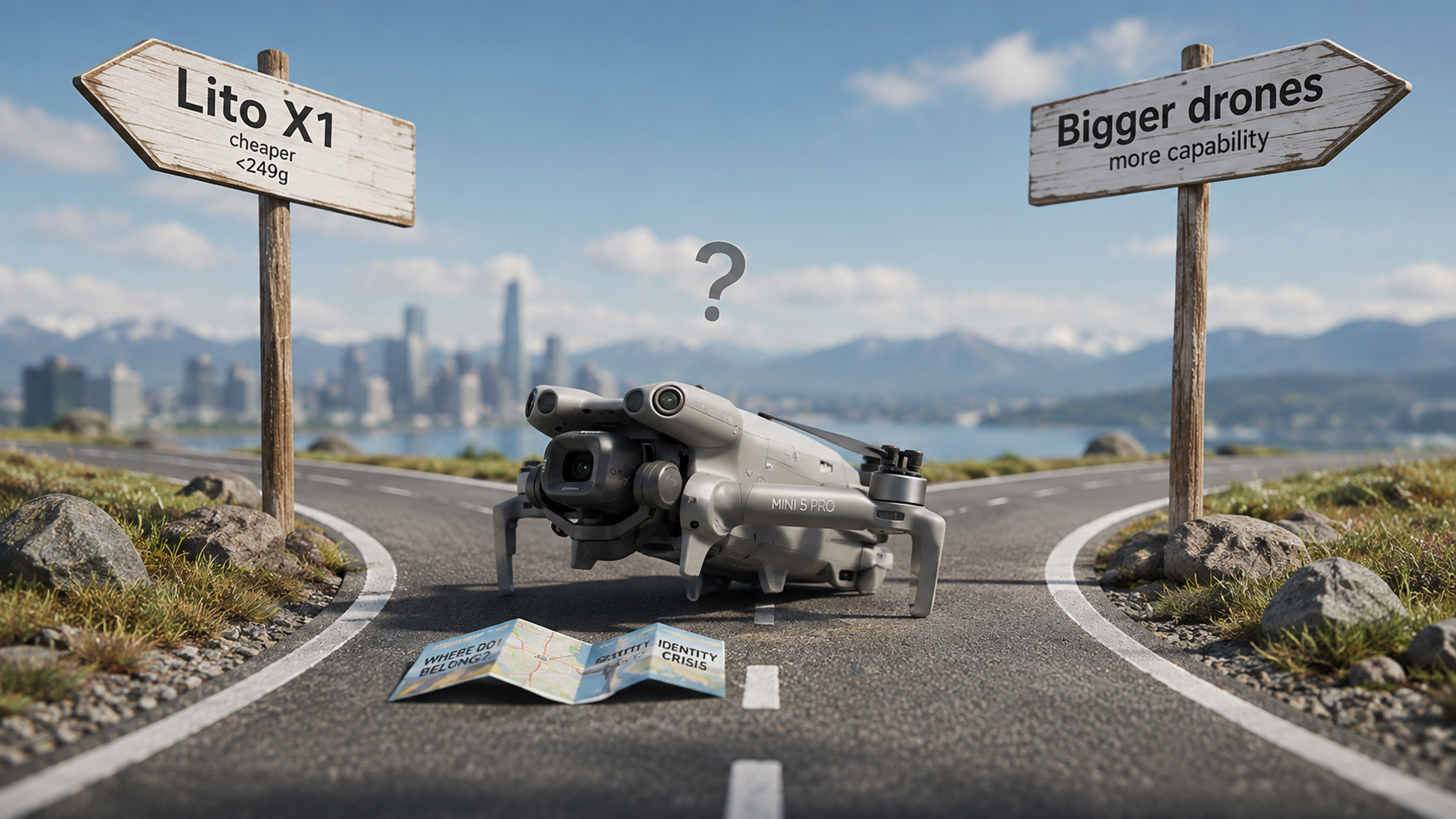
I already picked on the DJI Mini 5 Pro once.
Back in November, my problem with it was pretty straightforward: if the entire point of buying a Mini drone is staying under that magical 249-gram line, what happens when your Mini starts flirting with 250 grams?
Apparently the answer is: DJI releases another drone underneath it that makes the whole situation even more confusing.
Enter the DJI Lito X1.
And now I’m looking at the Mini 5 Pro again thinking… seriously, who exactly is this thing for?
Because let's get one thing out of the way before the angry comments arrive: the Mini 5 Pro is a very good drone.
Fantastic camera. Tons of features. Excellent obstacle avoidance. Great tracking. Small enough to throw in a bag. There is absolutely nothing wrong with the actual aircraft.
The problem is where it sits.
The Weight Problem Never Really Went Away
This was my issue with the Mini 5 Pro from day one.
The whole magic of DJI's Mini lineup has always been the weight.
Not because 249 grams somehow makes the camera better. Not because lighter drones are automatically better drones.
Because under 250 grams matters legally, particularly here in Canada.
That's the deal.
You accept the smaller aircraft, smaller battery, less wind resistance and other compromises because you get a ridiculously capable camera drone that falls into Canada's micro-drone category.
That's a pretty compelling trade.
Except the Mini 5 Pro showed up sitting basically right on the line, with the weight situation becoming an issue in multiple markets.
I went into that whole mess in my original article, DJI Mini 5 Pro: If It’s Not a Micro Drone… What’s the Point?, so I'm not going to beat the poor chubby little bastard with the same stick again.
But the important part hasn't changed:
If I'm giving up the clean sub-249g advantage, I'm immediately less interested in buying a Mini.
And now there's another problem.
The Lito X1 Exists
This is where things get awkward.
The DJI Lito X1 is considerably cheaper than the Mini 5 Pro, actually comes in under 249 grams with its standard setup, and is ridiculously well equipped for what it costs.
We're talking a 1/1.3-inch sensor, 48-megapixel stills, 4K/60 HDR video, D-Log M, tracking, omnidirectional obstacle sensing, forward-facing LiDAR and DJI's modern transmission system.
That's not a toy.
It's not as good as the Mini 5 Pro. I'm not going to pretend it is.
The Mini 5 Pro gets the larger 1-inch sensor and there are absolutely areas where it's the more capable camera drone.
But that's not really the problem.
The question is whether most people shopping for a small drone are going to care enough about those differences to justify spending substantially more.
At the time of writing, comparable Fly More packages with the screen controller at Best Buy Canada put roughly $400 CAD between the Lito X1 and Mini 5 Pro.
Four hundred bucks isn't nothing.
Especially when the cheaper drone retains the thing that made the Mini line so appealing in the first place:
It's actually a micro drone.
So What Am I Paying More For?
This is where I keep getting hung up.
If you buy the Lito X1, the argument is incredibly easy to understand.
You want a small, capable sub-249g drone without spending Mini Pro money.
Done.
If you buy something larger and more expensive, that's pretty easy to understand too.
Maybe you want a larger aircraft. Better wind performance. Multiple cameras. More photographic flexibility. Something that gives you more room to grow.
Also done.
But the Mini 5 Pro sits awkwardly between those two answers.
You're spending considerably more than Lito X1 money, you're still getting a tiny folding drone, and the weight advantage that should justify the entire Mini concept isn't nearly as clean as it should be.
That's a weird proposition.
Want to compare them yourself?
If the Lito X1 sounds like the better fit, you can check out the current lineup directly from DJI. And if you still want the more premium Mini 5 Pro, DJI has the latest bundles and specs there as well.
Check out the DJI Lito X1 on Amazon
Check out the DJI Mini 5 Pro on Amazon
I Nearly Bought a Mini 4 Pro for Exactly This Reason
Before I bought my Air 3S, I was very close to buying the Mini 4 Pro.
I was upgrading from a Mini 3 and the Mini 4 Pro seemed like the obvious move.
And to be clear, I still think the Mini 4 Pro is a fucking awesome drone.
It's small, extremely capable and — most importantly — it actually does what I expect a Mini to do.
But I also knew myself.
I wanted to start doing more paid drone work, and I knew that if I bought the Mini 4 Pro I'd probably spend the next six months looking at the Air 3S and wondering whether I should have just bought that instead.
So I skipped the stepping stone.
That doesn't mean everyone should.
A Mini drone can absolutely produce professional-quality photos and video. Plenty of people are doing excellent paid work with them.
But for me, once I was already spending serious money, I wanted the larger platform, the extra capability and especially the second camera.
I didn't want to buy one drone and immediately start obsessing over the next one.
I am perfectly capable of doing that with every other stupid thing I buy.
And That's the Mini 5 Pro's Other Problem
Once you get into Mini 5 Pro money, it's difficult not to start looking upward.
Not because everybody needs an Air-series drone.
They don't.
But if you're already spending that much and you're potentially losing the clean micro-drone advantage anyway, suddenly asking “what does a little more money get me?” becomes perfectly reasonable.
And that's where the Mini 5 Pro starts feeling squeezed from both directions.
Below it, the Lito X1 gives you an enormous amount of capability for considerably less money while staying under 249 grams.
Above it are larger drones offering things a Mini simply can't — because, at the end of the day, physics is still physics.
The Mini 5 Pro is stuck in the middle trying to justify itself.
None of This Makes the Mini 5 Pro Bad
And that's probably the weirdest thing about this whole argument.
I don't dislike the Mini 5 Pro.
If somebody handed me one tomorrow, I'd happily fly the hell out of it.
The camera is excellent. The technology packed into something that small is borderline ridiculous. For the right person, it could easily be their perfect drone.
But buying one with my own money?
That's harder.
If my priority were simplicity, portability and Canada's micro-drone advantages, I'd save the money and seriously look at the Lito X1.
If photography and commercial work were becoming the priority and I was already willing to spend Mini 5 Pro money, I'd start looking at what exists above it.
Which leaves the Mini 5 Pro sitting there in this strangely narrow middle ground.
So… What Is the Mini 5 Pro For?
That's genuinely the question.
DJI has built a technically excellent drone.
Then they put it right against one of the most important weight thresholds in the entire recreational drone market.
Then they released a much cheaper, properly sub-249g aircraft underneath it with enough features that a lot of buyers probably won't feel like they're sacrificing very much.
The Mini 5 Pro didn't become a worse drone.
Its neighbours just made its reason for existing harder to explain.
And nine months after writing that the Mini 5 Pro had an identity crisis, I somehow understand it even less.
Maybe it needs to get back on the treadmill.
Related Reads
The DJI Lito X1 Is the Drone I’d Recommend Right Now
Done comparing and just want the answer? Here’s why I’d buy the Lito X1 Fly More Combo with the RC 2—and avoid immediately wishing I’d bought the better one.
DJI Mini 5 Pro: If It’s Not a Micro Drone… What’s the Point?
The original argument: if a Mini can’t reliably stay under 249 grams, it starts losing the biggest reason to buy one in the first place.
Construction Drone Photography in Victoria, BC: What It Actually Looks Like on a Real Job
Construction drone photography sounds pretty simple until you actually show up to an active construction site.
“Get some aerial photos of the building.”
Sure.
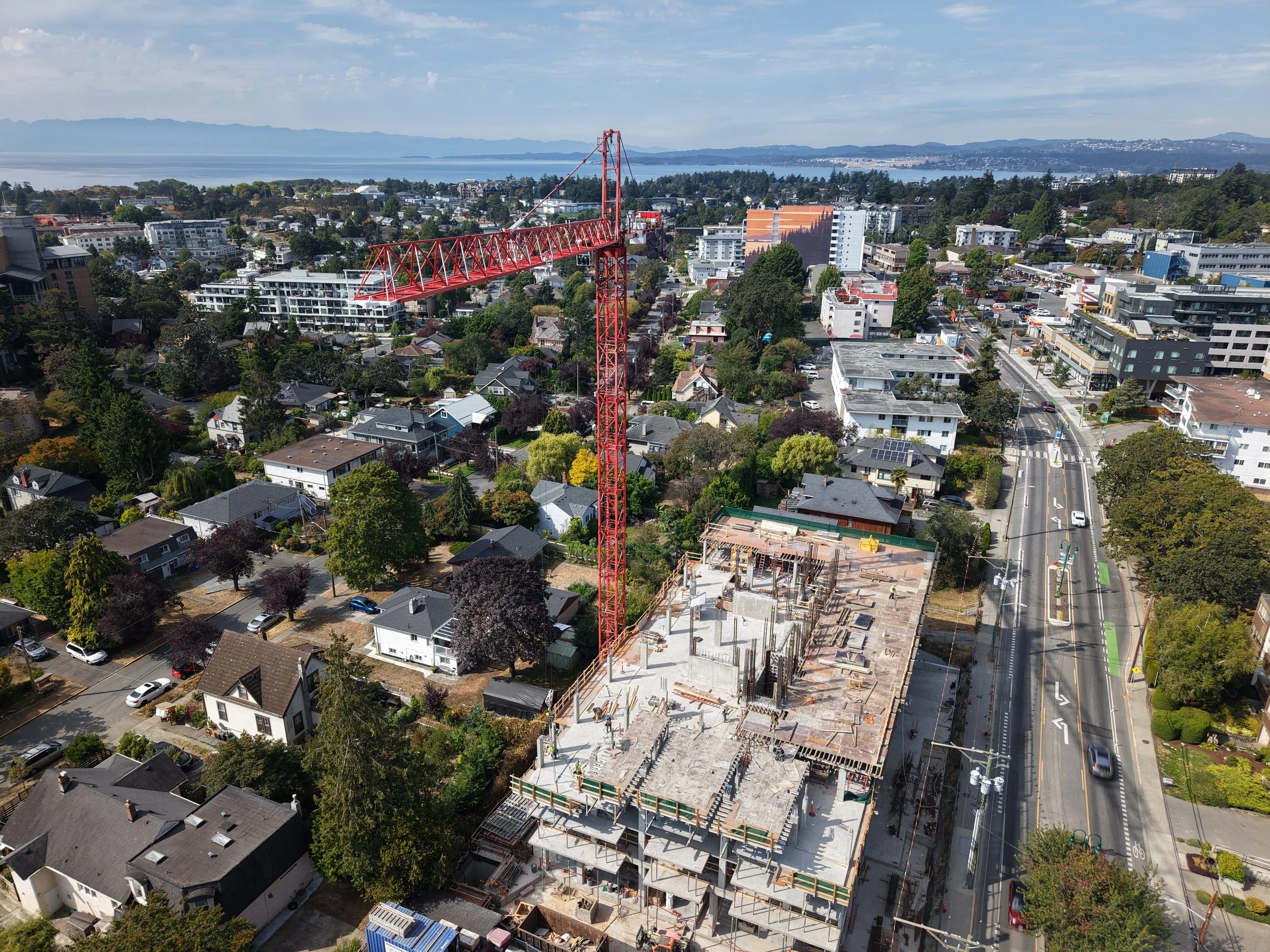
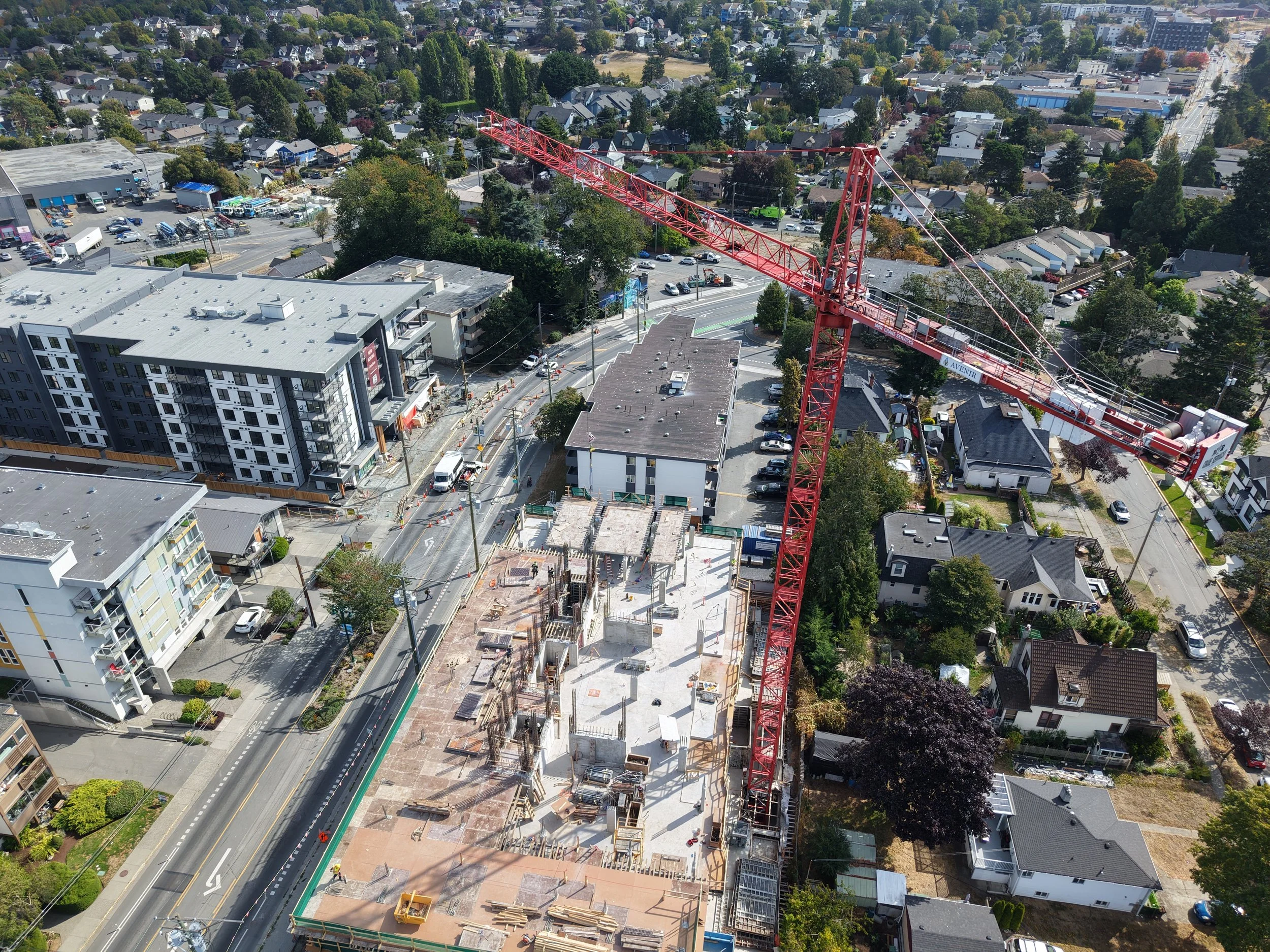
Then you arrive and there’s a crane moving, workers on site, equipment shifting around, traffic nearby, power lines, buildings on every side, and suddenly your nice tidy little flight plan has become more of a suggestion.
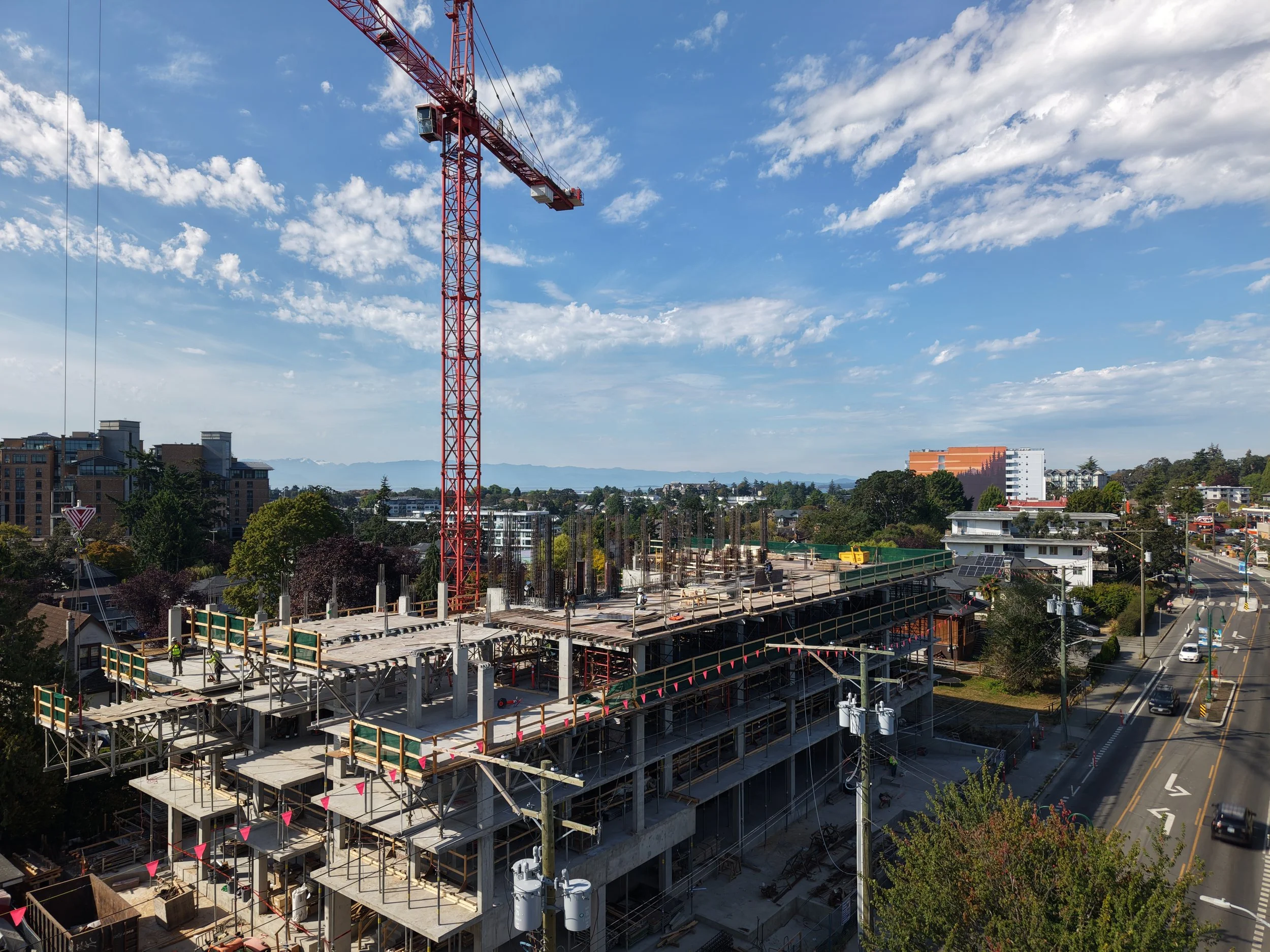
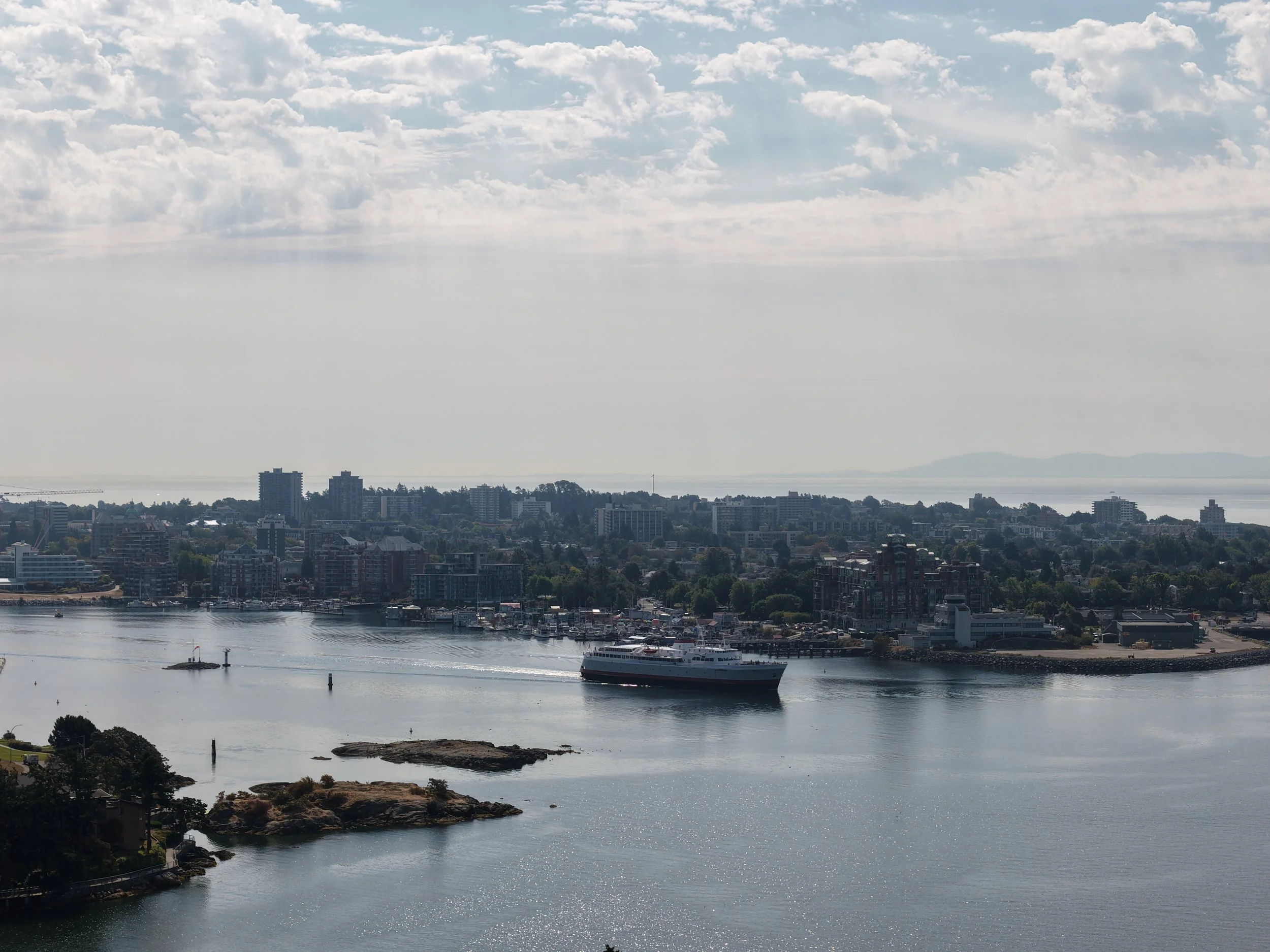
That was pretty much the reality on a recent shoot for The Horizon, a new development in Victoria.
The job was a good example of what construction drone photography can actually involve, and why it’s a little different from showing up at the beach, sending the drone up, and chasing nice light.
Vancouver Island Drones provides construction progress photography and aerial documentation for projects throughout Greater Victoria, including repeat visits, consistent viewpoints, site overviews and marketing imagery.
The Goal Wasn’t Just “Take Some Drone Photos”
For this project, the developer needed more than a handful of pretty aerial shots.
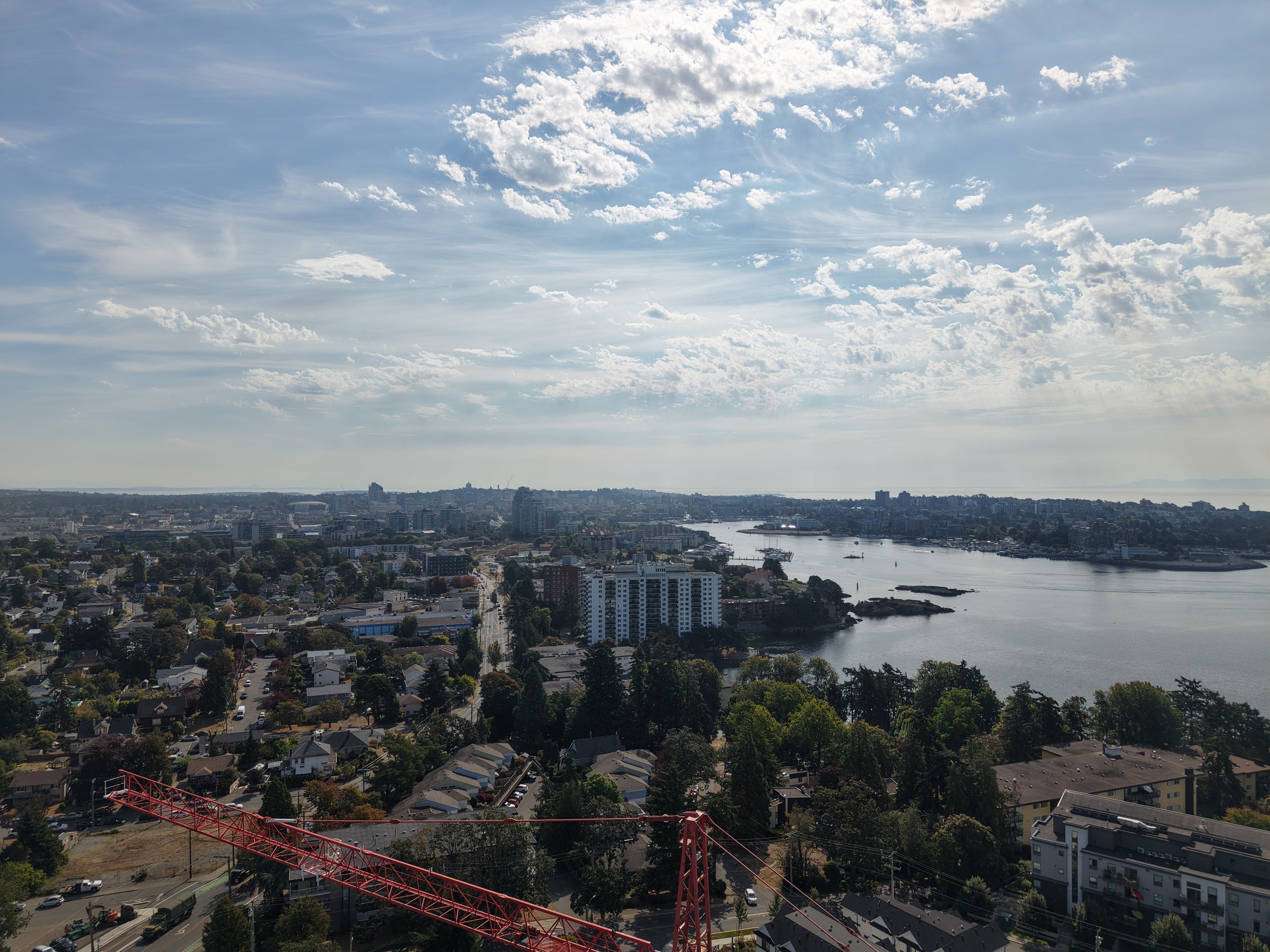
Part of the job was capturing representative views from different future floor elevations so the images could be used for marketing and rendering work.
That meant flying the site at multiple heights and photographing the surrounding views from different sides of the building.
On paper, that sounds wonderfully organized.
6 Levels
Nice and neat.
Reality, as usual, had other ideas.
The building was still under construction, the site was tight, and there was a lot of crane activity happening while we were there. So the job became less about blindly following a spreadsheet and more about adapting safely while still getting the images the client actually needed.
Construction Sites Are Busy Places
This is probably the biggest difference between construction drone work and a lot of regular aerial photography.
You’re not operating in an empty field.
You may be dealing with:
cranes
workers
lifts
vehicles
power lines
nearby buildings
traffic
changing site access
restricted launch areas
controlled airspace
and whatever else decides to happen that morning
The drone is only one small part of the operation.
For The Horizon shoot, there were active crane lifts happening while we were flying, so there were times when the correct decision was simply to wait, reposition, or change the shot.
There is no photograph worth getting stupid over.
Future-View Photography Is an Interesting One
One of the more unusual parts of this project was photographing views from floors that do not exist yet.
The idea is pretty straightforward: place the drone approximately where a future balcony, window, or residential floor will eventually be and photograph what the view will look like.
Developers can then use those images for sales material, presentations, rendering reference, or internal planning.
It’s also one of those jobs where you learn something pretty quickly:
Three metres sounds like a lot until you look at the photographs.
When the main subjects are mountains, ocean, skyline, or distant neighbourhoods, moving the drone up one storey does not necessarily transform the view.
Sometimes Floor 6 and Floor 7 look remarkably similar.
The bigger changes tend to happen when you start clearing nearby rooftops, trees, or buildings.
On this particular site, some of the surrounding views became much more interesting as we reached the upper floors.
That is useful information in itself.
Drone Photography for Construction Progress
Future-view photography is only one use for drones on a construction project.
Regular aerial photography can also be useful for:
Construction progress
A consistent aerial view makes it much easier to document how a project changes over time.
That can mean monthly photographs, milestone visits, or simply occasional updates when something significant happens.
Site documentation
Sometimes the goal is not glamorous at all.
You just need a clear visual record of the site from above.
And honestly, those are often some of the most useful photographs.
Developer and investor updates
Aerial images can show the overall scale of a project much better than ground photography alone.
They’re useful for presentations, internal updates, websites, social media, and stakeholder communication.
Marketing content
Construction sites may not always be beautiful, but they tell a story.
A crane working over a new development, concrete being poured, floors rising, or a building beginning to take shape can make excellent marketing material when photographed properly.
Commercial property photography
Once construction is finished, aerial photography can show access, surrounding neighbourhoods, nearby amenities, waterfront, roads, parking, and the relationship between the property and the area around it.
The Pretty Shots Still Matter
Even on a technical or documentation-heavy job, we still try to come home with something that looks good.
Because eventually somebody is going to want a website banner.
Or an Instagram post.
Or a brochure.
Or a photograph that doesn’t look like it belongs in an engineering report from 1997.
For The Horizon, once the required views were captured, we also spent some time looking for broader aerial images of the project, the surrounding neighbourhood, Victoria, the water, and the skyline.
That combination is usually the sweet spot:
Get the practical shots first. Then get the ones people actually want to look at.
Construction Drone Photography Takes a Bit More Planning
Every site is different.
Some are easy.
Some definitely are not.
Before a commercial construction flight, we look at things like:
the location
surrounding airspace
nearby obstacles
site access
launch and landing areas
people and equipment
weather
flight restrictions
NAV CANADA requirements where applicable
and what the client actually wants delivered
Vancouver Island Drones is Transport Canada Advanced-certified and insured, and commercial flights are planned around the real conditions on site.
Sometimes the original plan works perfectly.
Sometimes you arrive, look around, and think:
Well. This is going to be interesting.
That’s part of it.
Need Construction Drone Photography in Victoria?
Vancouver Island Drones provides aerial photography and video for construction projects, developments, commercial properties, job sites, and businesses throughout Greater Victoria and Vancouver Island.
That can include:
construction progress photography
future-view photography
development marketing images
commercial aerial photography
site documentation
raw aerial photos and video
organized project imagery
promotional video and photography
Every construction project is different, so pricing depends on the site, the scope, and what you actually need captured.
If you have a project in Victoria or elsewhere on Vancouver Island, send me the location and a quick explanation of what you’re trying to capture.
I’ll tell you what makes sense.
Ryan
ryan@vancouverislanddrones.ca
Related Reads
Construction Drone Photography in Victoria: Simple Progress Photos From Above
How repeat aerial photos can help document a project over time, show progress clearly, and give owners, contractors, and developers a useful visual record from above.
Hiring a Drone Pilot in Victoria, BC — What It Costs and What You Get
Straightforward pricing, what’s included, and what the process looks like if you need aerial photos, video, inspections, or a better look at something from above.
Drone Photography in Victoria, BC
A simple overview of the kinds of commercial and local drone work we take on around Greater Victoria, from businesses and properties to projects and job sites.


Vancouver Island Mornings Before the World Wakes Up
There was a time when Vancouver Island Drones had a little motto:
We get up early so you don’t have to.
It was meant to be cheeky.
Turns out it was also just an accurate description of my inability to sleep past 5:30 in the morning.
At this point I’m not sure whether I’m a dedicated sunrise photographer or simply an aging man whose body has decided that sleeping in is for the weak.
Either way, the routine is pretty much the same.
Wake up stupid early.
Stumble toward coffee.
Look outside.
Realize the sky might actually do something interesting.
Throw the drone in the truck.
Head for the ocean before I can talk myself out of it.
And honestly, some of my favourite Vancouver Island moments happen in that little window before everyone else wakes up.
Not because I’m accomplishing anything particularly important.
Quite the opposite.
Nobody needs another photo of Esquimalt Lagoon at sunrise.
The Pacific Ocean was doing perfectly fine before I showed up with three batteries and a coffee.
But there’s something about those mornings that keeps pulling me back.
The roads are quiet.
The beaches are empty.
The water occasionally goes completely glassy.
The mountains start appearing out of the darkness.
And for maybe half an hour, Vancouver Island feels like it belongs entirely to whichever other lunatics decided being awake before sunrise was a good idea.
Most mornings, it’s just me standing beside the truck with a coffee getting cold faster than I can drink it.
The drone goes up.
I take a few photos.
Shoot some video.
Move fifty feet because apparently this piece of driftwood is dramatically better than the last piece of driftwood.
And generally wander around the shoreline pretending this is all very serious professional aerial photography.
It isn’t.
Mostly, I just like being there.
Because eventually I have to go home.
The five-year-old wakes up.
The house gets loud.
Breakfast becomes a negotiation.
Someone can’t find something that is directly in front of them.
There are places to go, things to do, jobs to think about, emails to answer and all the usual background noise of being a supposedly functioning adult.
I love that part of life too.
But I also really love the little bit before it.
That quiet stretch where it’s just coffee, salt air and whatever Vancouver Island decides to do with the sky that morning.
Sometimes the sunrise is ridiculous.
Sometimes nothing happens.
Sometimes I drive all the way down there to photograph a grey cloud sitting on top of another grey cloud.
That’s Vancouver Island.
You take your chances.
But every once in a while, everything lines up.
The water catches the colour.
The coastline lights up.
The Olympic Mountains show themselves.
A lighthouse lands exactly where you want it in the frame.
And you get one of those mornings where you look at the screen and think:
Well, shit. That was worth getting out of bed for.
The video below is about 30 seconds of exactly that.
A few recent mornings.
A few different pieces of coastline.
No grand story.
No cinematic documentary about the emotional journey of a middle-aged man with a drone.
Just Vancouver Island showing off before breakfast.
And the last shot is probably my favourite.
Drone packed away, sunrise still glowing, Yukon heading down Ocean Boulevard.
Because eventually you have to leave.
The coffee is empty.
The rest of the world is waking up.
And somewhere at home, a five-year-old is probably preparing to ask seventeen questions before I get through the front door.
So yeah.
Maybe we get up early so you don’t have to still works.
Although these days it might be more accurate to say:
I’m awake anyway. Might as well bring the drone.
Related Reads
Drone Accessories I Actually Recommend in Canada
You do not need 47 drone accessories. Just the practical stuff that keeps you flying longer, protects your gear, and saves you from ruining a flight before it even starts.
Hiring a Drone Pilot in Victoria, BC — What It Costs and What You Get
Straightforward pricing, what’s included, and what the process looks like if you need aerial photos, video, inspections, or a better look at something from above.
DJI Neo 2 Review: The Best First Drone for Kids, Creators, and Wannabe Jedi
Why the Neo 2 is still one of the easiest drones to recommend for families, kids, creators, and anyone who wants a drone that actually gets used.
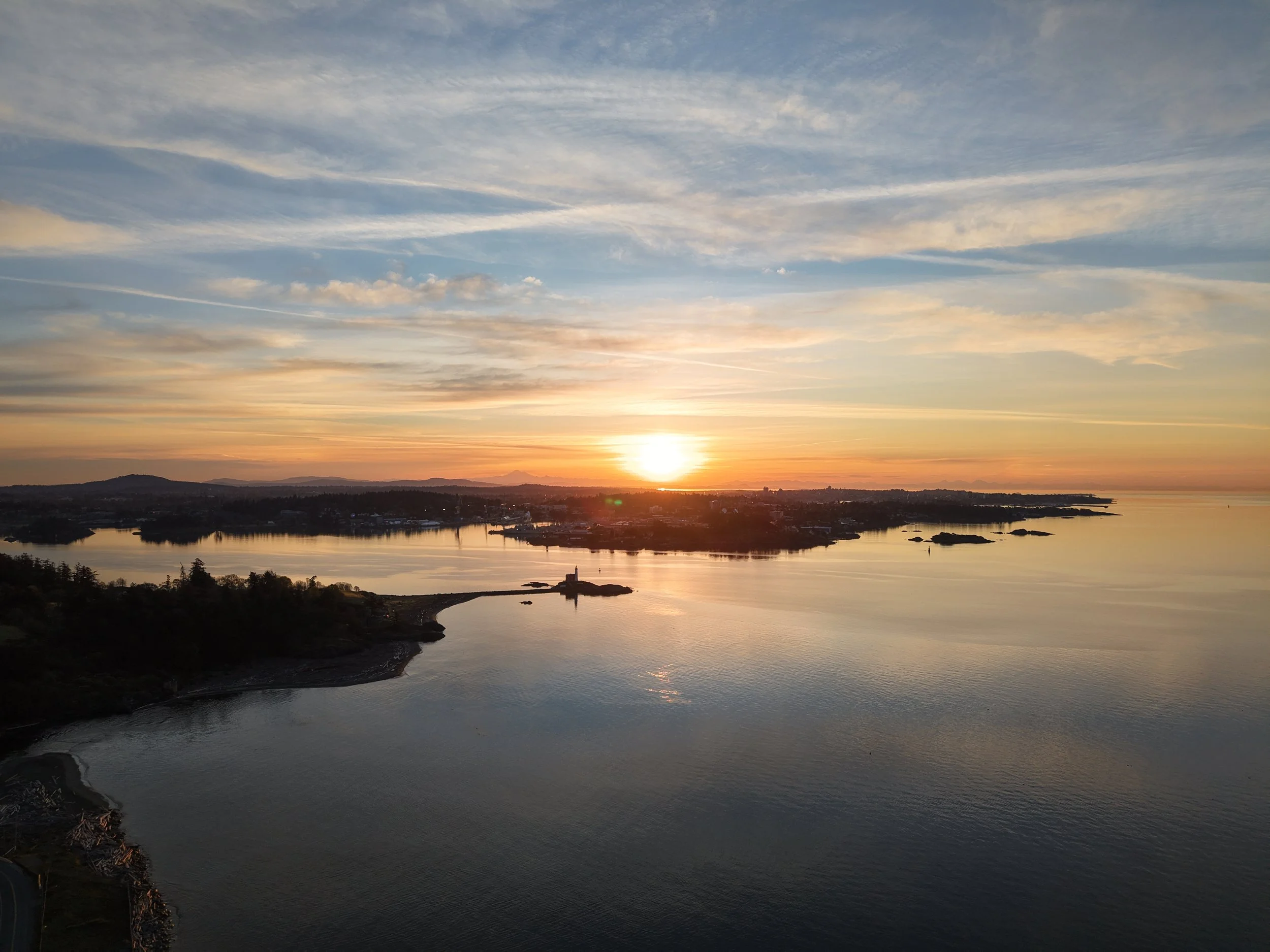
DJI Air 3S ActiveTrack Test at Esquimalt Lagoon
Some mornings start with coffee.
Some mornings start with coffee, a drone, an old Yukon, and me convincing myself that playing with ActiveTrack at the beach counts as productive business development.
This was one of those mornings.
I took the DJI Air 3S down to Esquimalt Lagoon to spend a bit more time testing ActiveTrack. This was only my second proper attempt using it with the Yukon, and it went a lot better than the first round. Like most drone features, it is one thing to read about it, and another thing to actually use it in the real world with roads, trees, wind, glare, changing light, and a moving vehicle.
And on this one, Vancouver Island did most of the hard work for me.
Ocean Boulevard is an unbelievable stretch of road. You have Esquimalt Lagoon on one side, the actual ocean on the other, and on a clear morning you’re looking across the water toward Washington and the Olympic Mountains. Across the lagoon, you can see Royal Roads University and Hatley Castle — the castle used as the X-Men school in the movies.
So yes, this was technically a DJI Air 3S ActiveTrack test.
It was also an excuse to point a drone at one of the most ridiculous places I know, five minutes from home.
Testing ActiveTrack With the DJI Air 3S
For this flight, the goal was simple: get the Air 3S tracking the Yukon along Ocean Boulevard and see how cleanly it could hold the shot.
Nothing fancy. No huge production. Just a real-world ActiveTrack test on a coastal road at sunrise.
The DJI Air 3S handled it really well. The tracking felt smoother this time, the framing was better, and I was a lot more comfortable letting the drone do its thing while I focused on the overall shot.
That is usually how it goes with drone features. The first time, you are half impressed and half suspicious. The second time, you start to trust it a little more. Not blindly, obviously. It is still a drone, not a magical flying intern. But when it works, it really does open up some cool options.
For vehicle shots, ActiveTrack is especially useful. It lets you get movement without needing a second camera operator, and it gives the footage a bit more life than a static aerial shot. The Yukon rolling along the lagoon road, with the water, sunrise, and Olympic Mountains in the background, just works.
The old truck did old truck things.
The drone did drone things.
Vancouver Island showed off.
Sunrise Was Definitely on Our Side
The light was the real win on this one.
Golden hour was good to us. The tones in the footage are exactly the kind of thing I love about shooting early: soft light, warm colour, calm water, long shadows, and that slightly moody West Coast look that makes everything feel better than it probably should.
This is also where the Air 3S really shines for me.
I absolutely love this drone. The dual-camera setup is hard to beat, especially when you are shooting around beaches, roads, buildings, and landscape. Having that flexibility makes a big difference. You can capture the wider scene, but you can also compress the shot a bit and make things feel more cinematic without having to fly right on top of everything.
For Vancouver Island, that matters.
A lot of what I shoot is coastline, water, beaches, boats, buildings, roads, and familiar local places. The Air 3S gives me options without making the setup feel complicated.
Coastal Wind Is Always Part of the Deal
One thing people do not always think about with drone footage around Vancouver Island is the wind.
The beach might look calm in a video, but coastal breezes are almost always part of the job. Even on a nice morning, you can have wind coming off the water, little gusts around trees, and changing conditions as the sun comes up.
The Air 3S seems to handle that really well.
That is one of the reasons I have been so happy with it. It feels stable, confident, and predictable in the kind of conditions I actually fly in. I am not usually shooting in perfect empty fields with no wind and no obstacles. I am shooting around roads, beaches, water, buildings, trees, and real Vancouver Island weather.
The Air 3S has been a rock star for that.
Gear Test or Excuse to Go to the Beach?
Yes.
This was technically an ActiveTrack test.
It was also absolutely an excuse to grab a coffee, get down to the beach, and shoot the Yukon rolling through one of my favourite local spots.
That is probably the sweet spot for me with Vancouver Island Drones. The gear matters, and I enjoy testing it properly, but the point is still the shot. The place. The light. The feeling of seeing somewhere familiar from a slightly different angle.
This clip gave me all of that.
A good ActiveTrack test.
A gorgeous sunrise.
A few really cool shots from a place I never seem to get tired of.
And another reminder that sometimes the best drone location is not some far-off destination.
Sometimes it is five minutes from home, beside the water, with a coffee in hand and a drone battery that probably should have been charged earlier.
Gear Used for This Flight
This was filmed with my DJI Air 3S, which has become my main drone for Vancouver Island Drones. The dual-camera setup, stability in coastal wind, and overall image quality are why I keep reaching for it.
DJI Air 3S: https://click.dji.com/AI3d1lbuTJjMKAbbBXuz0w?pm=link
Hoodman drone launching pad: https://link.amazon/B0jieu8lU
As an Amazon Associate I earn from qualifying purchases.
Related Reads
Living With the DJI Air 3S on Vancouver Island
Why the Air 3S has become my go-to drone for coastal mornings, local shoots, and windy West Coast flying.
DJI Neo 2 After One Month — Insane Value, Easy to Use, and Surprisingly Tough
The little drone that keeps getting used around here — beaches, kids, quick flights, and all the chaos that comes with it.
Vancouver Island From Above: A Few Favourite Coastal Flights
A few favourite aerial moments from beaches, lagoons, shorelines, and Vancouver Island doing most of the hard work.
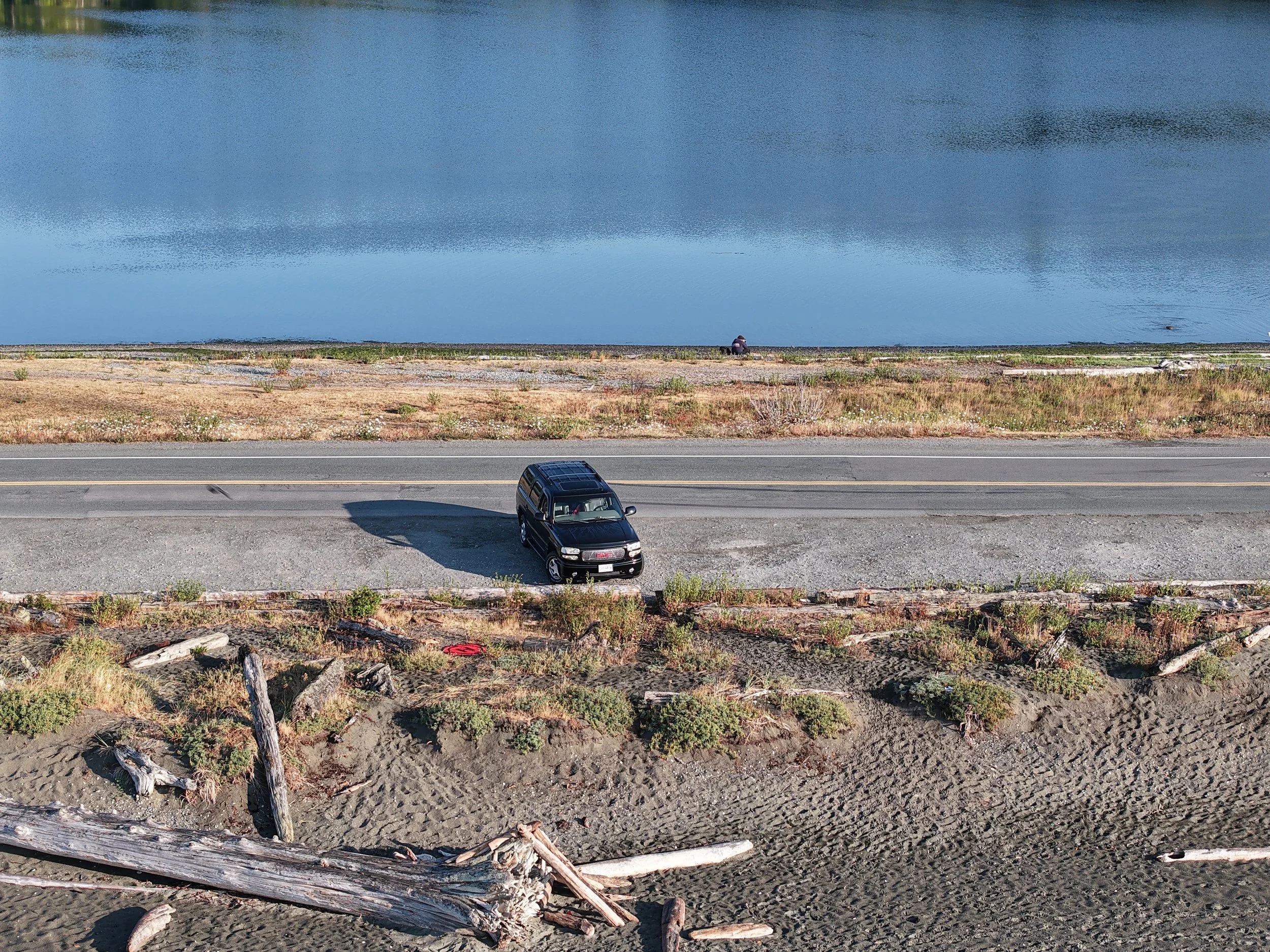
Searles Auto Repair From Above
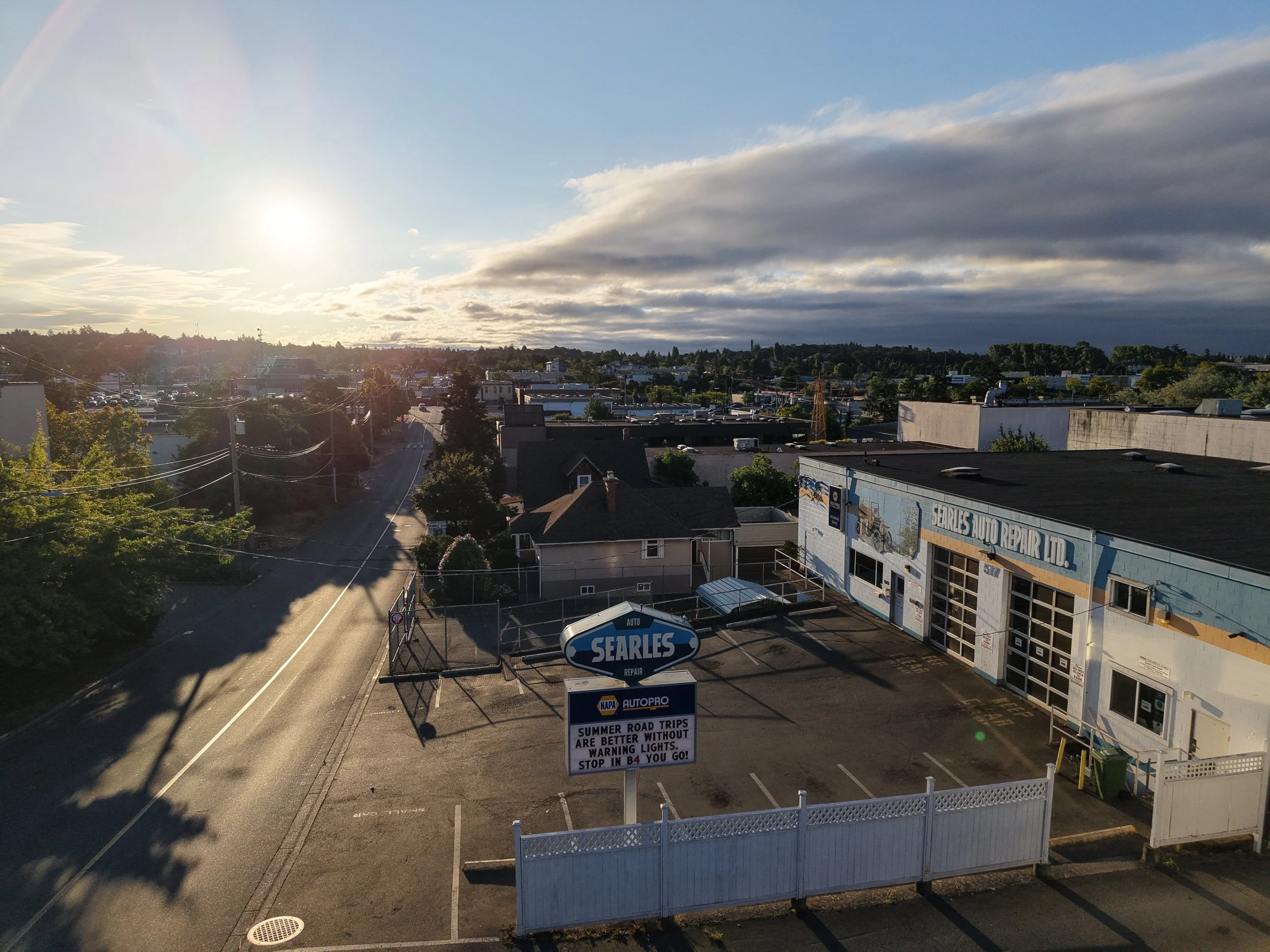


I’ve known Chris at Searles Auto Repair since the mid-2000s, so this was a nice one to capture.
Searles is one of those long-standing Victoria automotive shops that a lot of people already know. They’ve been operating from the same area for years, and if you’ve spent much time around Victoria’s car world, there’s a good chance the name is familiar.
This was a quick early-morning aerial shoot on a moody, windy day. The weather was moving around a bit, but sunrise ended up being good to us. The low light hit the building nicely, the clouds added some drama, and the blue shop frontage stood out really well from above.
One of the things aerial photos do well is give people a better sense of where a business actually sits. From the street, you see the sign and the front of the shop. From the air, you get the bigger picture: the building, the lot, the surrounding streets, and the nearby landmarks.
With Searles, that context matters. The shop sits in a busy, familiar part of Victoria, not far from the Mayfair Mall area, tucked into that mix of automotive businesses, commercial buildings, older neighbourhood streets, and newer development. From above, you can see how it fits into that part of town.
These photos are not meant to overcomplicate anything. They simply show Searles Auto Repair from a different angle — the building, the signage, the property, and the location.
Sometimes that is exactly what a local business needs: a few clean, current images that show where they are and give people a better feel for the place.
Thanks to Chris and the team at Searles for letting Vancouver Island Drones grab a few shots from above.
Great people, great shop, and a familiar Victoria automotive name worth showing from the air.
Looking at Speedy Auto Service From a Different Angle
After spending nearly 20 years in the automotive industry, I've been fortunate enough to get to know a lot of great people around Greater Victoria. One of the perks of running Vancouver Island Drones is getting the chance to combine that automotive background with drone photography and work with local shops I already know and respect.
Recently, I headed over to Speedy Auto Service on Douglas Street to capture some updated aerial photos for Chris and the team. I'm a fan of Chris and the guys there. They're friendly, easy to deal with, and genuinely care about looking after their customers. It's always nice when a business is run by people you'd happily recommend to friends and family.
From street level, Speedy blends into one of Victoria's busiest commercial corridors. You see the storefront, the signs, and the steady flow of traffic on Douglas Street. Once the drone goes up, though, you get a completely different perspective.
What really stood out was the size of the property and the shop itself. From above, you can appreciate the layout, the parking area, the service bays, and just how much is happening on the site—something that's easy to miss when you're driving by at 50 km/h.
That's one of the things I enjoy most about commercial drone photography. It isn't just about taking a picture from higher up. It's about showing a business in a way customers have probably never seen before. Whether it's for a website, Google Business Profile, social media, or marketing material, aerial photography adds a perspective that simply isn't possible from the ground.
Thanks again to Chris and everyone at Speedy Auto Service for having me out. It was great catching up and putting the drone to work for another local automotive business.
If you're a business owner in Greater Victoria and you've ever wondered what your property looks like from above, I'd be happy to show you. Sometimes all it takes is a different perspective.

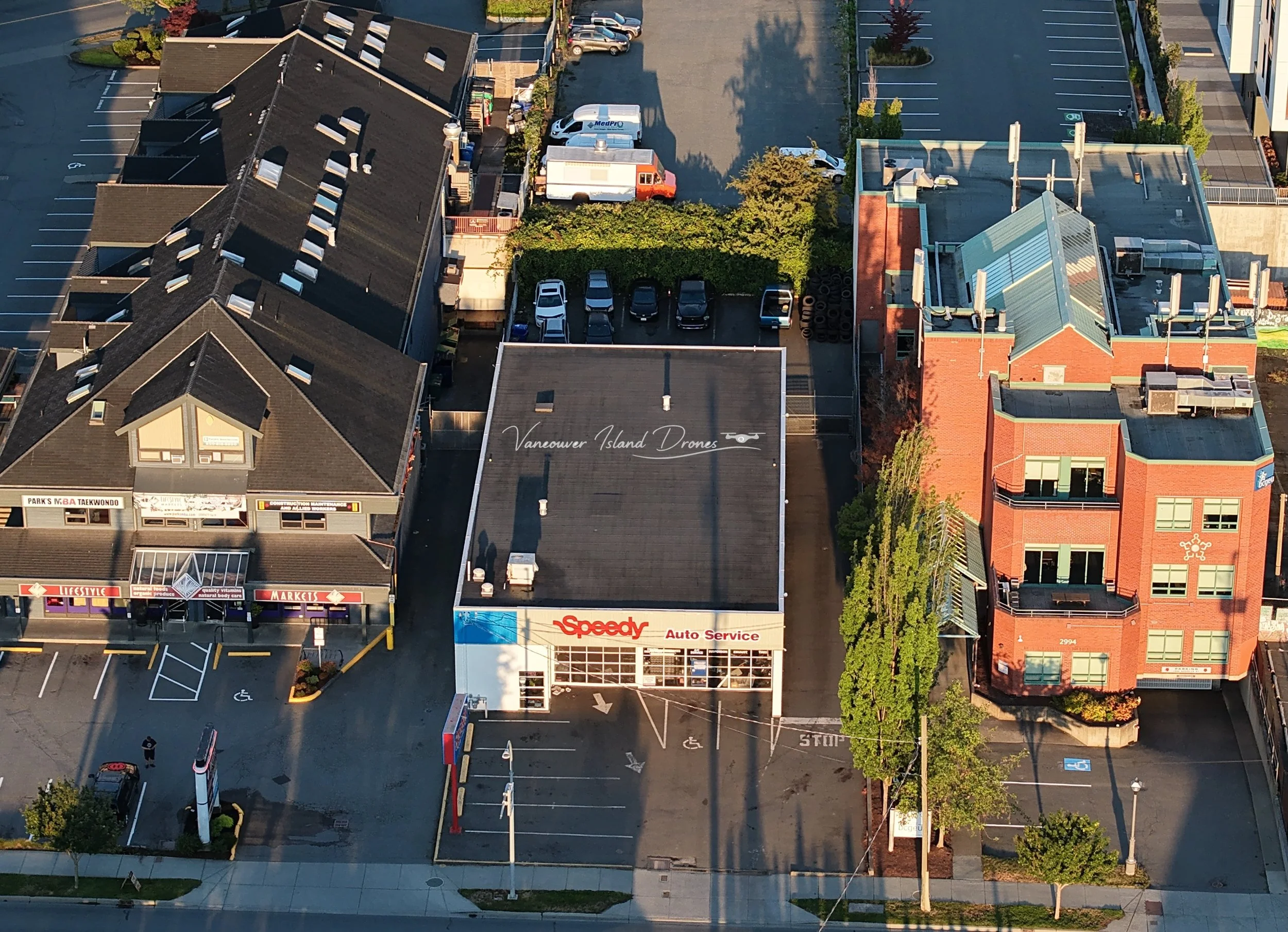
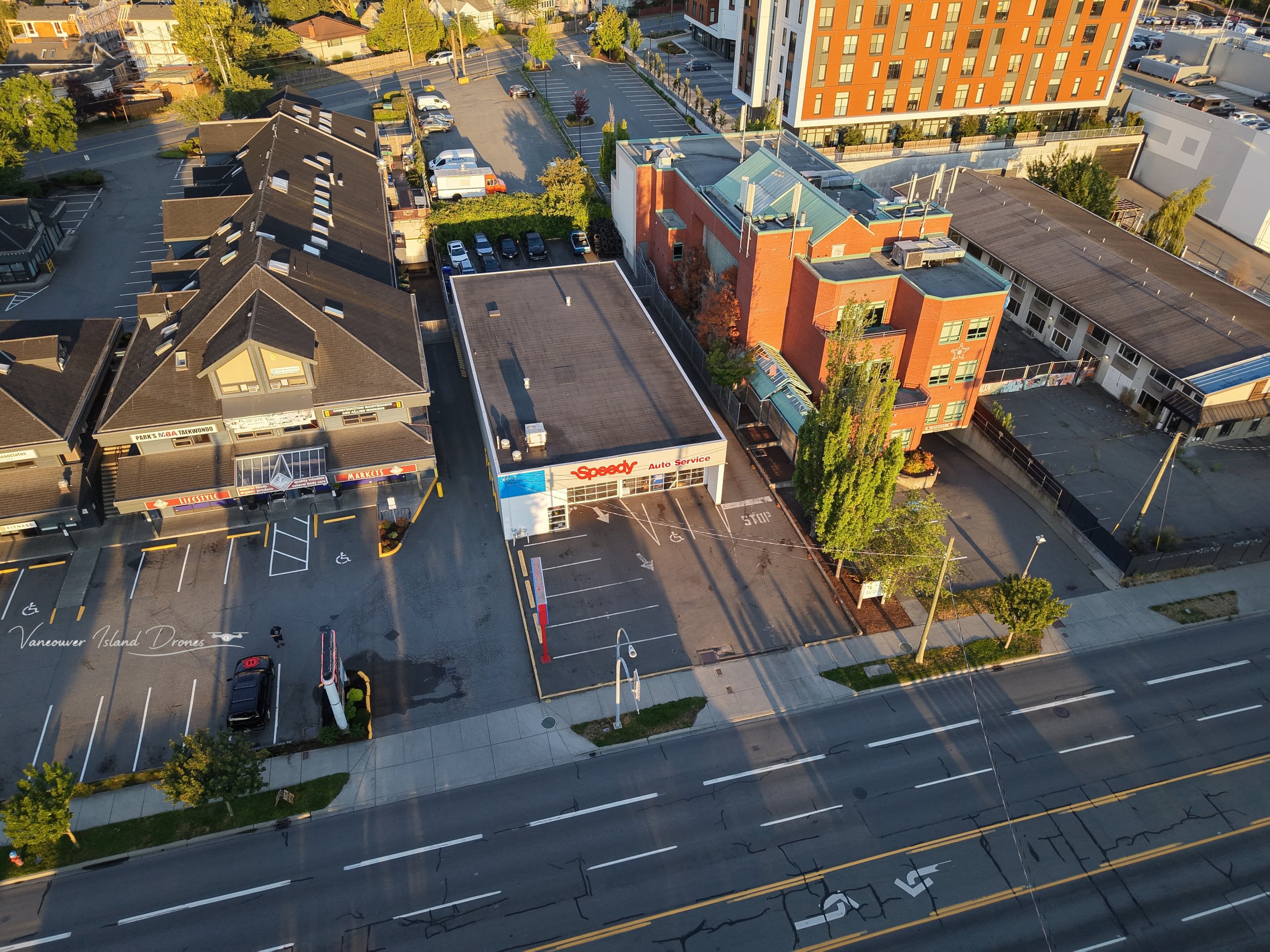
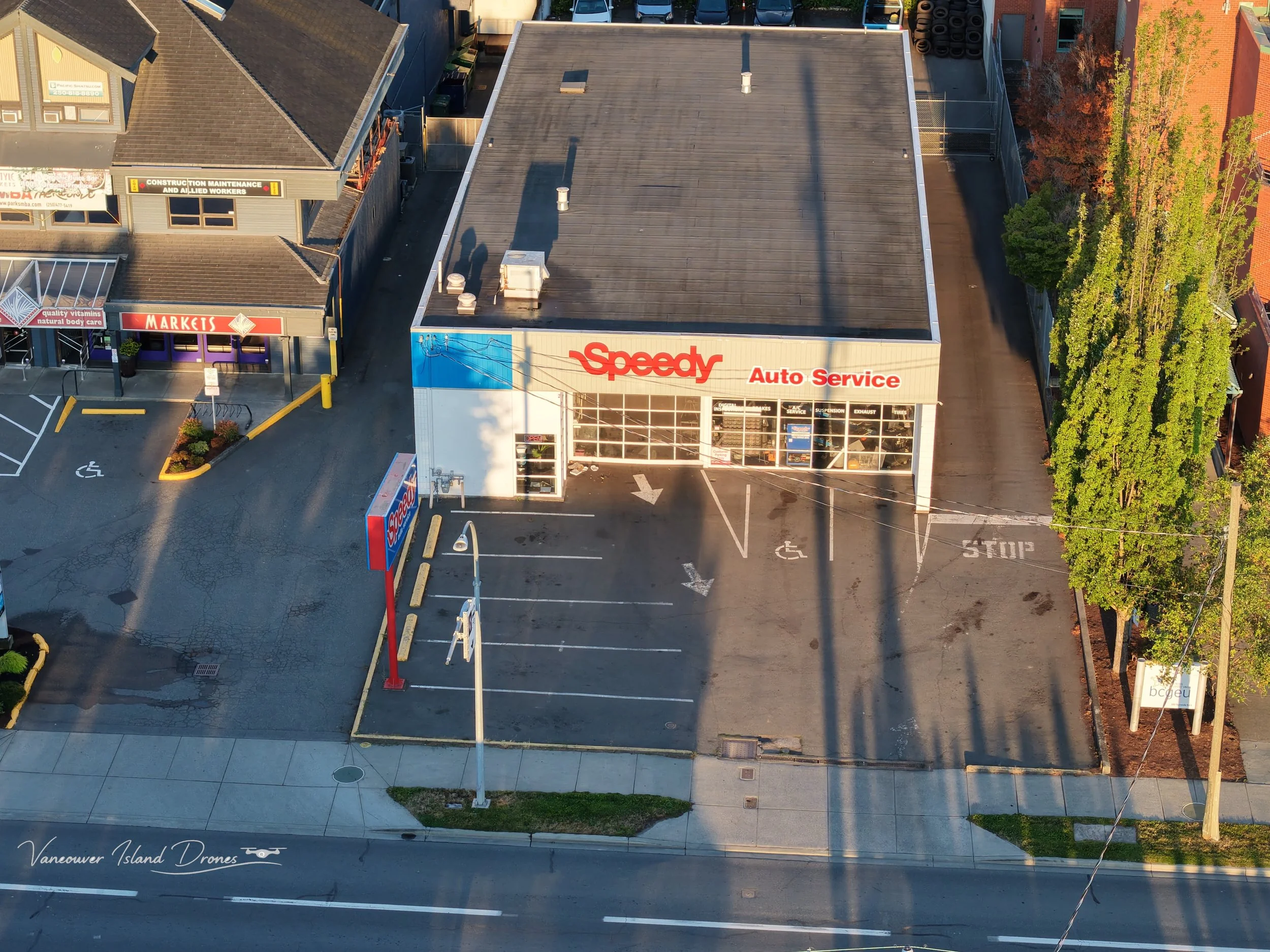



DJI Neo 2 vs Lito 1 vs Lito X1: Which One Should You Buy First?
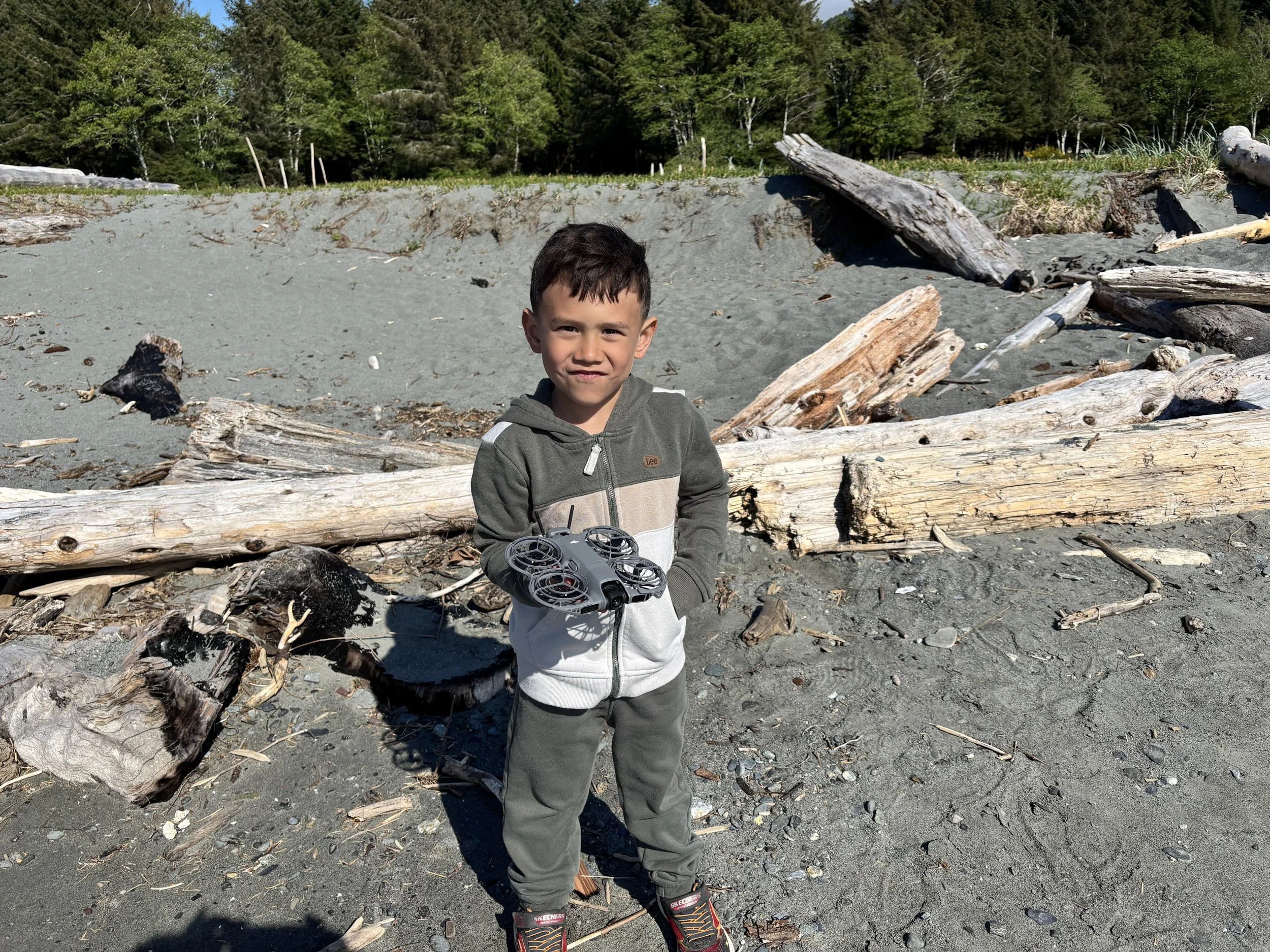
Blake holding his DJI Neo 2
Buying your first drone used to be easier.
You bought a Mini, tried not to crash it into a cedar tree, took some beach photos, and then immediately started pretending you were a very normal person who definitely wasn’t comparing camera sensors at midnight.
Then DJI made things weird again.
Now the “first drone” conversation has three very different answers:
And the annoying part is that none of them are really wrong.
They just make sense for different people.
The Neo 2 is the fun one. The easy one. The little follow-me drone that actually gets used because it does not turn every quick video idea into a full NASA launch sequence.
The Lito 1 is the first proper camera drone. Controller in your hands, real flying, real framing, real practice, real “okay, maybe I should learn how not to hit that tree” energy.
The Lito X1 is the stronger long-term choice. Better features, better camera options, better sensing, built-in storage, and fewer obvious reasons to upgrade six months later while pretending you’re “just doing research.”
So the simple answer is this:
If you want the easiest drone to actually use, buy the DJI Neo 2.
If you want to learn how to fly a proper camera drone, buy the DJI Lito 1.
If you want the one you’re least likely to outgrow, buy the DJI Lito X1.
There. Done.
Unfortunately, I have more thoughts.
DJI Neo 2: The Fun One You’ll Actually Use
I’ll admit my bias right away.
I love the Neo 2.
My son has one, which means I get to “help” with it sometimes. Very noble stuff. Pure parenting. Definitely not Dad stealing turns with the tiny flying robot.
The Neo 2 is not really a normal camera drone.
It is more like an eager little flying Labrador retriever.
You let it out, it gets excited, follows you around, tries its best, occasionally does something dumb, and somehow you love it more because of it.
That’s the Neo 2.
It is not asking you to pull out a controller, wait for satellites, check 14 settings, think about your whole life, and turn a quick clip into a full pre-flight ceremony.
You grab it.
Press a button.
Launch it from your hand.
Let it follow you.
That is the magic.
For family clips, biking, walking, hiking, kid chaos, social media, travel, and general “let’s just get this without overthinking it” moments, the Neo 2 makes a ton of sense.
It removes friction.
And friction is what kills drone use.
A lot of people buy a better drone and then leave it at home because it feels like a production. Bag, controller, batteries, props, phone, settings, SD card, airspace check, tiny little launch ritual, maybe a reflective vest if you’re feeling spicy.
The Neo 2 skips most of that.
It’s the drone you actually bring.
And for a first drone, that matters more than people think.
If you’re curious where the price is sitting right now, check the current DJI Neo 2 pricing on Amazon here.
The Neo 2 Is Not Just a Toy
The danger with the Neo 2 is that people see the size, the prop guards, the palm launch, and assume it is just a toy.
It is not.
It is toy-adjacent in the best possible way, but it is not just a toy.
You still get 4K video, subject tracking, palm takeoff and landing, gesture control, prop guards, and enough DJI Jedi wizardry to make it feel like you’re using the Force.
It is also forgiving.
That matters if you’re learning.
It matters if kids are involved.
It matters if you are the kind of adult who says “I’ll be careful” and then immediately flies into a shrub because your brain briefly forgot how directions work.
The prop guards are a big deal. They make the drone feel less intimidating. You still need to fly responsibly, obviously, but there is a huge difference between a protected little follow-me drone and a spinning sky blender with confidence issues.
That is why I like the Neo 2 so much as a first drone.
It gives people an easy way in.
No big learning curve.
No giant setup.
No “I spent all this money and now I’m scared to fly it.”
Just launch the thing and have some fun.
Where the Neo 2 Falls Short
The Neo 2 is great, but let’s not pretend it is magic.
It is small.
It is light.
And Vancouver Island wind will bully it.
This is not the drone I would choose for serious aerial photos, coastal landscape work, bigger site shots, or anything where I need clean, stable footage in less-than-perfect conditions.
It lives best low and close.
Following people.
Capturing movement.
Getting the shot you probably wouldn’t bother setting up with a bigger drone.
That’s its lane.
If you want to learn real drone flying, frame proper aerial photos, or get more serious about video, the Neo 2 may not be enough on its own.
But if you want the drone you’ll actually use all the time?
The Neo 2 is hard to beat.
DJI Lito 1: The First Real Drone
The Lito 1 is a completely different idea.
This is where you move from “tiny flying camera that follows me around” into “I am actually flying a drone.”
Controller in your hands.
More stable.
More intentional.
More traditional.
This is the first proper camera drone of the three.
The Lito 1 makes sense if you want to learn real drone flying: framing shots, controlling movement, thinking about height, distance, light, composition, smooth turns, and how not to panic when the drone is farther away than your driveway.
That is a different experience from the Neo 2.
The Neo 2 is easier.
The Lito 1 teaches you more.
And for a lot of people, that is exactly the point.
You’re not just launching it and letting it chase you. You’re learning how to fly, how to shoot, and how to make decisions while the drone is in the air.
That matters if you eventually want better photos, smoother video, or more control over what you’re creating.
If that sounds more like what you’re after, check the latest DJI Lito 1 pricing and bundles on Amazon
The Lito 1 Feels Like the New First Camera Drone
The Lito 1 feels like the drone stepping into the old “first real DJI drone” role.
That used to be the Mini line for a lot of people.
Small, capable, easy to bring, and not so expensive that you had to sit quietly and explain yourself to your spouse.
But DJI’s lineup has shifted.
The Lito 1 gives you a proper folding camera drone with strong features, active tracking, obstacle sensing, solid battery life, and enough image quality for most normal people getting started.
It is not the flashiest option.
It is not the “buy once, cry once” option.
It is the sensible middle.
And honestly, there is nothing wrong with that.
If you want to learn on a normal drone without jumping straight into the more expensive choice, the Lito 1 makes sense.
It gives you the real drone experience without immediately turning your bank account into a smoking hole in the ground.
Beautiful stuff.
Why the Lito 1 Makes Sense for Learning
If your goal is to actually learn drone flying, the Lito 1 has a big advantage over the Neo 2.
It makes you fly.
That sounds obvious, but it matters.
With the Neo 2, a lot of the magic is that it does the work for you. That is great for quick clips and follow-me shots, but it does not teach you as much about smooth movement, framing, distance, or camera control.
The Lito 1 does.
You’ll learn how to take off and hover properly.
You’ll learn how the drone behaves at different distances.
You’ll learn how to frame a shot instead of just hoping tracking does something cool.
You’ll learn how to move slowly, which is somehow one of the hardest things for new drone pilots to understand.
Everyone wants to zoom around at first.
Then you watch the footage back and realize it looks like the drone drank three energy drinks and got into a fight with the horizon.
A proper camera drone teaches patience.
The Lito 1 gives you that without forcing you into full expensive-drone territory right away.
DJI Lito X1: The One You’re Least Likely to Outgrow
Then there’s the Lito X1.
This is the one that looks at the Lito 1 and says, “That’s cute. Now let’s make poor financial choices sound responsible.”
The Lito X1 is the strongest drone in this little group.
Better camera options.
Better video features.
Better sensing.
Forward-facing LiDAR.
Internal storage.
More room to grow.
It is still small and easy to live with, but it gives you fewer obvious reasons to upgrade six months later while pretending you’re “just doing research.”
That is the dangerous part.
The Lito 1 is probably enough for a lot of people.
The Lito X1 is the one you buy when you already know “enough” is a lie.
And if you have spent any time around DJI products, you know exactly how this works.
First you buy the fun one.
Then you buy the better one.
Then suddenly you are comparing wind resistance, log profiles, controller bundles, obstacle sensing, internal storage, and asking whether a larger drone is technically a business expense.
Welcome to DJI Addiction Anonymous.
Meetings are at sunrise.
Bring charged batteries.
If you already know you’re going to want the better one, check the current DJI Lito X1 pricing on Amazon before you talk yourself into buying twice.
Internal Storage Is Boring Until It Saves You
I know internal storage does not sound exciting.
It sounds like one of those specs you skim past while looking for camera numbers.
But built-in storage is one of those features that becomes beautiful the first time it saves your ass.
Because one day, you will forget an SD card.
You will.
You’ll wake up early, grab coffee, drive somewhere gorgeous, unfold the drone, feel like you’re finally becoming a responsible adult, and then realize the SD card is still sitting in your computer at home.
That is when internal storage goes from “boring spec” to “greatest invention in human history.”
The Lito X1 having built-in storage is exactly that kind of feature.
Not sexy.
Very useful.
And useful matters.
The Lito X1 Is the Safer Long-Term Buy
This is where the Lito X1 starts to pull away.
The Lito 1 may be enough.
But the Lito X1 gives you more room.
Better video options matter if you start caring about editing.
Better sensing matters if you’re flying around trees, buildings, trails, or anything else that wants to ruin your day.
Internal storage matters when you inevitably forget the SD card.
And the better overall feature set means you are less likely to start looking at the next drone immediately.
That is the whole argument for the X1.
It is not that everyone needs it.
They don’t.
It is that the X1 may save certain people from upgrading later.
Which is funny, because that is exactly the kind of thing people say right before spending more money.
But in this case, it might actually be true.
Neo 2 vs Lito 1 vs Lito X1: The Simple Version
The right answer depends on how you’re actually going to use the drone.
If you want the easiest, most fun drone to actually use, get the DJI Neo 2.
It is perfect for families, kids, biking, hiking, quick clips, follow-me footage, social media, and moments where you want to capture something without turning it into a whole production.
If you want your first proper camera drone, get the DJI Lito 1.
It gives you the traditional drone experience. You’ll learn to fly, frame shots, practice smooth movement, and build real skill.
If you want the strongest micro drone of the three, get the DJI Lito X1.
It gives you the better camera setup, better sensing, built-in storage, and fewer reasons to immediately start shopping again.
That’s really the decision.
Fun and frictionless: Neo 2.
First real drone: Lito 1.
Best long-term micro-drone choice: Lito X1.
What I’d Personally Buy
For pure fun, I’d still pick the Neo 2.
No question.
It gets used. It comes with us. It follows my kid around. It gets thrown in a bag. It does the kind of quick, low-effort filming that bigger drones often make too annoying.
But if someone told me they wanted to properly get into drones, learn to fly, and take real aerial photos and video, I’d point them toward the Lito 1 or Lito X1.
And if the budget allows, I’d probably lean Lito X1.
Not because the Lito 1 is bad.
It’s not.
But the X1 feels like the safer long-term buy. It has more room to grow, more useful features, and fewer “I should have bought the better one” moments waiting for you later.
That’s usually where DJI gets you.
You try to be sensible.
Then the better drone is sitting right there.
Then suddenly “future-proofing” becomes a personality flaw.
Check the Current DJI Prices
This is one of those decisions where the current price matters.
A small price gap can make the Lito X1 the obvious choice.
A bigger price gap can make the Lito 1 look like the smarter buy.
And the Neo 2 is off doing its own weird little thing anyway, because it’s not really competing in the same way.
Check the latest DJI Neo 2 pricing here if you want the easiest fun drone.
Check the latest DJI Lito 1 pricing here if you want the first proper camera drone.
Check the latest DJI Lito X1 pricing here if you want the stronger micro drone you’re least likely to outgrow.
Because the best first drone is not always the most expensive one.
It is the one you’ll actually use.
For a lot of people, that’s the Neo 2.
For people who want to learn properly, that’s the Lito 1.
For people who already know how this addiction goes, it’s probably the Lito X1.
Choose your fighter.
Try not to hit a cedar tree.
Related Reads
The DJI Lito X1 Is the Drone I’d Recommend Right Now
Done comparing and just want the answer? Here’s why I’d buy the Lito X1 Fly More Combo with the RC 2—and avoid immediately wishing I’d bought the better one.
DJI Lito 1 vs Lito X1: Which One Actually Makes Sense?
The sensible Lito 1 versus the stronger Lito X1, and whether spending more now might save you from upgrading later.
DJI Neo 2 Review: The Best First Drone for Kids, Creators, and Wannabe Jedi
Why the Neo 2 is still one of the easiest drones to recommend for families, kids, creators, and anyone who wants a drone that actually gets used.
Vancouver Island Aerial B-Roll for Websites, Social Media, and Local Projects
Need a few seconds of real Vancouver Island aerial footage for a website, social video, local ad, tourism page, or project edit?
I might already have it.
I’ve built up a growing library of 4K Vancouver Island drone footage from early mornings, beach flights, road trips, family outings, and the usual “the light looks good, I should probably fly” moments.
Coastline. Driftwood. Ocean. Beaches. Shoreline. Forest. Calm water. Sunrise. Lagoons. West Coast moodiness.
The good stuff.
I am, apparently, a card-carrying member of the Coastal Vancouver Island Footage Fan Club.
Which mostly means I get up too early, grab coffee, head to the beach, and film driftwood like it owes me money.
A normal person might sleep in.
I do this.
Real Vancouver Island Footage
If you’re from the Island, you know.
Vancouver Island footage has a look.
The beaches, the driftwood, the grey mornings, the forest right up against the shoreline, the calm water, the rocky edges, the sunrise over the coast — it all has a feel that generic coastal stock footage does not always get right.
Sometimes stock footage is fine. Sometimes it looks close enough. But if you’re building something for a Vancouver Island business, tourism project, local brand, community page, or Island-focused video, close enough can still feel a little off.
This is genuine Vancouver Island aerial footage, shot here, from the actual places people recognize.
No fake coastal filler. No AI scenery. No “somewhere with an ocean” pretending to be Vancouver Island.
What Kind of Clips Are Available?
The library changes as I keep shooting, but the general idea is pretty simple:
beaches
driftwood
coastline
ocean passes
shoreline
sunrise
calm water
lagoons
forest edges
West Coast scenery
local Vancouver Island atmosphere
Basically, if your project needs a few seconds of “yes, this is actually Vancouver Island,” that’s the lane.
Preview Clips and Simple Licensing
I have a preview library of available aerial B-roll clips.
The previews are watermarked, because the internet is the internet and apparently we can’t have nice things.
If you’re looking for something specific, send me a note and tell me what kind of footage you need. Beach, ocean, driftwood, sunrise, forest, shoreline, calm water, full West Coast nonsense — whatever fits the project.
If I have something that makes sense, I can send over watermarked preview options.
Existing Vancouver Island aerial B-roll is simple:
$50 per clip or 5 clips for $200
That’s for existing 4K footage licensed for normal website, social media, local marketing, business, or project use.
Once the clip is licensed, I’ll send the clean version without the watermark.
No subscription. No giant stock-footage maze. No pretending this needs seventeen meetings and a branded PDF.
Need Something More Specific?
Existing B-roll works when the footage already fits.
But sometimes you need a specific place.
Your business. Your property. Your construction site. Your shoreline. Your project. Your view.
That’s when a custom drone shoot makes more sense.
Most straightforward local drone photo/video jobs are usually in the $200–$300 range, depending on the location, airspace, scope, and what you need delivered.
So if the library has what you need, great.
If not, we can talk about capturing something specific.
Looking for Vancouver Island B-Roll?
If you need real 4K Vancouver Island aerial footage for a website, social post, promo video, tourism page, local ad, or project edit, send me a quick email.
Tell me what kind of footage you’re looking for, and I’ll let you know what I have.
ryan@vancouverislanddrones.ca
Related Reads
Drone Accessories I Actually Recommend in Canada
You do not need 47 drone accessories. Just the practical stuff that keeps you flying longer, protects your gear, and saves you from ruining a flight before it even starts.
Hiring a Drone Pilot in Victoria, BC — What It Costs and What You Get
Straightforward pricing, what’s included, and what the process looks like if you need aerial photos, video, inspections, or a better look at something from above.
DJI Neo 2 Review: The Best First Drone for Kids, Creators, and Wannabe Jedi
Why the Neo 2 is still one of the easiest drones to recommend for families, kids, creators, and anyone who wants a drone that actually gets used.
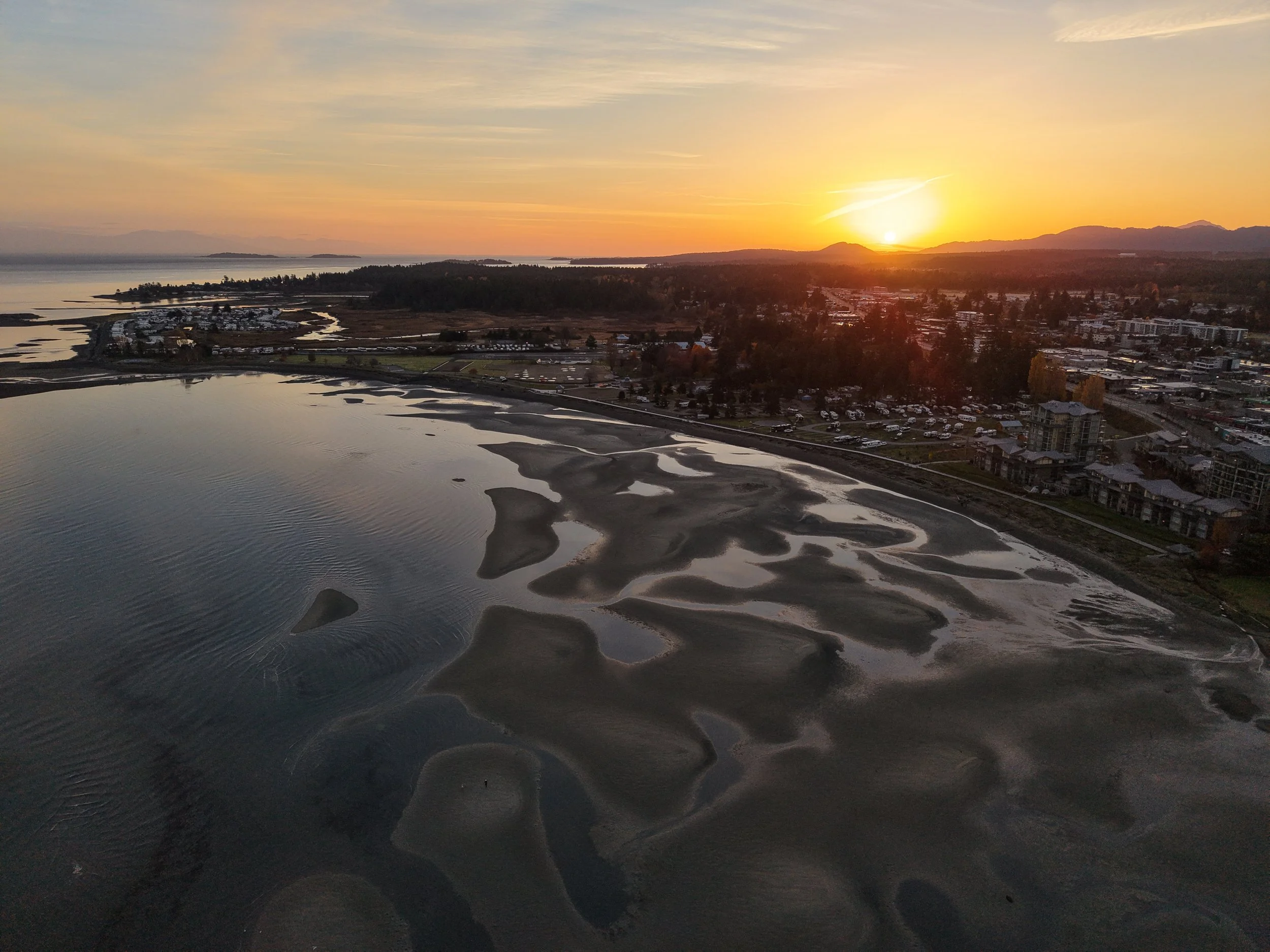
Vancouver Island From Above: A Few Favourite Coastal Flights
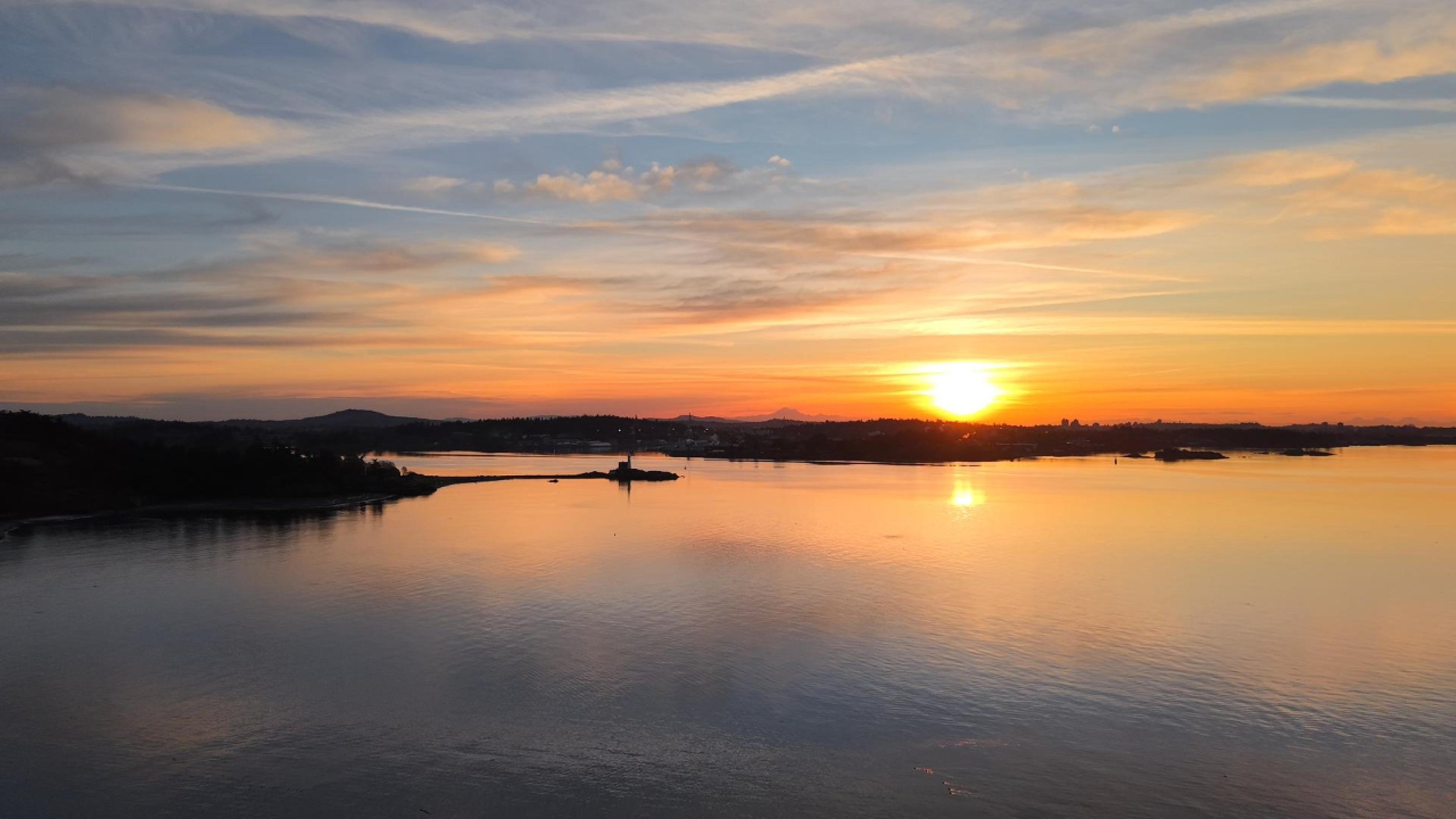
Sunrise over Victoria BC
I put together a short highlight reel from the last few months of flying around Vancouver Island.
Nothing too complicated. No heavy editing. No giant cinematic production pretending I had a film crew, a storyboard, and a director’s chair with my name on it.
This is pretty much just drone, coffee, early mornings, and Vancouver Island casually doing all the hard work.
Vancouver Island Does the Heavy Lifting
I’d love to take full credit for how good some of these shots look, but that would be wildly dishonest.
Most of the time, I’m just showing up with charged batteries, trying not to forget an SD card, and pointing the drone at places that were already ridiculous before I got there.
Sunrise over the water.
Clouds rolling through.
Beaches before the crowds show up.
Lagoons, driftwood, shorelines, little islands, and those calm West Coast mornings that make getting out of bed almost feel like a smart decision.
Almost.
Not Every Flight Needs a Big Story
A lot of these clips were captured during quick flights.
Some were early morning coffee missions. Some were family outings. Some were “I’ve got 20 minutes and the light looks stupid good” situations.
That’s kind of the whole thing with Vancouver Island Drones.
Sometimes it’s client work.
Sometimes it’s testing gear.
Sometimes it’s me standing near the ocean thinking, “Well, I’d be an idiot not to fly right now.”
This video is mostly that last one.
Shot With the DJI Air 3S
Most of this was filmed with my DJI Air 3S, which continues to be the drone I reach for when I want something that feels serious, stable, and capable in coastal conditions.
It’s not the tiny fun one. It’s not the kid-chaos Neo 2. It’s not the drone I hand to Blake and hope for the best.
The Air 3S is the grown-up drone.
The one I use when the light is good, the wind is doing Vancouver Island things, and I want the footage to look like I knew what I was doing.
Occasionally I do.
Raw Dogging the Edit
This one is not overproduced.
I didn’t bury it under flashy transitions, fake drama, or 47 layers of editing nonsense.
Some footage just doesn’t need much help.
A little trimming, a little timing, some calm music, and that’s about it.
When the place already looks like this, the best editing decision is often to get out of the way before you ruin it.
Lucky to Have This as My Backyard
The voiceover in the video pretty much says it:
This was filmed over the last few months on Vancouver Island.
Drone, coffee, and early morning flights.
Vancouver Island does all the hard work here.
I’m just lucky enough to have this as my backyard.
And honestly, that’s the whole point.
I don’t always know exactly what Vancouver Island Drones is supposed to be. A business, a creative outlet, an excuse to chase sunrise, a way to justify buying more DJI gear than any reasonable adult should own.
Probably all of the above.
But videos like this are why I keep doing it.
Because every once in a while, the light hits right, the water goes calm, the drone is behaving, and this place reminds me that I’m pretty damn lucky to live here.
DJI Avata 360: The Coolest Drone I Absolutely Don’t Want
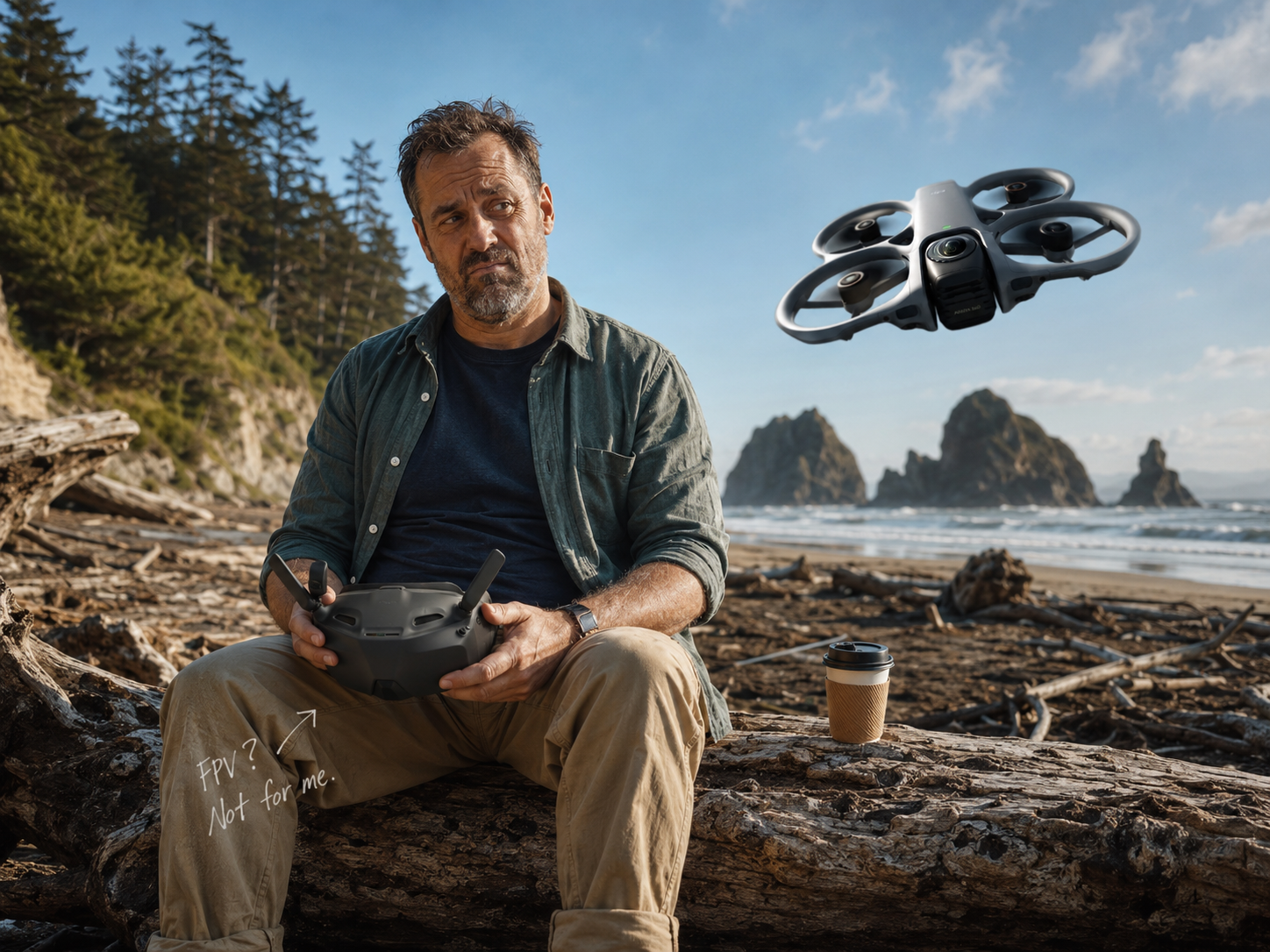
Insta360 threw DJI a curveball.
Let’s just say that part out loud.
For years, consumer drones have mostly improved in predictable little steps. Better sensors. Better obstacle avoidance. Better tracking. Better batteries. Better software.
Useful stuff, sure.
But not exactly “holy hell, the whole category just changed.”
Then Insta360 showed up with Antigravity and basically said, “What if the drone captured everything and you figured out the shot later?”
That was actually interesting.
That was different.
That was the first consumer drone idea in a while that felt less like rearranging the same snacks on the same table and more like somebody kicked the table over and yelled, “Deal with it.”
And now DJI has answered with the Avata 360.
Because of course they did.
DJI does not like being second at anything for very long. You don’t become DJI by sitting quietly in the corner while someone else gets called innovative.
So here we are.
DJI now has a 360 FPV-style drone that can capture wild footage, let you reframe shots after the fact, and probably make regular drone footage look like it showed up to the party wearing beige pants.
And I get it.
Some of the footage looks absolutely insane.
The diving shots, the close passes, the flowing movements, the weird impossible angles, the “how the hell did they film that?” stuff — it’s cool.
I’m not blind.
I’m not pretending the technology isn’t impressive.
But would I buy one?
Fuck no.
Not a chance.
There is no realistic scenario where I buy this drone.
Not because it can’t do cool things.
Not because DJI didn’t build something impressive.
It’s because everything about it sounds like the exact version of drone flying I do not want.
I finally got my carcass out of the house.
I drove to a beach.
I’m sitting on a piece of driftwood, looking at the ocean, surrounded by actual Vancouver Island beauty, breathing fresh air like a semi-functional adult.
And now the plan is to strap screens to my skull?
No thanks.
That’s where the old man in me starts yelling.
I Went Outside to Be Outside
This is the part I can’t get past.
I live on Vancouver Island.
We have beaches, forests, mountains, driftwood, rain clouds, angry gulls, sunrise, fog, tide lines, and enough dramatic coastline to make a tourism board employee cry into a branded fleece vest.
A big part of why I like flying drones is that it gets me outside.
I like standing there.
I like seeing the place.
I like watching the drone, watching the light, watching the water, watching the wind, and trying to get the shot while I’m actually there.
So the idea of going to a beautiful beach and immediately putting a weird little television helmet on my face feels completely backwards to me.
I finally escaped the screens.
Now I’ve got a screen strapped to my skull.
Damn kids.
Get off my lawn with your technology.
And yes, I understand the hypocrisy here.
I’m flying a tiny computer with propellers using a remote control with a screen on it. I’m not exactly churning butter and writing letters by candlelight.
But there’s still a difference.
Flying a normal camera drone feels like I’m outside using a tool.
Flying FPV with goggles feels like I’m playing a video game in a beautiful place I’m no longer really looking at.
That’s not necessarily bad.
It’s just not what I want.
I already spend enough time staring at screens. I don’t need to drag my fat ass to the beach and then immediately seal my face inside a digital fishbowl.
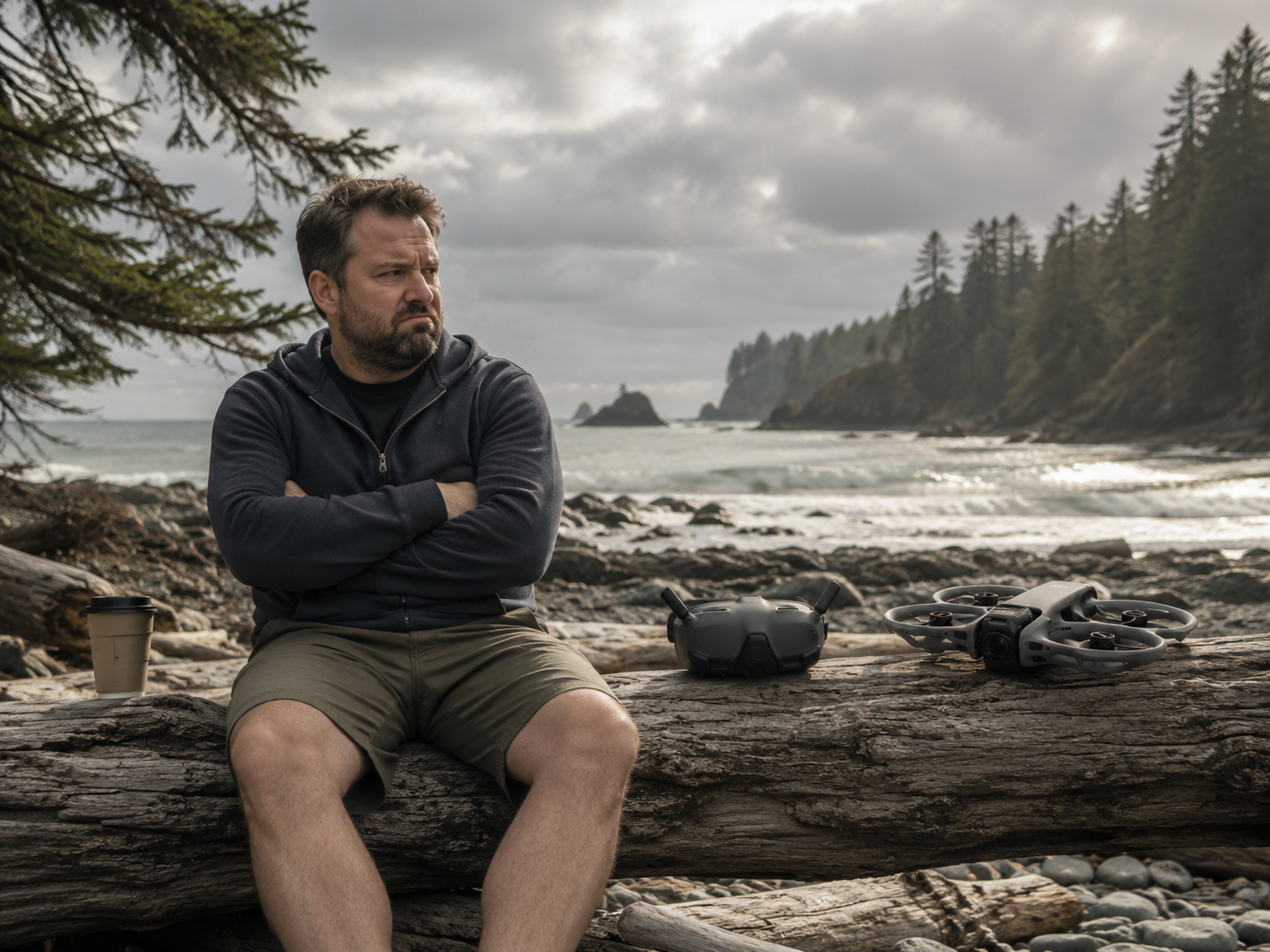
The Avata 360 Is Probably Brilliant
This is not me saying the DJI Avata 360 is technically bad.
It probably isn’t.
From what I’ve seen, it looks like a very impressive piece of kit. DJI took the 360 drone idea seriously and did what DJI usually does: polished it, stuffed it into their ecosystem, gave it proper controls, made it feel less like a science project, and reminded everyone why they’re still the big dog in consumer drones.
The Avata 360 has the kind of specs that make creators start drooling on their keyboards.
Dual large sensors.
8K 360 video.
Huge stitched stills.
Internal storage.
MicroSD support.
DJI goggles and controller support.
Protected FPV-style body.
A workflow built around capturing everything and choosing the shot later.
On paper, that sounds amazing.
In practice, it sounds like a pain in the ass.
And that’s where I start twitching.
360 Footage Is Freedom, But Freedom Has a Receipt
The big selling point of 360 footage is that you don’t need to frame perfectly while flying.
Capture everything.
Decide later.
That is powerful.
It means you can fly once and pull multiple angles out of the same clip. Forward view. Rear view. Side view. Weird spinning social media nonsense. Tiny planet stuff. Chase angle. Reveal shot. Whatever else the algorithm demands this week.
For some people, that is heaven.
For me, it sounds suspiciously like homework.
Because “decide later” does not mean “less work.”
It means Future You gets to make all the decisions Current You avoided.
And Future Ryan is not reliable.
I already have footage I could turn into wonderful magic Instagram fancy edits.
Beautiful shots.
Nice moments.
Cool clips.
Stuff that would probably do well if I sat down and actually edited it properly.
Am I getting to that right now?
Nope.
Is next week looking good?
Also nope.
So do I want to spend twice as much time on the computer framing different angles of the same flying bubble of footage?
Fuck no, I do not.
That’s not creative freedom to me.
That’s a digital unpaid bill.
And 360 footage comes with extra little gremlins too.
Stitching.
Reframing.
Export settings.
File sizes.
Software quirks.
Possibly softer images after you crop into the 360 view.
Weird artifacts when objects get too close.
More decisions after the flight.
More sitting in front of the computer.
More “I’ll just make a quick clip” turning into 90 minutes of dragging keyframes around while my eyes glaze over and I start questioning every decision that led me here.
Some people hear “8K 360 reframing workflow” and get excited.
Good for them.
I hear it and think, “Great, I bought myself a kick in the pills with propellers.”
I Like Making the Shot While I’m There
I like making the shot while I’m flying.
I like choosing the angle.
I like using the camera I have in the moment.
I like having options while I’m actually outside.
That’s one of the reasons I like drones with multiple camera options or zoom.
Not because every drone needs to be my drone.
Not because the Air 3S is the cat’s ass and everyone else can pack up and go home.
People like different tools.
Some people prefer smaller drones.
Some people prefer FPV.
Some people prefer the Mini line.
Some people probably look at the Avata 360 and think, “Finally, this is exactly what I wanted.”
That’s fine.
But for me, I like having camera choices while I’m flying.
A wide shot.
A tighter shot.
A different feel.
A little compression.
A way to frame something without physically shoving the drone closer than I need to.
That feels natural to me.
A 360 drone gives you choices after flying.
That is powerful.
It is also suspiciously close to giving myself more chores.
And I do not need more chores.
I have a house, a kid, a job, a website, a pile of footage, and enough half-finished ideas already circling me like seagulls around a dropped french fry.
I do not need a drone that says, “Don’t worry, you can figure it out later.”
Later is where dreams go to die.
FPV Might Be Fun as Hell
I should be honest here.
I’m probably being a bit full of shit.
I haven’t really given FPV a fair shot.
I’m sure it’s fun as hell.
There is a very real chance I try it someday and immediately understand why people lose their minds over it.
The Neo 2 makes that road pretty tempting too. It’s sitting there like a gateway drug with prop guards, and my kid would probably think goggles are the greatest thing ever invented.
So yes, we may go down that road at some point.
I may eventually strap screens to my skull, fly around like a caffeinated mosquito, and become exactly the kind of person I’m making fun of right now.
That would be very on brand.
But right now?
No.
I’m pretty happy flying the old-fashioned way.
And by old-fashioned, I mean using an extremely advanced flying camera controlled by satellites, sensors, software, and a tiny screen in my hands.
Basically pioneer living.
Is This Drone for Me?
Fuck no.
Let’s not get cute about it.
There is no realistic scenario where I buy the DJI Avata 360 right now.
Not because it’s bad.
Not because it isn’t impressive.
Not because I don’t understand why people want it.
Actually, that’s not totally true.
I kind of don’t understand why people want it.
I understand the cool footage part.
I understand the “look what this thing can do” part.
I understand the creator-flex part.
I understand that some people love FPV, editing, reframing, and turning every flight into a tiny cinematic acid trip.
But for me?
Nope.
This is the most useless piece of amazing technology I can imagine owning.
It’s impressive.
It’s clever.
It’s probably capable of creating footage that makes people stop scrolling.
And I still don’t want it.
Because everything about it sounds like the exact version of drone flying I’m trying not to turn this into.
I do not want more goggles.
I do not want more screens.
I do not want more file management.
I do not want more editing homework.
I do not want to finally drag my carcass out of the house, get myself down to a beautiful Vancouver Island beach, sit on a piece of driftwood, look at the ocean, and then immediately strap a screen to my skull like a middle-aged cyborg with poor posture.
That is not the dream.
That is not why I bought a drone.
For some people, this thing is probably perfect.
FPV people? Absolutely.
Action creators? Sure.
People who love editing, reframing, keyframes, exports, and turning one flight into 19 different clips? Fill your boots.
But me?
I already have enough footage sitting on hard drives waiting for Future Ryan to become a better person.
Future Ryan is not coming.
He’s tired.
He has coffee.
He has excuses.
And he sure as hell does not need 8K 360 footage waiting for him like a digital unpaid bill.
The Avata 360 might be brilliant.
It might be one of the coolest consumer drones DJI has made in years.
But for me, it looks like a beautiful little trap.
A trap with goggles.
A trap with keyframes.
A trap with a progress bar.
A trap that says, “Don’t worry, you can fix it in post,” which is one of the most dangerous sentences in the English language.
So no.
This is not the drone for me.
Not unless I wake up one day and decide what my life is really missing is more screen time, more editing, and a headset that makes me look like I’m beta testing anxiety.
The Bottom Line
The DJI Avata 360 is probably brilliant.
It can capture wild footage.
It answers the Antigravity curveball.
It pushes consumer drones somewhere new.
And for the right person, it might be exactly the kind of flying they’ve been waiting for.
But for me?
Absolutely not.
I finally got my carcass outside.
I’m standing in a beautiful place.
I want to look at the ocean, fly the drone, get the shot, and go home with something I can actually use without adopting a whole new editing religion.
Cool drone.
Cool footage.
Cool idea.
Still not buying it.
Damn kids and your technology.
What Do You Think?
Am I being an old man yelling at a cloud here, or does the Avata 360 also look like a very cool way to buy yourself more screen time and editing homework?
If you’re an FPV person, I’m genuinely curious what I’m missing.
If you’re like me and the idea of strapping screens to your skull at the beach makes your soul leave your body a little bit, I’d also like to hear that.
Drop a comment below. Convince me I’m wrong, or join me on the digital lawn with a fistful of complaints.
Related Reads
DJI Lito X1 vs Mini 4 Pro: This Changes What Drone I Recommend in Canada
The Lito X1 has made the Mini 4 Pro a lot harder to recommend, especially if you want a capable micro drone without paying extra for features you may not actually notice.
DJI Neo 2 Review: The Best First Drone for Kids, Creators, and Wannabe Jedi
The Neo 2 is still one of the easiest drones to recommend if you want something fun, simple, durable, and weirdly capable without turning flying into a whole production.
Drone Accessories I Actually Recommend in Canada
The boring but useful gear that saves your flight before it goes sideways — SD cards, cases, landing pads, power, and the stuff you only appreciate after forgetting it once.
Drone Accessories I Actually Use and Recommend
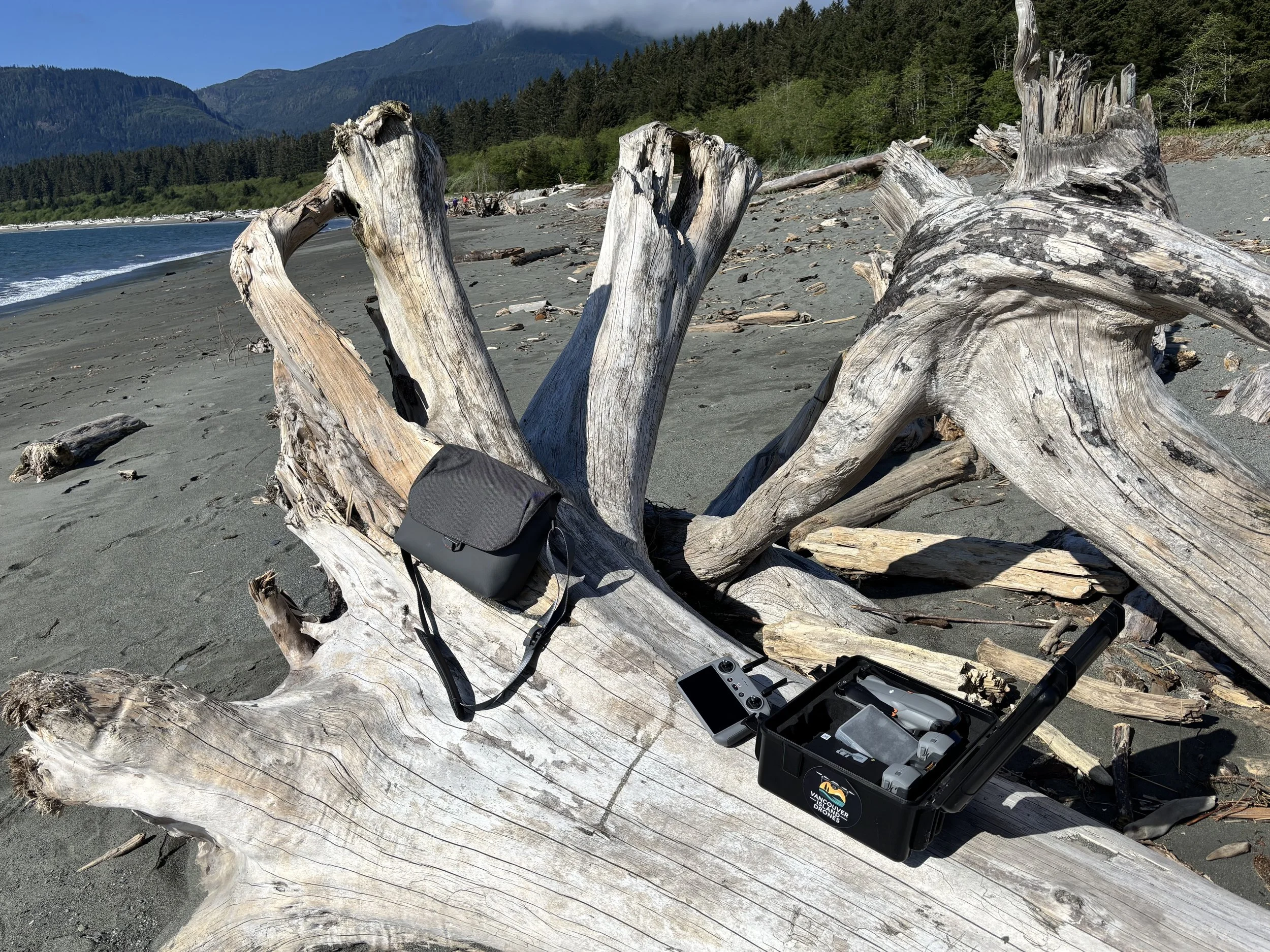
The boring drone gear that actually saves the day — hard cases, SD cards, controllers, and the stuff you only appreciate after forgetting it once. Real gear, real beach, very Vancouver Island Drones.
You do not need 47 drone accessories.
I wrote an earlier version of this article that said essentially the same thing—and then proceeded to recommend a small mountain of drone accessories.
SD cards. Card readers. Backpacks. Cleaning kits. Landing pads. Hard cases. Power stations. Probably a tactical vest if you gave me another afternoon.
It started looking less like practical advice and more like I was trying to empty an Amazon warehouse.
So, after another year of actually flying drones, here is the more honest version.
There are two drone accessories I use constantly:
My hard case
My three-foot Hoodman landing pad
That is basically the list.
I own plenty of other drone-related crap. Some of it is useful. Some of it seemed like a good idea at the time. Some of it now lives in a drawer with several microSD cards I apparently thought I was going to need forever.
Before we get into accessories, though, there is one decision you should make when buying the drone that will save you from trying to fix your setup later.
Buy the Fly More Combo
One battery is not enough.
Technically, yes, you can fly a drone with one battery. You can also go camping with one beer. Both are possible. Neither represents proper planning.
If you are buying a DJI drone, buy the Fly More Combo.
You get the extra batteries, charging hub and the setup you were probably going to end up buying separately anyway. More importantly, you can stop watching the battery percentage like it is a countdown to a small aerial funeral.
Three batteries let you settle into a shoot.
You can get the obvious shots, try a few different angles, wait for the light to change and still have enough battery left when you finally figure out what you should have been filming all along.
I would also buy the controller with the screen built in.
Yes, it costs more.
It is also much nicer than connecting your phone, dealing with cables, interrupting your flight because someone called you and discovering that your phone battery was already at 14 percent before you launched.
Buy the better controller once and be done with it.
Right now, if someone asked me which sub-249-gram drone package offers the best combination of price, camera, features and room to grow, I would point them toward the DJI Lito X1 Fly More Combo with the RC 2 controller.
I still have not flown the X1, so I am not pretending this is a hands-on review. I am looking at what you get for the money and comparing it with the rest of DJI’s lineup.
It has the camera, tracking, obstacle avoidance, internal storage and features most people will ever use—and it is good enough that you should not immediately start staring at the next drone up and wondering whether you bought the wrong one.
Check the latest DJI Lito X1 Fly More Combo pricing on Amazon
Some links in this article are affiliate links. If you buy something through one, I may earn a small commission at no extra cost to you. Think of it as helping offset a deeply unnecessary DJI addiction.
My Hard Case
Do you need a hard case?
No.
Do I love mine?
Absolutely.
My DJI Air 3S spends a lot of time in the back of my vehicle. It gets carried to beaches, construction sites, parking lots and wherever else I have convinced myself would look better from the air.
The case takes the beating so the drone does not.
That is the entire sales pitch.
I use a LEKUFEE hard case fitted specifically for the Air 3S and RC 2 controller. Everything has its place: drone, controller, batteries, charging hub, spare props and the various little cables I will probably forget the purpose of.
Nothing rattles around. Nothing gets crushed under something else in the truck. I can grab the case and know the entire drone setup is in it.
It also looks like something John Wick would carry if he got really serious about aerial photography.
Is it the best choice for hiking several kilometres into a location?
God, no.
It is a hard plastic suitcase full of electronics.
But for driving to a location, working around job sites or keeping your drone protected in the vehicle, I love it.
The only important thing is buying a case designed for your exact drone and controller. The foam layout needs to match the equipment you own.
LEKUFEE hard case for DJI Air 3S and Air 3
LEKUFEE hard case for DJI Lito and Mini series
LEKUFEE hard case for DJI Neo and Neo 2
My Hoodman Landing Pad
The other accessory I use all the time is my three-foot Hoodman drone landing pad.
This is one of those products that looks slightly ridiculous until you start flying regularly from beaches, gravel, wet grass and construction sites.
Then it makes perfect sense.
Drone propellers throw an impressive amount of crap into the air. Sand, dust, little rocks, grass clippings and whatever mystery debris is sitting around a job site all become airborne the moment you launch.
That is not stuff I want blasted into the motors, camera or gimbal of an expensive drone.
The Hoodman gives me a clean, obvious launch area. It lies properly on the ground, is large enough to be useful and does not feel like a disposable piece of fabric that will leave the beach before I do.
It is also bright orange and very easy to see when landing.
Do you need a more expensive landing pad if you only fly from clean pavement or your backyard twice a year?
Probably not.
But I fly around beaches, rough ground and commercial sites regularly. For the places I use a drone, the Hoodman earns its spot in the truck.
Check out the three-foot Hoodman drone landing pad on Amazon
A Backpack Is Probably Next
A drone backpack is the one accessory I am still genuinely tempted by.
My hard case is excellent when I am driving directly to a location. I can throw it in the truck, let it get knocked around and know the Air 3S inside will not feel any of it.
The hard case becomes considerably less brilliant when I have to carry it very far.
There are absolutely situations where I want the drone, controller, batteries, Osmo Nano, microphones, water, a jacket and the miscellaneous pile of shit that follows me everywhere. At that point, putting everything into one padded backpack makes much more sense than carrying a hard case in one hand and the rest of my life in the other.
I have not bought a dedicated drone backpack yet, so this is not a hands-on recommendation. It is simply the next accessory I can see solving an actual problem.
That is a better reason to buy something than filling a cart before you have even flown the drone.
Check out the Lowepro camera and drone backpack I’ve been considering on Amazon
All Those microSD Cards I Barely Use
When I started flying, I bought microSD cards.
Then I bought more microSD cards.
I had cards for the drones, cards for the cameras, spare cards in the cases and probably a backup card for the backup card.
After a year, I barely use any of them.
My DJI Air 3S has internal storage. Blake’s Neo 2 has internal storage. My Osmo Nano has internal storage.
I now rely almost entirely on that internal memory because it is easier.
I do not have to remember which card contains what, whether I put the card back after transferring footage or why the drone suddenly claims there is no storage available while I am standing somewhere beautiful at sunrise.
The storage is already inside the thing.
That is a deeply underrated feature.
A good microSD card still makes sense if you record a lot of video, need more capacity or own a drone without useful internal storage. Keep one in the case if it makes you feel better.
But I would not tell a new pilot to go buy a handful of cards immediately.
Fly the drone first. See how much storage you actually use. Buy a card when you have a reason.
Otherwise, you may end up with a small plastic collection sitting in a drawer like I did.
What I Would Actually Buy
If you are buying your first drone, spend the money on the right drone package before buying a pile of accessories.
Get the Fly More Combo.
Get the controller with the built-in screen.
Then fly the thing.
If you regularly launch from sand, gravel, grass or dirty job sites, buy a good landing pad.
If your drone lives in the back of a vehicle or gets knocked around between locations, buy a fitted hard case.
If you start hiking with it—or regularly need to carry your drone, cameras and other gear together—buy a backpack.
If you run out of internal storage, buy an SD card.
That is how accessories should work: a real problem appears, and you buy something that solves it.
You do not need to predict every possible inconvenience before your first flight. You definitely do not need to buy everything some drone guy on the internet links to.
Including me.
The hard case and Hoodman landing pad are the two accessories I use most. The backpack is the one I may buy next. Everything else depends on how and where you fly.
Spend less time shopping for drone gear.
Spend more time flying the drone.
Unfortunately, buying the Fly More Combo does not count as accessory shopping.
That is just making the correct decision.Related Reads
DJI Lito 1 vs Lito X1: Which One Actually Makes Sense?
A closer look at DJI’s two Lito drones, why the Lito 1 is such a strong first-drone option, and why the X1 might save you from upgrading later.
Which DJI Drone Should You Buy First: Neo 2, Lito 1, or Lito X1?
A practical and slightly biased look at the Neo 2, Lito 1, and Lito X1 — from the flying yellow Labrador to the first real drone and the one you’re least likely to outgrow.
DJI Neo 2 Review: The Best First Drone for Kids, Creators, and Wannabe Jedi
Why the Neo 2 is still one of the easiest drones to recommend for families, kids, creators, and anyone who wants a drone that actually gets used.
Which DJI Drone Should You Buy First: Neo 2, Lito 1, or Lito X1?
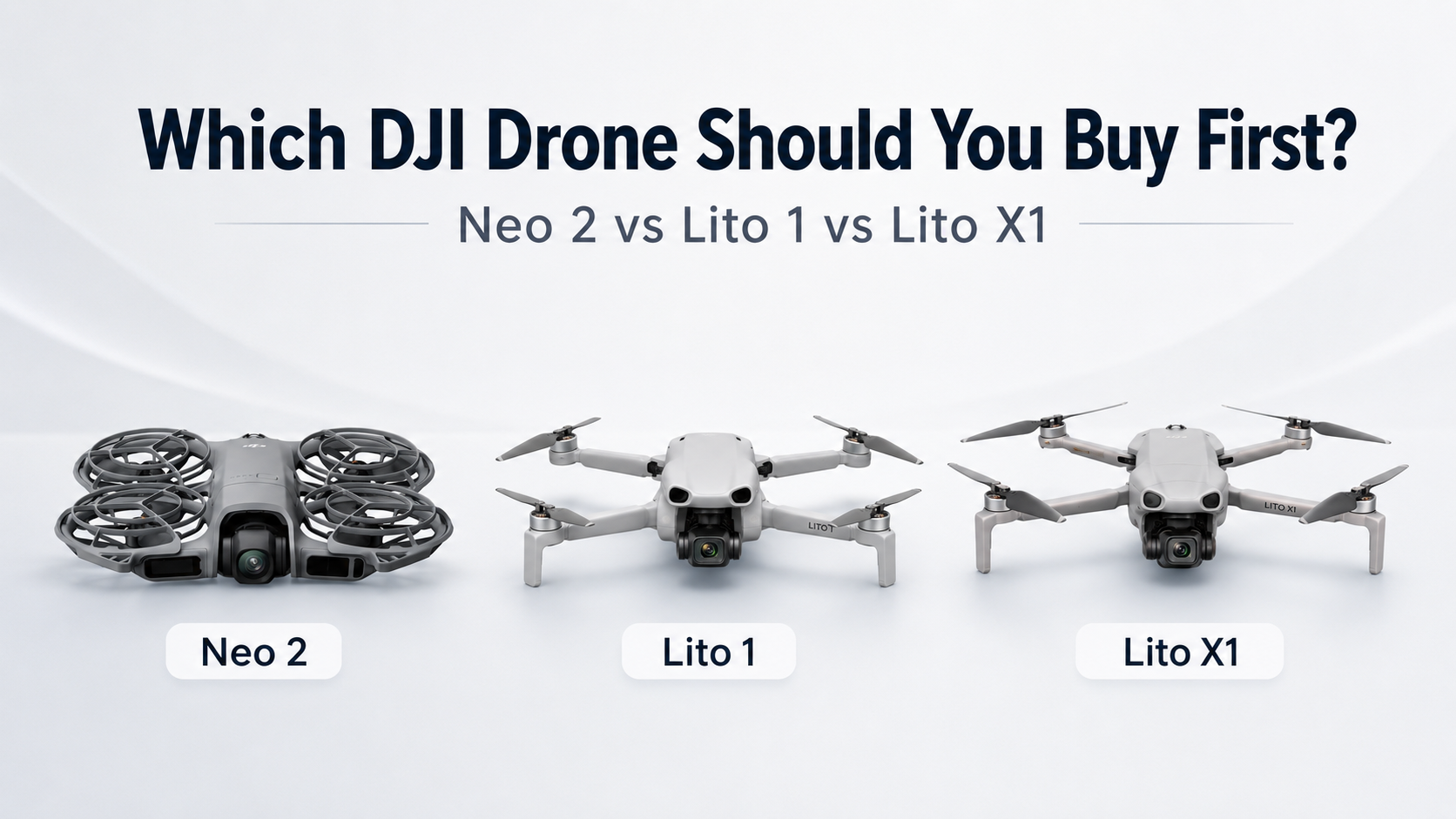
Buying your first drone used to be easier.
You bought a Mini, tried not to crash it into a cedar tree, took some beach photos, and immediately started pretending you were a very normal person who definitely wasn’t about to start comparing camera sensors at midnight.
Then DJI made things weird again.
Now you’ve got the Neo 2, the Lito 1, and the Lito X1 all sitting somewhere near the “first drone” conversation.
But they are not really the same kind of thing.
The Neo 2 is its own little lunatic category.
The Lito 1 and Lito X1 are more traditional camera drones.
And before we go any further, I should admit something.
I am a card-carrying member of the Neo 2 fan club.
My son has one, which means I get to “help” with it sometimes. Very noble stuff. Pure parenting. Definitely not just dad stealing turns with a tiny flying robot.
So yes, this article might be a little biased.
But I think the Neo 2 is one of the easiest drones to recommend because it does something most drones still make too complicated.
It gets used.
DJI Neo 2: The Flying Labrador Retriever
The Neo 2 is not really a traditional drone.
It is more like an eager-to-please flying tiny Labrador retriever.
You let it out, it gets excited, follows you around, tries its best, occasionally does something dumb, and somehow you love it more because of it.
That’s the Neo 2.
It is not trying to be a serious camera drone in the same way the Lito series is. It is not asking you to pull out a controller, wait for the controller to connect, wait for satellites, think about your whole life, and turn a quick moment into a full NASA launch sequence.
You just grab it.
Press the button on the side.
Launch it from your hand.
Use gesture control to adjust where it’s filming from.
And off you go.
Ride your bike. Go for a walk. Film the truck. Chase your kid around the park until either the battery dies or the five-year-old finally runs out of energy.
The battery usually loses first.
That’s the perpetual struggle.
This is why I like the Neo 2 so much.
It removes the friction. And friction is what kills drone use.
A lot of drones are technically better, but they also require more setup. Controller. Phone. Cables. Satellites. Settings. Bag. Batteries. Propellers. Tiny little pre-flight ritual where you start feeling like you should be wearing a reflective vest and carrying a clipboard.
The Neo 2 is different.
It is pull-it-out-and-go.
And for a first drone, that matters more than people think.
The Neo 2 Is Still Way More Capable Than It Looks
The danger with the Neo 2 is that people see the size, the prop guards, the hand launch stuff, and assume it is just a toy.
It is not.
It is toy-adjacent in the best possible way, but it is not just a toy.
You still get 4K imaging, ActiveTrack, palm takeoff and landing, gesture control, full-coverage prop guards, and obstacle sensing. DJI also gives it multiple control options, so you can keep it dead simple or start adding more gear if you want to go deeper.
That is the sneaky part.
Out of the box, it can be the easiest follow-me drone ever.
No controller. No drama. Just launch it and let it track you.
But if you want to get into FPV-style flying, you can start moving that direction too. If you want to use a controller, you can. It gives you room to play without demanding that you become a drone nerd on day one.
Although, let’s be honest.
That’s probably where this is heading.
The prop guards are a big deal too, especially if you’re learning or handing it to a kid. They make the whole thing feel less terrifying. You’re still flying a drone, so don’t be an idiot, but there’s a big difference between “tiny protected follow-me camera” and “spinning sky blender with confidence issues.”
The Neo 2 is the drone I’d pick first if your goal is fun, family clips, biking, hiking, walking, social media, kid chaos, and actually using the thing all the time.
It is not the most serious drone here.
It is probably the one you will use the most.
DJI Lito 1: The First Real Drone
The Lito 1 is where this becomes a more traditional drone conversation.
This is not the flying Labrador.
This is the first real camera drone.
Controller in your hands. More stable. More intentional. More “I’m going out to fly a drone,” instead of “I released the happy robot and now it’s following me again.”
And for the price, the Lito 1 looks kind of ridiculous.
As I’m writing this, I’m seeing the Lito 1 Fly More Combo at about $615 Canadian with three batteries. That is wild compared to what my Mini 3 cost when I got started.
And the Lito 1 is not some sad little beginner drone with training wheels and a prayer.
You’re getting a proper folding DJI camera drone with 48 MP photos, 4K video, 4K/100 slow motion, ActiveTrack, omnidirectional obstacle sensing, strong transmission range, and battery life that would have made my Mini 3 feel personally attacked.
This is the one I’d look at if you want to actually learn how to fly.
Not just launch it and let it chase you.
Fly it.
Frame shots. Think about movement. Learn smooth turns. Learn height, distance, light, composition, and how not to panic every time the drone gets farther away than your driveway.
That matters.
The Neo 2 is easier.
The Lito 1 teaches you more.
And it does it without immediately making you spend “I may need to explain this purchase to my wife” money.
The New Obstacle Sensing Stuff Is Interesting
One of the coolest things with these newer DJI drones is that they seem to be moving away from the old “stick a dedicated sensor everywhere” approach.
The Lito series uses wide-angle sensing coverage — those top and bottom fisheye-style cameras — to help build awareness around the drone without needing the same obvious pile of separate sensors all over the body.
That’s part of why these things feel like a shift.
DJI is doing more with fewer pieces.
More software. Smarter processing. Wider vision coverage. Cleaner design.
The Lito 1 gets omnidirectional obstacle sensing, and the Lito X1 takes that further by adding forward-facing LiDAR.
Does that mean you should trust it with your life, your house, your truck, or your kid’s bicycle helmet?
No.
Don’t be that guy.
Obstacle sensing is help. It is not permission to turn your brain off.
But for a beginner, it is a massive confidence boost. My first drone did not have this kind of safety net. I flew that thing like a nervous squirrel.
The Lito 1 gives you more help from day one.
And that makes it a pretty compelling first “real” drone.
DJI Lito X1: The One You Are Least Likely to Outgrow
Then there’s the Lito X1.
This is the one that looks at the Lito 1 and says, “That’s cute. Now let’s make poor financial choices sound responsible.”
As far as I’m concerned, the Lito X1 is the new top of the micro-drone food chain.
It gives you the better camera system, better sensing package, forward-facing LiDAR, 4K/60 HDR, 4K/100 slow motion, 10-bit D-Log M, and 42 GB of internal storage.
And yes, I am going to talk about the internal storage again because it matters.
You will forget an SD card one day.
You will.
You’ll wake up early, grab a coffee, drive somewhere beautiful, feel like a responsible adult for once, unfold the drone, and realize the SD card is sitting at home in a reader beside your computer.
That is when internal storage goes from “boring spec” to “greatest invention in human history.”
The Lito X1 is not just better because of one feature.
It is better because it removes more excuses to upgrade later.
Better photos. Better video options. Better obstacle sensing. Built-in storage. Still small. Still portable. Still not full Air 3S money.
That’s the dangerous part.
The Lito 1 is probably enough for a lot of people.
The Lito X1 is the one you buy when you already know “enough” is a lie you tell yourself before buying another drone six months later.
So Which One Should You Buy First?
If you want the easiest, most fun drone to actually use, get the Neo 2.
It is the flying yellow lab. It follows you around, wants to be involved, makes everything more fun, and doesn’t make you go through a full launch ceremony every time you want a quick clip.
This is the one I’d pick for family, kids, biking, walking, follow-me shots, social media, quick fun, and general DJI-powered nonsense.
If you want your first proper drone, get the Lito 1.
It is the more traditional starting point. You’ll learn to fly properly, shoot cleaner footage, practice real drone movement, and still get a pile of features for the money.
If you want the one you are least likely to outgrow, get the Lito X1.
It gives you the better camera, better sensing, built-in storage, and fewer obvious reasons to upgrade immediately.
Which, in DJI terms, is about as close to financial responsibility as we get.
Check the Current DJI Pricing
This is one of those decisions where the current price matters a lot.
If you want the fun, easy follow-me drone, check the latest DJI Neo 2 pricing here.
If you want the more traditional first drone, check the latest DJI Lito 1 pricing here.
Because the best first drone is not always the most expensive one.
It is the one you’ll actually use.
For a lot of people, that is the Neo 2. It is easy, fun, quick to launch, and does not turn every little video idea into a full pre-flight ceremony.
For someone who wants to properly learn drone flying, the Lito 1 makes more sense. It gives you the controller-in-hand experience, a proper camera drone feel, strong safety features, and enough capability that it does not feel like a cheap starter drone you will immediately regret.
And if you already know how this DJI addiction works, the Lito X1 is probably the safest long-term buy. Better camera, better sensing, built-in storage, and fewer obvious reasons to upgrade six months later while pretending you are “just doing research.”
That is how DJI gets you.
First it is the fun little one.
Then it is the better one.
Then suddenly you are comparing sensors, wind resistance, controller bundles, internal storage, ND filters, and asking whether a larger drone is actually a business expense.
Welcome to DJI Addiction Anonymous.
Meetings are at sunrise.
Bring charged batteries.
Related Reads
Drone Accessories I Actually Recommend in Canada
You do not need 47 drone accessories. Just the practical stuff that keeps you flying longer, protects your gear, and saves you from ruining a flight before it even starts.
Hiring a Drone Pilot in Victoria, BC — What It Costs and What You Get
Straightforward pricing, what’s included, and what the process looks like if you need aerial photos, video, inspections, or a better look at something from above.
DJI Neo 2 Review: The Best First Drone for Kids, Creators, and Wannabe Jedi
Why the Neo 2 is still one of the easiest drones to recommend for families, kids, creators, and anyone who wants a drone that actually gets used.
Drone Photos for Small Businesses in Victoria: Sometimes You Just Need a Different Angle
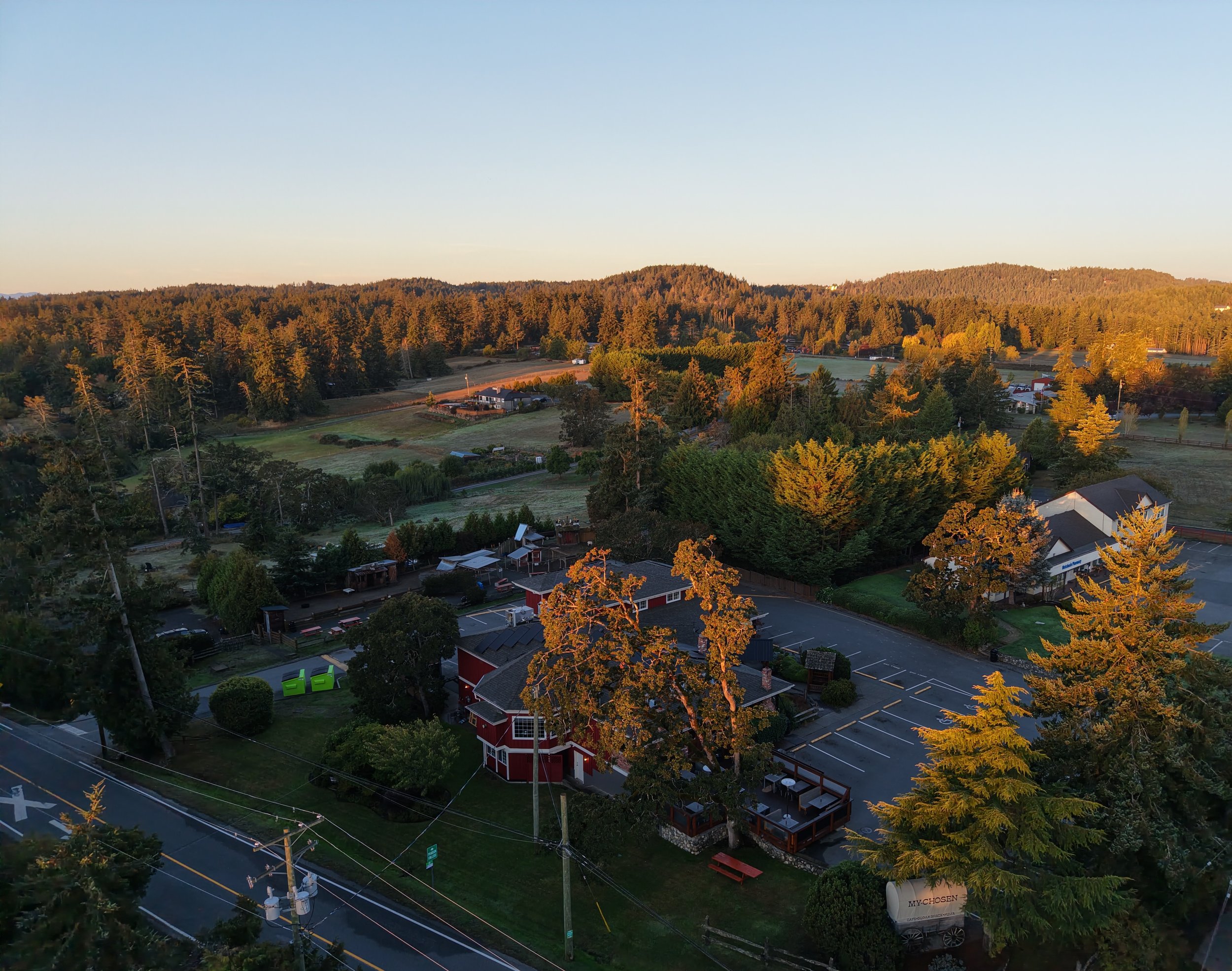
MyChosen Cafe
Most small businesses already have plenty of photos.
Restaurants have food photos. Contractors have job site photos. Shops have product photos. Hotels, cafés, breweries, marinas, landscapers, and local businesses all have the usual ground-level pictures.
And that’s fine.
But after a while, everything starts to look the same.
That’s where drone photos can help.
Not every business needs a big video production. Sometimes you just need a different angle.
If you run a restaurant, you probably already have 5,000 pictures of plates of food online. Your customers post them. Your staff posts them. Google reviews are full of them.
But an aerial photo shows something different.
It shows the patio. The waterfront. The building. The parking. The neighbourhood. The view. The reason someone might stop scrolling and say, “Wait, where is that?”
That can start a conversation.
And for a small business, that’s usually the whole point.
Drone photos are not just for real estate listings. They can be useful for restaurants, cafés, breweries, pubs, retail shops, marinas, resorts, trades, landscapers, outdoor venues, construction companies, and any business where the location or property is part of the story.
A few good aerial photos can be used on your website, Google Business Profile, Facebook page, Instagram, brochures, ads, proposals, or anywhere else you need something that looks different from another phone photo.
It does not have to be complicated either.
For a lot of straightforward local jobs, it is usually a quick site visit, a planned flight, and a handful of clean aerial photos or short video clips delivered after. Most simple drone photo/video jobs around Victoria are usually in the $200–$300 range depending on location, airspace, editing, and what you need.
The planning still matters.
Victoria has controlled airspace, floatplanes, helicopters, busy roads, people, buildings, parks, waterfront areas, and all the usual fun that comes with flying a drone around a real city. Before flying, I check the site, airspace, weather, takeoff and landing options, and NAV CANADA requirements when needed.
That part is not flashy.
But it is the difference between doing it properly and just winging it.
Aerial photos work best when they show something that actually matters: your patio, location, view, building, yard, parking, shoreline, project, access, or the setting around your business.
You do not need drone photos every week.
You might only need them once.
But one good aerial shoot can give your business a set of images that feel different from everything else in your feed.
Food photos are great.
Product photos are great.
Staff photos are great.
But sometimes the best way to show people your business is to step back, go up, and show the whole place from above.
If you run a small business in Victoria or elsewhere on Vancouver Island and want simple aerial photos of your location, property, patio, project, or view, Vancouver Island Drones can help with drone photography that is planned properly, flown legally, and priced realistically.
Related Reads
Hiring a Drone Pilot in Victoria, BC — What It Costs and What You Get
Straightforward pricing, what’s included, and what the process looks like if you need aerial photos, video, inspections, or a better look at something from above.
Drone Photography in Victoria, BC — What It Costs (And Where the Time Actually Goes)
A practical breakdown of drone photography pricing, what affects the cost, and why a simple aerial shoot does not need to turn into a giant production.
Professional Drone Services on Vancouver Island
A simple overview of the drone photography and video services available for businesses, construction projects, properties, and custom aerial work across Vancouver Island.